
1. Pwodwi souview
The DADA-TECH DT-KE9 Kids Electric Toothbrush is designed to provide effective and engaging oral care for children aged 3 and above. It features sonic technology, multiple brushing modes, and a built-in timer to promote healthy brushing habits.
Karakteristik kle:
- Safe Brushing: Equipped with soft, food-grade brush heads and an anti-slip silicone handle for optimal comfort and reach.
- Konsepsyon enteresan: Cute Shiba Inu dog design and three brushing modes make brushing enjoyable for children.
- Brushing Habits: Features a 2-minute automatic timer and 30-second pulse reminders to guide children through dentist-recommended brushing routines.
- Mòd miltip: Three built-in modes (Clean, White, Massage) with memory function, tailored for children's oral and dental needs.
- Long lavi batri: Durable Li-battery provides up to 30 days of use on a full charge.
- Konsepsyon ki enpèmeyab: IPX7 waterproof rating allows for safe use in the bathtub or shower.
- San BPA: Constructed from safe, BPA-free materials.
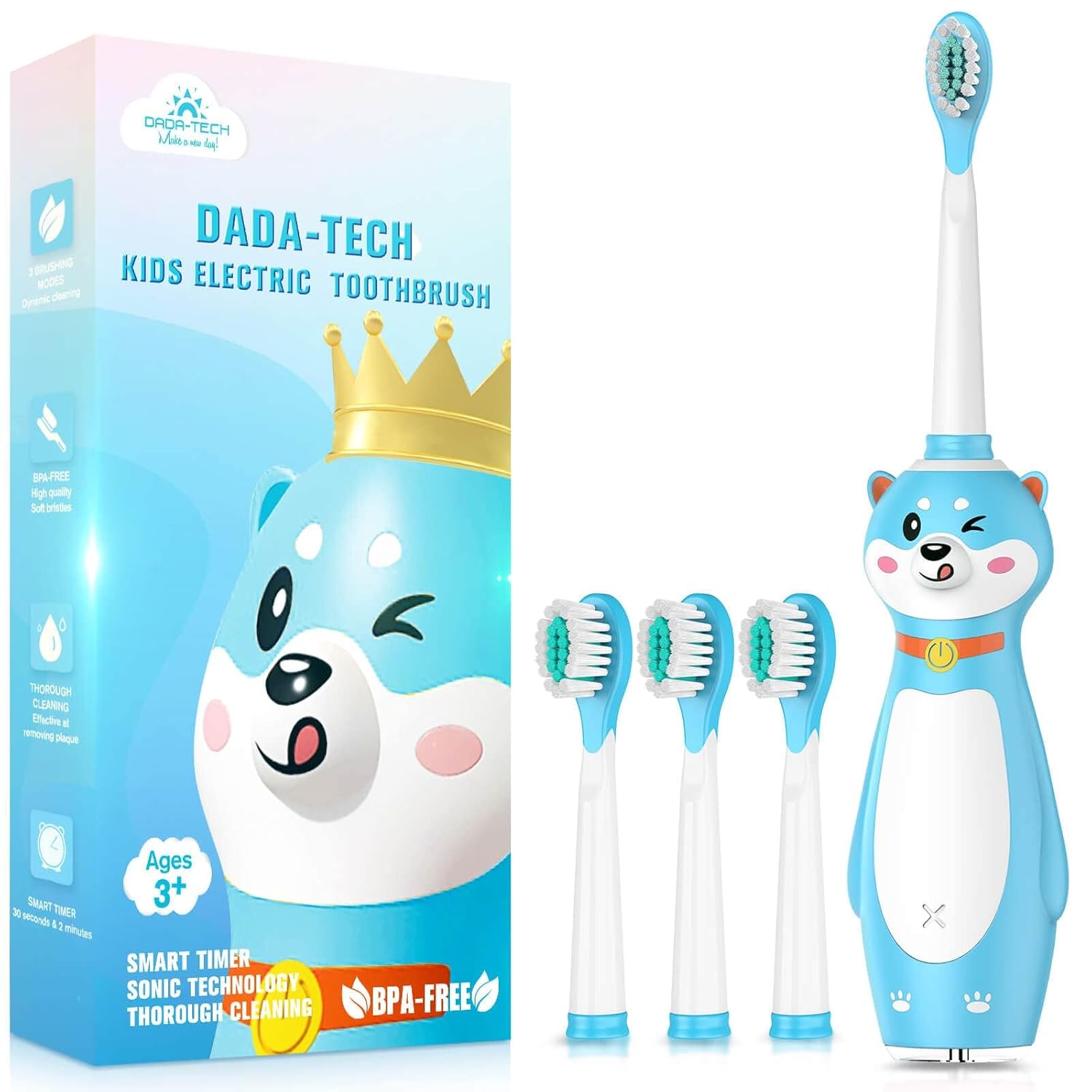
Image: The DADA-TECH DT-KE9 Kids Electric Toothbrush, showcasing konsepsyon li.
Videyo: Yon finiview of the DADA-TECH Kids Electric Toothbrush, highlighting its features and design.
2. Enstalasyon
2.1 Chaje bwòs dan an
Before first use, fully charge the toothbrush. The toothbrush is equipped with a durable Li-battery that lasts approximately 30 days on a full charge.
- Locate the USB charging port at the bottom of the toothbrush.
- Connect the provided USB charging cable to the toothbrush and to a compatible USB power source (e.g., power bank, 110-240V adapter, phone charger, PC USB port).
- The charging indicator light will illuminate to show charging is in progress. Once fully charged, the light will change or turn off depending on the model.

Image: The toothbrush connected to a USB power source for charging.
2.2 Mete tèt bwòs la an plas
The toothbrush comes with multiple soft brush heads. To attach a brush head:
- Aliyen tèt bwòs la ak tij manch bwòs dan an.
- Gently push the brush head down until it clicks securely into place.
3. Operasyon Enstriksyon
3.1 Pouvwa pou limen/etenn ak seleksyon mòd
The toothbrush features three brushing modes: Clean, White, and Massage. It also has a memory function that recalls the last used mode.
- Pou limen: Press the power button once. The toothbrush will start in the last used mode.
- Pou chanje mòd: While the toothbrush is on, press the power button repeatedly to cycle through the modes (Clean → White → Massage). Each mode is indicated by a specific light color or pattern.
- Pou etenn: After cycling through all modes, press the power button one more time, or press and hold the power button for a few seconds in any mode.

Image: Illustration of the three brushing modes and their indicators.
3.2 Brushing Technique and Timer
The toothbrush is equipped with a smart timer to ensure children brush for the dentist-recommended 2 minutes, with 30-second pulse reminders for quadrant changes.
- Aplike yon kantite pwa-gwosè nan dantifris nan tèt la bwòs.
- Place the brush head against the teeth at a slight angle towards the gum line.
- Peze bouton pouvwa a pou kòmanse bwose dan ou.
- Gently move the brush across the teeth, covering all surfaces. The toothbrush will pause briefly every 30 seconds to signal it's time to move to a different quadrant of the mouth.
- After 2 minutes, the toothbrush will automatically turn off, indicating the completion of the brushing cycle.
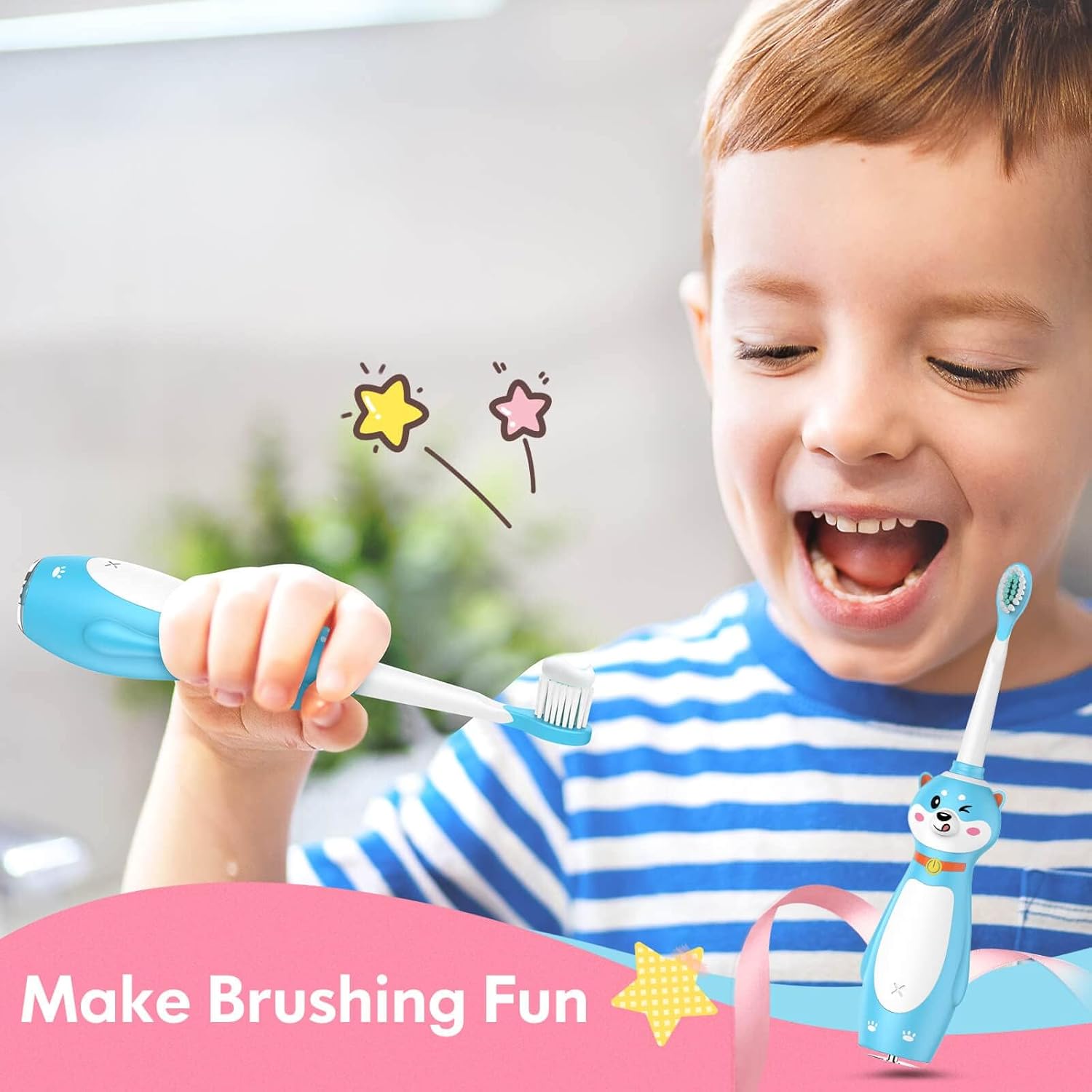
Image: Visual guide for using the smart timer and quadrant reminders.
4. Antretyen
4.1 Netwaye bwòs dan an
Regular cleaning helps maintain the toothbrush's hygiene and performance.
- Apre chak itilizasyon, rense tèt bwòs la byen anba dlo k ap koule.
- Siye manch lan ak anonsamp cloth. Do not immerse the entire handle in water for extended periods, despite its IPX7 rating.
- Allow the toothbrush to air dry before storing.
4.2 Ranplase tèt bwòs
It is recommended to replace brush heads every 3 months, or sooner if the bristles appear frayed or worn.
- Kenbe tèt bwòs la byen fèm epi rale l dwat sou manch lan.
- Align a new brush head with the shaft and push it down until it clicks into place.

Image: Illustrates the effective cleaning action of the toothbrush.
NAN. Depanaj
If you encounter any issues with your DADA-TECH DT-KE9 Kids Electric Toothbrush, please refer to the following common solutions:
- Bwòs dan pa limen: Ensure the toothbrush is fully charged. If the battery is low, connect it to a charger.
- Vibrasyon redwi: This may indicate a low battery. Recharge the toothbrush.
- Brush head feels loose: Ensure the brush head is securely pushed onto the handle until it clicks.
- Endikatè chaj la pa fonksyone: Verify that the charging cable is properly connected to both the toothbrush and the power source. Try a different USB port or adapter.
Pou pwoblèm pèsistan ki pa rezoud ak etap sa yo, tanpri kontakte sèvis kliyan.
6. Espesifikasyon
| Karakteristik | Spesifikasyon |
|---|---|
| Nimewo Modèl | DT-KE9 |
| Dimansyon pwodwi | 9.17 x 5.12 x 1.65 pous |
| Pwa atik | 0.17 kilogram (5.93 ons) |
| Kalite batri | Li-battery (1 AA battery required, included) |
| Sous pouvwa | Rechargeable elektrik |
| Evalyasyon ki enpèmeyab | IPX7 |
| Bwose Mod | 3 (Clean, White, Massage) |
| Revèy | 2-minute auto-timer with 30-second quadrant reminders |
| Materyèl Bristle | Nylon |
| Manch Materyèl | Rubber (High-Quality CPE hybrid materials) |
| Ranje laj | Timoun (ki gen laj 3+) |
| Konpozan ki enkli | Battery, Cover, Replacement Brush Head, Timer |
7. Garanti ak sipò
The DADA-TECH DT-KE9 Kids Electric Toothbrush comes with a 2-year warranty.
Kontakte sipò:
For any questions, concerns, or warranty claims, please contact the seller directly through your Amazon account:
- Konekte nan kont Amazon ou.
- Ale nan "Kòmand ou yo".
- Find the order ID for your DADA-TECH Kids Electric Toothbrush.
- Klike sou "Kontakte vandè a".
The DADA-TECH team is committed to providing assistance and understanding customer needs.