
Iproda 1169YM
Manyèl Itilizatè Laptop Iproda
Model: 1169YM | Brand: Iproda
1. Entwodiksyon
This manual provides essential information for the safe and efficient use of your Iproda 1169YM Laptop. The Iproda Laptop is a versatile 2-in-1 convertible device, designed for portability and performance. It features a 360-degree hinge, allowing it to transform between laptop and tablet modes, and an intuitive touchscreen display.
We recommend reading this manual thoroughly to understand all features and ensure proper operation and maintenance of your device.

Image: The Iproda Laptop showcasing its 360-degree convertible design and touchscreen capabilities.
2. Karakteristik kle
- Konsepsyon dekapotab 2-an-1: The laptop features a 360-degree hinge, allowing it to be used as a traditional laptop or folded into a tablet. It is ultra-thin at 0.5 inches and weighs 2.2 pounds, making it highly portable.
- Processeur pèfòmans segondè: Equipped with an efficient Intel Celeron N4100 processor (up to 2.4 GHz), 4 GB DDR4 RAM, and 64 GB SSD storage, ensuring smooth operation for daily tasks.
- Vibrant Touchscreen Display: Features an 11.6-inch FHD IPS display with 1920x1080 resolution and multi-point precision touchscreen functionality.
- Fenèt 10 Pwofesyonèl: Comes with an authorized and activated Windows 10 Pro operating system.
- Batri ki dire lontan: A 3500 mAh battery provides up to 8 hours of usage for work, reading, browsing, or entertainment.
- Koneksyon versatile: Includes a Type-C port (for power), Micro-HDMI (for external display), Micro-USB, Micro-SD card slot (expandable up to 128 GB), and a headphone jack.
- Depo dilatabl: Supports M.2 2242 SSD expansion (up to 512 GB) for additional storage capacity.
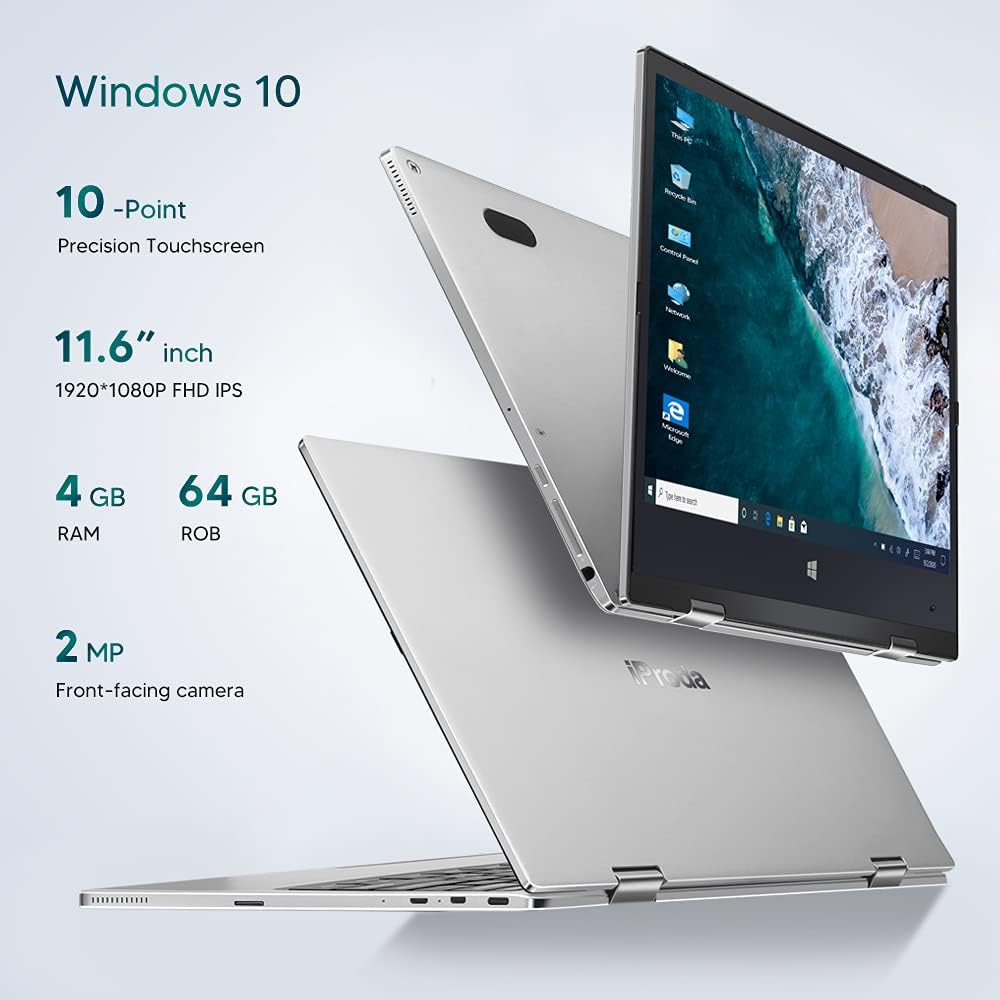
Imaj: Plis paseview of key specifications including display, memory, and camera.
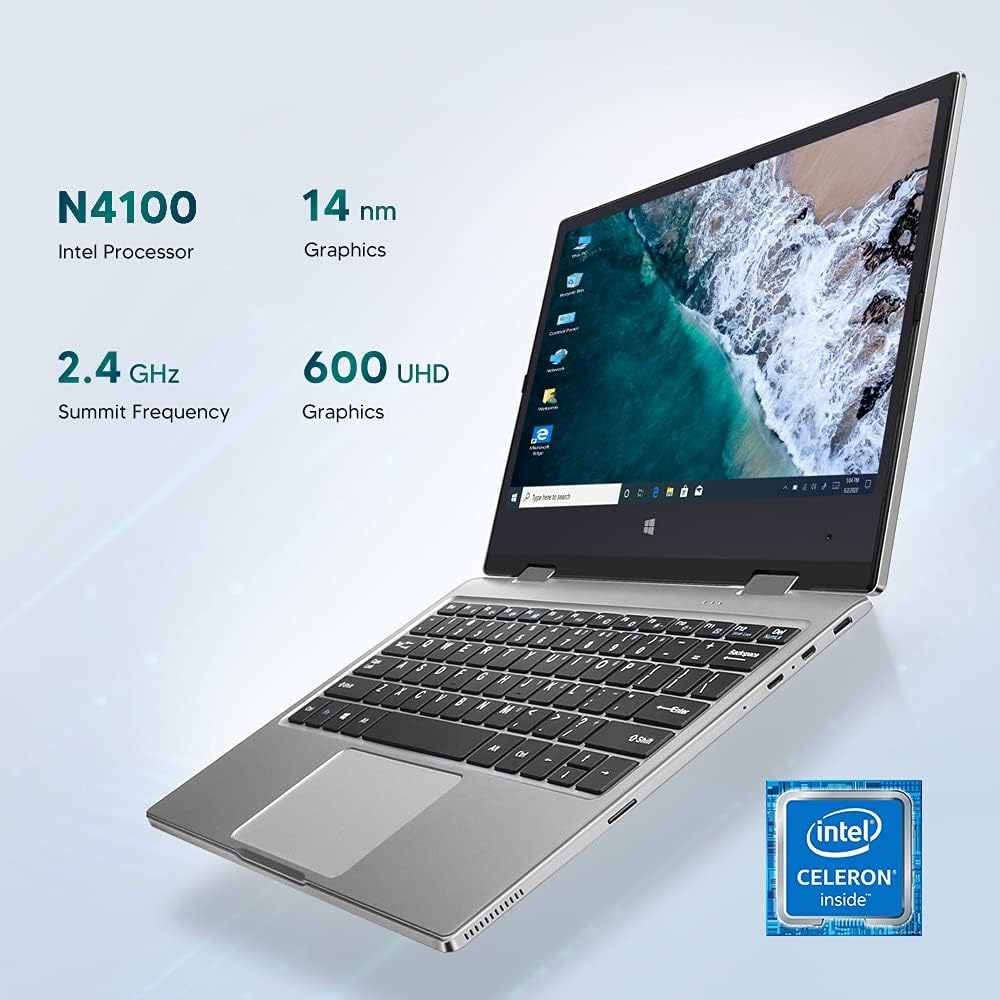
Image: Details of the Intel Celeron N4100 processor and integrated graphics.

Image: The laptop's slim and lightweight design.
3. Inisyal Enstalasyon
- Debake: Carefully remove the laptop and all accessories from the packaging. Ensure all components are present: laptop, power adapter, and documentation.
- Chaje batri a: Before first use, connect the power adapter to the Type-C port on the laptop and plug it into a power outlet. Allow the battery to charge fully. The charging indicator light will typically change color or turn off when fully charged.
- Pouvwa sou: Press and hold the Power Button located on the side of the laptop until the screen illuminates.
- Premye enstalasyon Windows: Follow the on-screen instructions to complete the Windows 10 Pro setup. This includes selecting your language, region, connecting to a Wi-Fi network, and creating a user account.
- Konekte periferik: If desired, connect external devices such as a mouse, keyboard, or external monitor using the available ports (Micro-USB, Micro-HDMI). Note: For standard USB 2.0 devices, a Micro-USB to USB 2.0 OTG cable is required.

Image: Illustration of the laptop's ports and buttons for connectivity and control.
4. Operasyon Enstriksyon
4.1. Using the 2-in-1 Convertible Feature
The Iproda Laptop's 360-degree hinge allows for flexible usage modes:
- Mòd Laptop: Konfigirasyon estanda laptop pou tape ak pwodiktivite.
- Mòd Tant: Fold the screen back to stand the laptop in a "tent" shape, ideal for watching videos or presentations.
- Mòd Kanpe: Fold the screen back further, resting the keyboard face down, for a compact display.
- Mòd tablèt: Fold the screen completely back against the base for a full tablet experience, utilizing the touchscreen.
4.2. Fonksyonalite ekran taktil
The 11.6-inch display supports 10-point precision touch. You can interact with Windows 10 Pro directly on the screen using gestures similar to a smartphone or tablet. Common gestures include tapping, swiping, pinching to zoom, and two-finger scrolling.
4.3. Connecting to External Displays
Use the Micro-HDMI port to connect your laptop to an external monitor or projector. You may need an appropriate Micro-HDMI to HDMI cable (not included). Once connected, you can configure display settings in Windows to extend or duplicate your screen.
4.4. Videyo Konferans
The integrated 2MP front-facing camera and microphone enable video conferencing. Ensure you have a stable internet connection and appropriate software (e.g., Zoom, Microsoft Teams) installed.
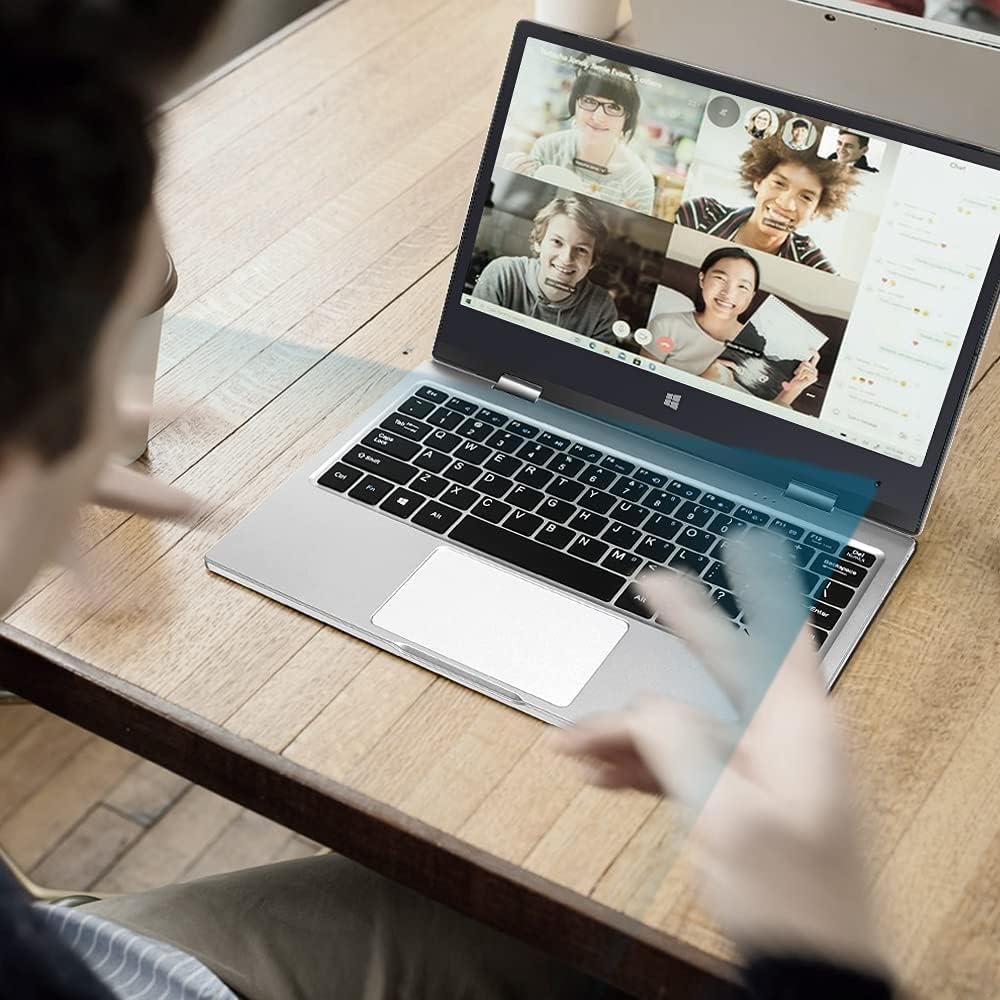
Image: The laptop in use for a video conference.
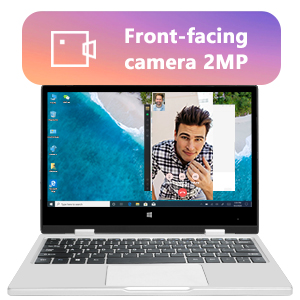
Image: Detail of the front-facing camera during a video call.
5. Antretyen ak Swen
- Netwaye ekran an: Sèvi ak yon twal mou ki pa gen pousyè, espesyalman fèt pou aparèy elektwonik. Pou tach ki difisil pou retire, siye yon ti kras.ampen the cloth with water or a screen cleaner solution (avoid harsh chemicals).
- Netwayaj chasi a: Wipe the exterior with a soft, dry cloth. Avoid liquid contact with ports and openings.
- Swen batri: Pou pwolonje lavi batri a, evite dechaje batri a nèt souvan. Sere laptop la nan yon kote ki fre epi sèk lè w pa itilize li pou yon bon bout tan.
- Ekspansyon Depo: The laptop supports M.2 2242 SSDs (128GB/256GB/512GB, not included) for expanding storage. Refer to a qualified technician for installation to avoid damaging the device.
- Mizajou lojisyèl: Mete Windows 10 Pro ak chofè aparèy yo ajou regilyèman pou asire pèfòmans ak sekirite optimal.

Image: Illustration of the M.2 SSD slot for storage expansion.

Imaj: Detaye view of the M.2 SSD installation for storage expansion.
NAN. Depanaj
If you encounter issues with your Iproda Laptop, try the following common troubleshooting steps:
- Laptop la pa limen:
- Ensure the power adapter is securely connected to both the laptop's Type-C port and a working power outlet.
- Allow the laptop to charge for at least 30 minutes before attempting to power it on again.
- Eseye yon priz kouran diferan.
- Ekran an vid oswa li pa reponn:
- Press the Power Button briefly to see if the screen wakes up from sleep.
- Perform a hard reset by holding the Power Button for 10-15 seconds until the laptop powers off, then restart it.
- If connected to an external display, ensure the display cable is properly connected and the external display is powered on.
- Pwoblèm koneksyon Wi-Fi:
- Tcheke si Wi-Fi a aktive nan paramèt Windows yo.
- Rekòmanse routeur Wi-Fi ou a ak laptop la.
- Asire w ou nan zòn rezo Wi-Fi ou a.
- Ekran taktil la pa reponn:
- Rekòmanse laptop la.
- Asire w ekran an pwòp epi li pa gen okenn debri.
- Check for any pending Windows updates that might include touchscreen driver fixes.
Si etap sa yo pa rezoud pwoblèm nan, tanpri al gade seksyon Garanti ak Sipò a pou plis asistans.
7. Espesifikasyon teknik
| Karakteristik | Spesifikasyon |
|---|---|
| Mak | Iproda |
| Nimewo Modèl | 1169YM |
| Koulè | Ajan |
| Faktè fòm | Laptop (2-in-1 Convertible) |
| Gwosè ekran | 11.6 pous |
| Rezolisyon ekspozisyon | 1920 x 1080 Pixels (FHD IPS) |
| Mak processeur | Intel |
| Kalite processeur | Intel Celeron N4100 |
| Vitès processeur | Jiska 2.4 GHz |
| Gwosè RAM | 4 GB |
| Teknoloji RAM | DDR4 |
| Gwosè Disk Disk | 64 GB |
| Kalite Disk Di | SSD |
| Koprosesè grafik | Intel UHD Graphics 600 |
| Koneksyon san fil | Wi-Fi (XN GHz) |
| Sistèm operasyon | Windows 10 Pro |
| Kapasite batri | 3500 mAh (26.6 Watt-hours) |
| Mwayèn lavi batri | 8 èdtan |
| Pò | Type-C (Power), Micro-HDMI, Micro-USB, Micro-SD Card Slot, Headphone Jack |
| Dimansyon (L x W x H) | 27.43 x 18.8 x 1.27 cm |
| Pwa | 997.9 g (apeprè 2.2 liv) |
8. Garanti ak sipò
The Iproda Laptop comes with a one-year warranty. This warranty covers manufacturing defects and ensures the quality of all Iproda products. For warranty claims or technical support, please contact Iproda customer service.
If you encounter any problems or have questions regarding your device, please do not hesitate to contact us. Please have your model number (1169YM) and purchase information ready when contacting support.
Enfòmasyon pou kontakte: Tanpri al gade nan magazen an websit la oswa dokiman acha ou a pou jwenn detay espesifik pou kontakte sèvis kliyan.
Ask a question about this manual
Ask about setup, troubleshooting, compatibility, parts, safety, or missing instructions. Manuals+ will review the question and use this page’s manual context to help answer it.