
Entwodiksyon
Mèsi pou acha aasing the AZATOM A2 Portable DAB/DAB+ Digital Radio. This compact and versatile device is designed to provide high-quality digital and FM radio reception, offering a superior listening experience on the go. Please read this manual carefully to understand the features and operation of your new radio.

The AZATOM A2 radio, showcasing its stylish and compact design, perfect for portability.
Ki sa ki nan bwat la
- AZATOM A2 Portable DAB/DAB+ Digital Radio
- USB-C kab
- Espò Kònè
- Manyèl Itilizatè (dokiman sa a)
- Kat Garanti
Pwodwi souview
Familiarize yourself with the buttons and ports on your AZATOM A2 radio:

Devan view of the AZATOM A2 radio, highlighting the display and control buttons.
- POUVWA bouton: Limen / etenn radyo a.
- Bouton MENI: Aksè opsyon meni yo.
- VOL+ / VOL- Buttons: Ajiste nivo volim.
- ENTER/SCAN Button: Confirms selections or initiates station scanning.
- PRESET Buttons (1/2, 3/4): Recalls stored preset stations.
- Bouton MODE: Switches between DAB/DAB+ and FM modes.
- Ekouteur Jack: Connects the included earphones, which also function as the antenna.
- USB-C pò: Pou chaje aparèy la.
Enstalasyon
1. Chaje batri a
Before first use, fully charge the radio. Connect the supplied USB-C cable to the radio's USB-C port and the other end to a USB power adapter (not included) or a computer's USB port. The display will indicate charging status. A full charge provides up to 24 hours of playtime.

The AZATOM A2 features a long-lasting rechargeable battery for extended use.
2. Konekte ekoutè (antèn)
The included earphones serve as the radio's antenna for both DAB/DAB+ and FM reception. It is essential to connect the earphones to the 3.5mm jack before operating the radio to ensure proper signal reception.
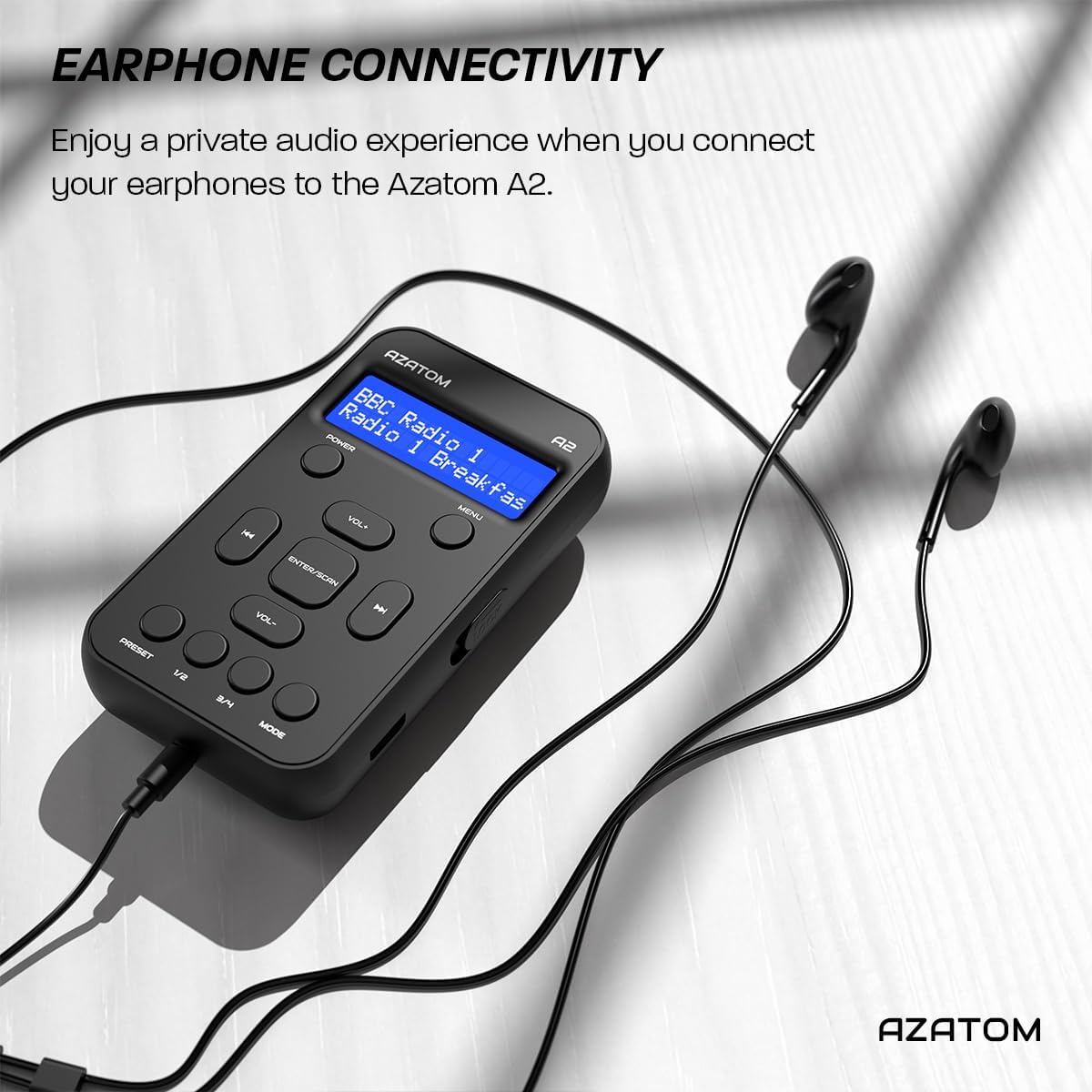
Connect the supplied earphones to the radio for optimal reception and a private listening experience.
Enstriksyon Operasyon
Power On/Off
- Peze epi kenbe la POUVWA bouton pou limen oswa etenn radyo a.
Operasyon radyo DAB/DAB+

The AZATOM A2 supports both DAB/DAB+ and FM radio technologies.
- Ensure the earphones are connected.
- Peze a MÒD button until 'DAB' or 'DAB+' is displayed.
- The radio will automatically perform a full scan for available DAB/DAB+ stations upon first use or if no stations are found. To manually scan, press and hold the ANTRE/ESKANYE bouton.
- Sèvi ak la VOL+ or VOL- buttons to navigate through the list of found stations.
- Peze ANTRE/ESKANYE yo chwazi yon estasyon.
Operasyon radyo FM
- Ensure the earphones are connected.
- Peze a MÒD bouton an jiskaske 'FM' parèt.
- Pou chèche estasyon FM otomatikman, peze epi kenbe bouton an ANTRE/ESKANYE button. The radio will scan and save available stations.
- To manually tune, briefly press the VOL+ or VOL- buttons to adjust the frequency in small increments.
Anviwònman ak Rapèl Prereglaj
The AZATOM A2 allows you to store up to 40 DAB+ and 40 FM favorite stations.

The AZATOM A2 allows for easy recall of your favorite preset stations.
Pou estoke yon predefinisyon:
- Branche sou estasyon ou vle a.
- Peze epi kenbe youn nan yo PRESET buttons (1/2 or 3/4) until the display shows 'Preset Store'.
- Sèvi ak la VOL+ or VOL- bouton yo pou chwazi nimewo prereglaj ou vle a (1-40).
- Peze ANTRE/ESKANYE pou konfime epi sove estasyon an.
Pou Raple yon Prereglaj:
- Yon ti tan peze youn nan yo PRESET buttons (1/2 or 3/4).
- Sèvi ak la VOL+ or VOL- buttons to navigate through your stored presets.
- Peze ANTRE/ESKANYE to select and play the desired preset station.
Kontwòl Volim
- Peze VOL+ pou ogmante volim.
- Peze VOL- pou diminye volim.
Ekspozisyon klète
The XL digital display's brightness can be adjusted to your preference. Access this setting through the MENU options.

Yon fèmen view of the AZATOM A2's clear digital display.
Antretyen
- Netwayaj: Sèvi ak yon twal mou epi sèk pou netwaye sifas radyo a. Pa sèvi ak pwodui netwayaj abrazif oswa solvan.
- Swen batri: To prolong battery life, avoid fully discharging the battery frequently. Charge the radio regularly, even if not in use for extended periods.
- Depo: Sere radyo a nan yon kote ki fre epi sèk, lwen limyè solèy dirèk ak tanperati ekstrèm.
Depanaj
| Pwoblèm | Kòz posib | Solisyon |
|---|---|---|
| No power/Radio won't turn on. | Batri ap vide. | Chaje radyo a avèk kab USB-C ki vini ak li a. |
| Resepsyon radyo ki fèb (DAB/FM). | Earphones not connected or not fully inserted. Weak signal area. | Ensure earphones are securely connected. Try moving to an open area or near a window. Perform a new scan. |
| Pa gen son. | Volume is too low or muted. Earphones not connected. | Increase the volume using VOL+. Ensure earphones are connected. |
| Radyo a bloke oswa li pa reponn. | Pwoblèm lojisyèl tanporè. | Press and hold the POWER button to force a restart. If issue persists, allow battery to fully discharge then recharge. |
Espesifikasyon

Dimensions of the AZATOM A2 radio.
| Karakteristik | Detay |
|---|---|
| Modèl | A2 |
| Dimansyon (L x W x H) | 9 x 4 x 11 cm (apeprè 90mm x 50mm x 24mm) |
| Pwa | 90 g |
| Bann Radyo Sipòte | DAB, DAB+, FM |
| Prereglaj | 40 DAB+, 40 FM |
| Kalite batri | Lityòm Ion rechargeable (1800mAh) |
| Playtime | Jiska 24 èdtan |
| Kalite ekspozisyon | LCD |
| Koneksyon | USB-C (for charging), 3.5mm Earphone Jack |
| Materyèl | Plastik |
Garanti ak sipò
AZATOM products are designed and engineered in the UK. The AZATOM A2 comes with a premium 3-year warranty (registration required). For any questions or support, please contact our dedicated customer service team. Lifetime customer support is provided to assist you with any queries.
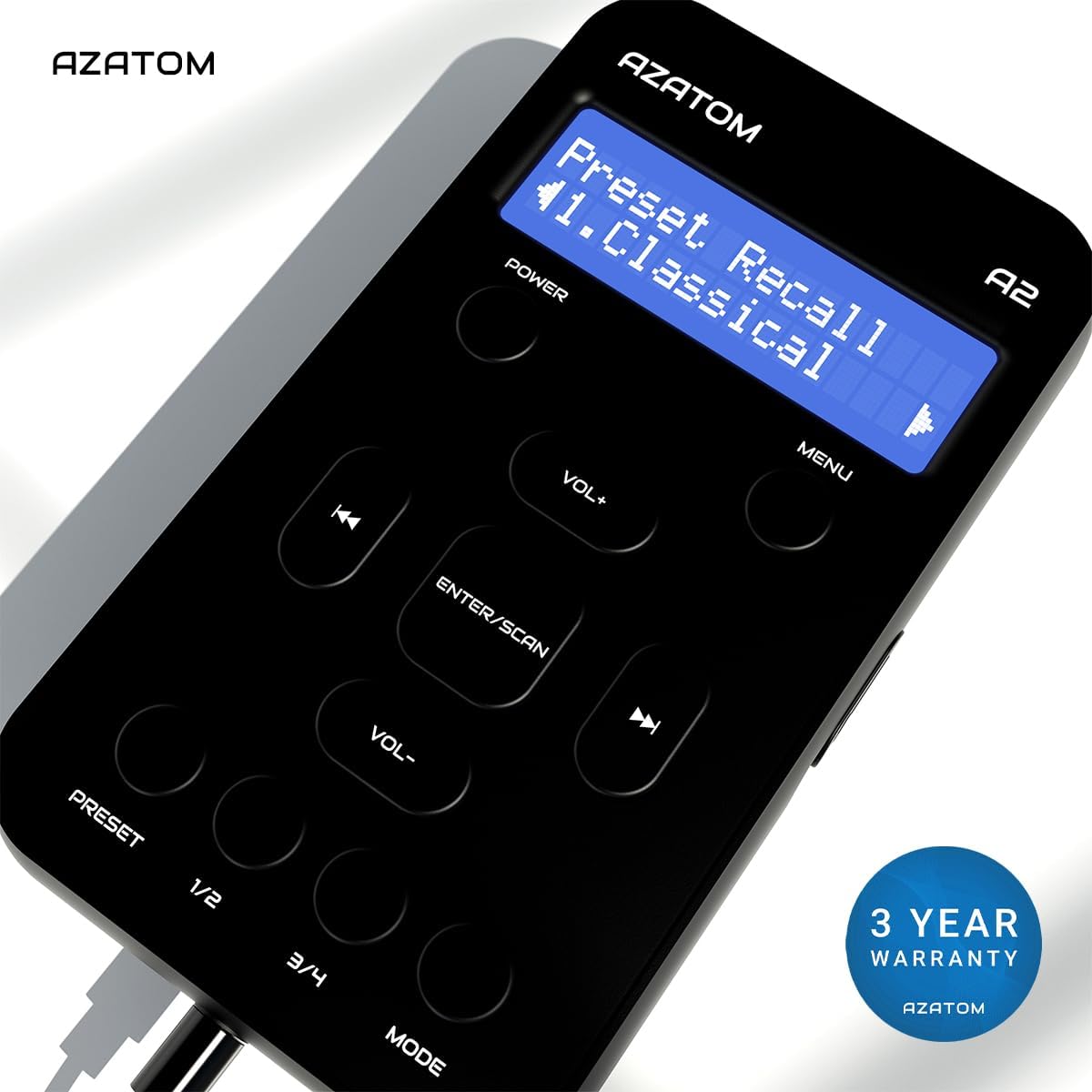
The AZATOM A2 is backed by a 3-year warranty.