
1. Pwodwi souview
The REXING HS01 is a 1080p wireless smart home security camera system designed for both indoor and outdoor use. It features a rechargeable battery, solar panel charging capability, two-way intercom, motion activation, infrared night vision, and cloud storage options. The camera connects to your home WiFi network and is managed via a mobile application.
Karakteristik kle:
- 1080p Full HD Videyo: Records clear video with a 120-degree wide-angle lens.
- Wireless & Rechargeable: Operates wirelessly with a 6000mAh rechargeable battery.
- Solè Powered: Can be continuously charged by the included solar panel.
- Entèkominikasyon de sans: Allows for real-time communication via the mobile app.
- Konsepsyon ki enpèmeyab: IP65 rated for outdoor weather resistance.
- Deteksyon Mouvman: PIR motion sensor with adjustable sensitivity up to 33ft.
- Vizyon lannwit enfrawouj: Provides clear visibility up to 33ft in low light conditions.
- Depo nwaj: Offers free 3-day cloud storage with options for extended plans.
- Kontwòl aplikasyon mobil: Manage and monitor the camera from your smartphone.
2. Pake kontni
Tanpri tcheke pake a pou atik sa yo:
- REXING HS01 Kamera sekirite
- Panèl solè
- Mounting Support ak Vis
- USB Chaje Kab
- Manyèl itilizatè
3. Gid Enstalasyon
3.1 Premye chaj
Before first use, fully charge the camera's internal 6000mAh battery using the provided USB cable. Connect the cable to the camera's charging port and a standard USB power adapter (not included). The charging indicator will show the charging status.
3.2 Enstalasyon App
Telechaje la Rexing Home application from your smartphone's app store (available on iOS and Android). Chèche pou "Rexing Home" and install the application.
3.3 Koneksyon Wi-Fi
- Open the Rexing Home app and create an account or log in.
- Swiv enstriksyon ki nan aplikasyon an pou ajoute yon nouvo aparèy.
- Asire w ke telefòn entelijan ou an konekte ak yon 2.4GHz Wi-Fi rezo. The HS01 camera does not support 5GHz Wi-Fi.
- Eskane kòd QR ki parèt sou telefòn ou an avèk lantiy kamera a lè yo mande w.
- Wait for the camera to connect to your Wi-Fi network. A voice prompt will confirm successful connection.
3.4 Enstalasyon Kamera a ak Panèl Solè a
The REXING HS01 camera and solar panel can be mounted indoors or outdoors. Choose a location that provides the desired viewing angle and ensures the solar panel receives ampkite limyè solèy dirèk pandan tout jounen an pou yon chaj optimal.

Image: The REXING HS01 camera with its solar panel mounted on an exterior wall, highlighting its 100% wireless and solar-powered operation. The camera is designed for outdoor use and is weatherproof.
- Use the provided mounting bracket and screws to securely attach the camera to a wall or desired surface.
- Mount the solar panel in a location that receives maximum direct sunlight. Connect the solar panel cable to the camera's charging port.
- Adjust the camera's angle to cover the desired monitoring area.
4. Operasyon Enstriksyon
4.1 Viv View and Remote Playback
Once connected, open the Rexing Home app to access the live video feed from your camera. You can view foo an tan reyèltage from anywhere with an internet connection. The app also allows you to review anrejistre videyo footage stored in the cloud.

Image: A smartphone screen showing a live view from the REXING HS01 camera, with icons for remote playback and indicating motion alerts. This demonstrates complete control from the Rexing Home App.
4.2 Kominikasyon odyo bidireksyonèl
The HS01 camera features a built-in microphone and speaker, enabling two-way audio communication. From the live view in the Rexing Home app, you can speak to individuals near the camera and hear their responses.
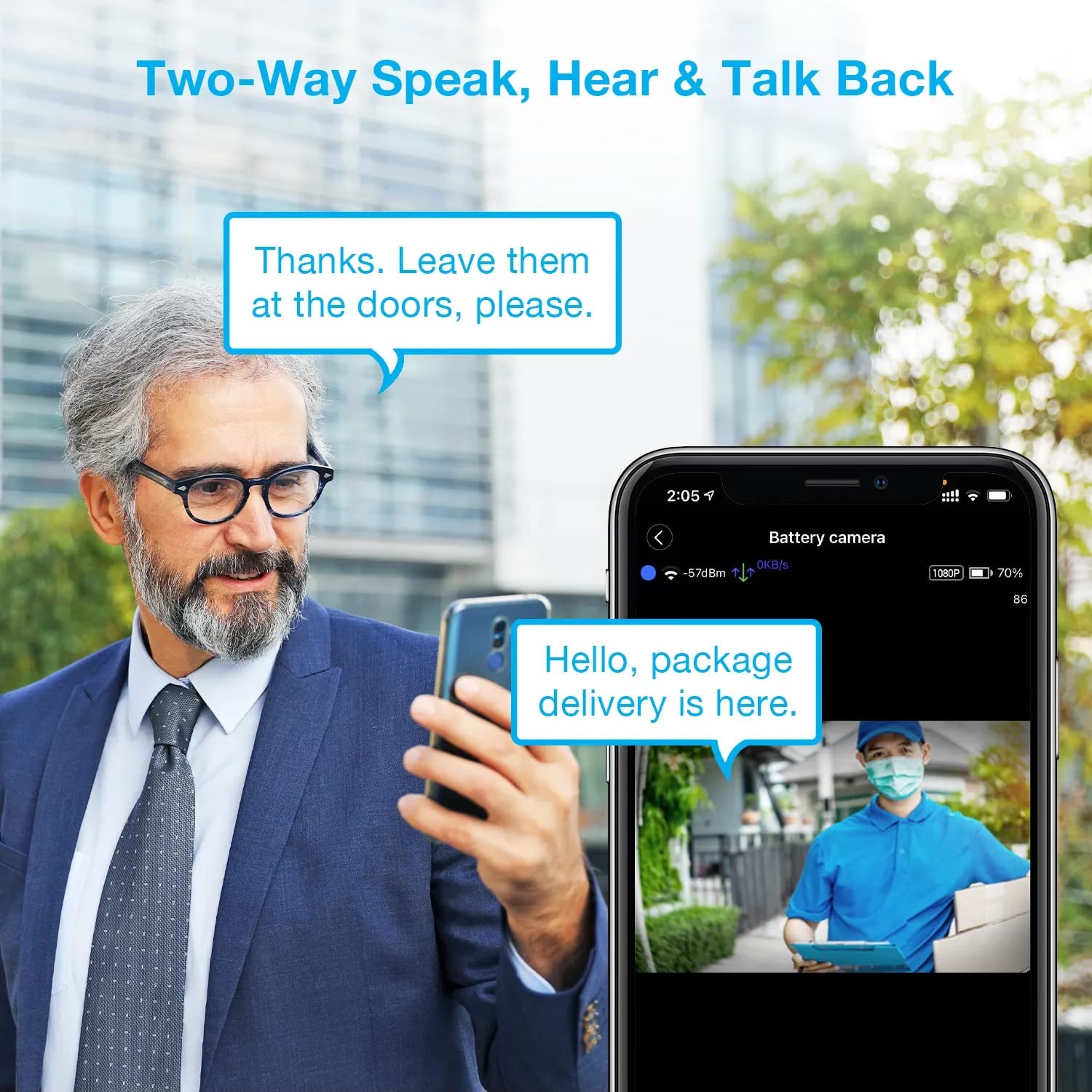
Image: A man using his smartphone to communicate with a delivery person visible on his screen, demonstrating the two-way speak and talk-back functionality of the REXING HS01 camera.
4.3 Deteksyon Mouvman ak Alèt
The camera utilizes a PIR (Passive Infrared) motion sensor to detect movement. When motion is detected, the camera will begin recording and send instant notifications to your smartphone via the Rexing Home app.
- Ajisteman sansiblite: You can adjust the PIR motion sensitivity settings within the app, with options up to 33ft.
- Anviwònman Notifikasyon: Customize alert preferences in the app to receive notifications for every detected motion.
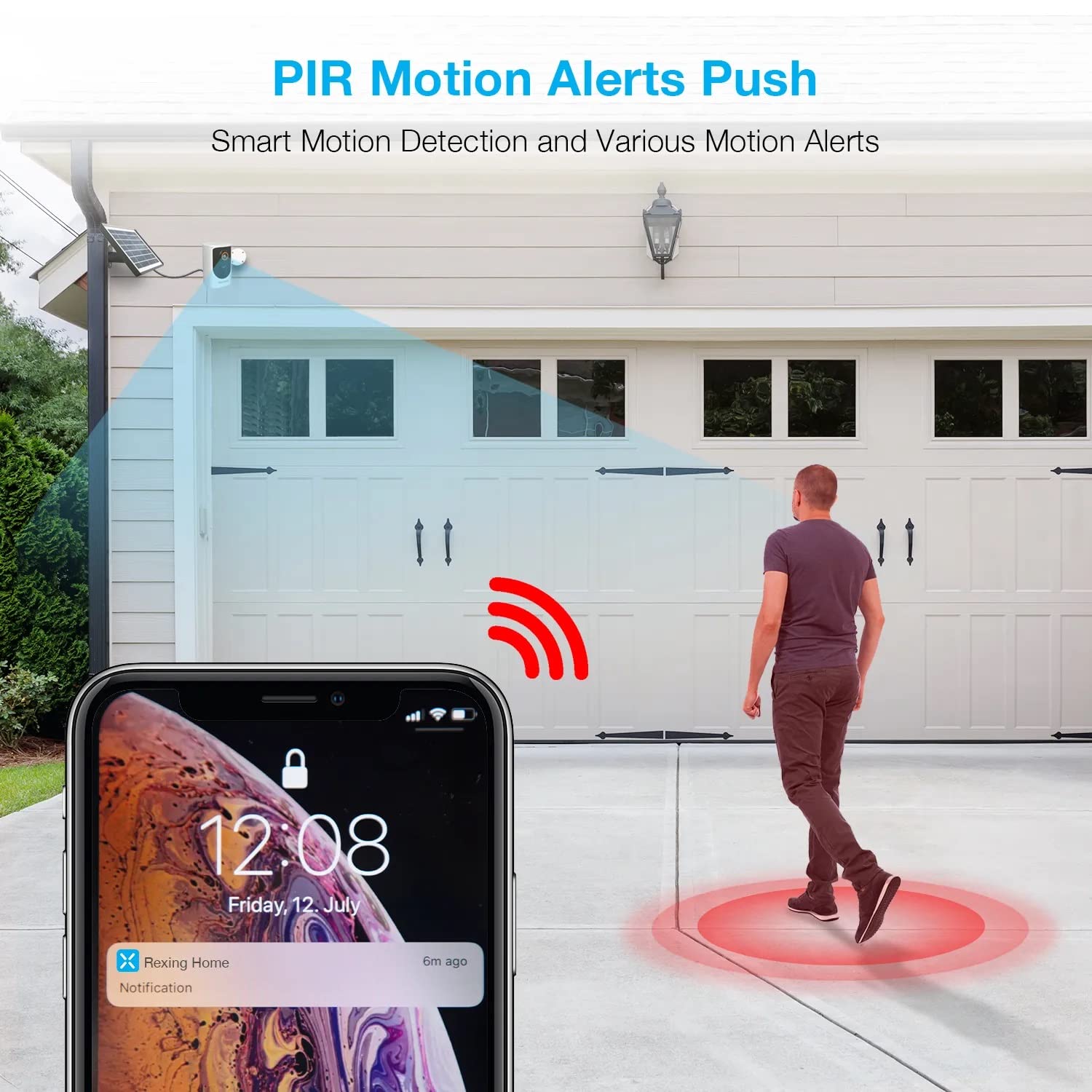
Image: A smartphone screen showing a notification from the Rexing Home app indicating a motion alert, with a visual representation of a person walking into the camera's detection zone.
4.4 Vizyon lannwit
The HS01 camera is equipped with 8 built-in 850nm Infrared LEDs and enhanced CMOS imaging sensors, providing clear night vision up to 33ft. The night vision mode activates automatically in low-light conditions.
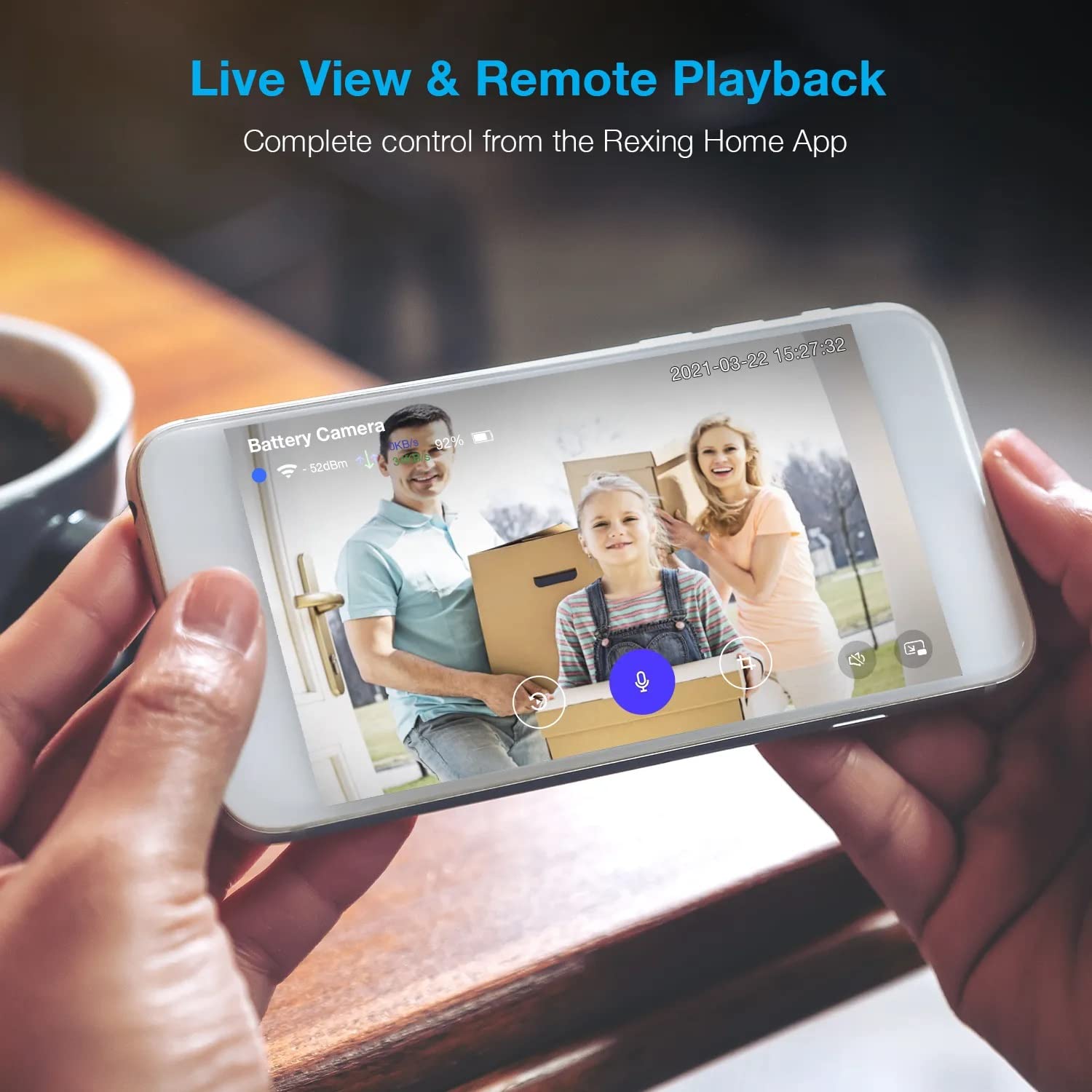
Image: A smartphone displaying a split screen, with one side showing a daytime view of a house in full color and the other side showing the same house in enhanced infrared night vision, demonstrating the camera's 1080p HD and night vision capabilities.
4.5 Depo nan Nwaj la
The camera offers secure cloud storage for recorded video footage. You can access the past 3 days of video recordings for free. Extended cloud storage plans are available for purchase through the Rexing Home app.
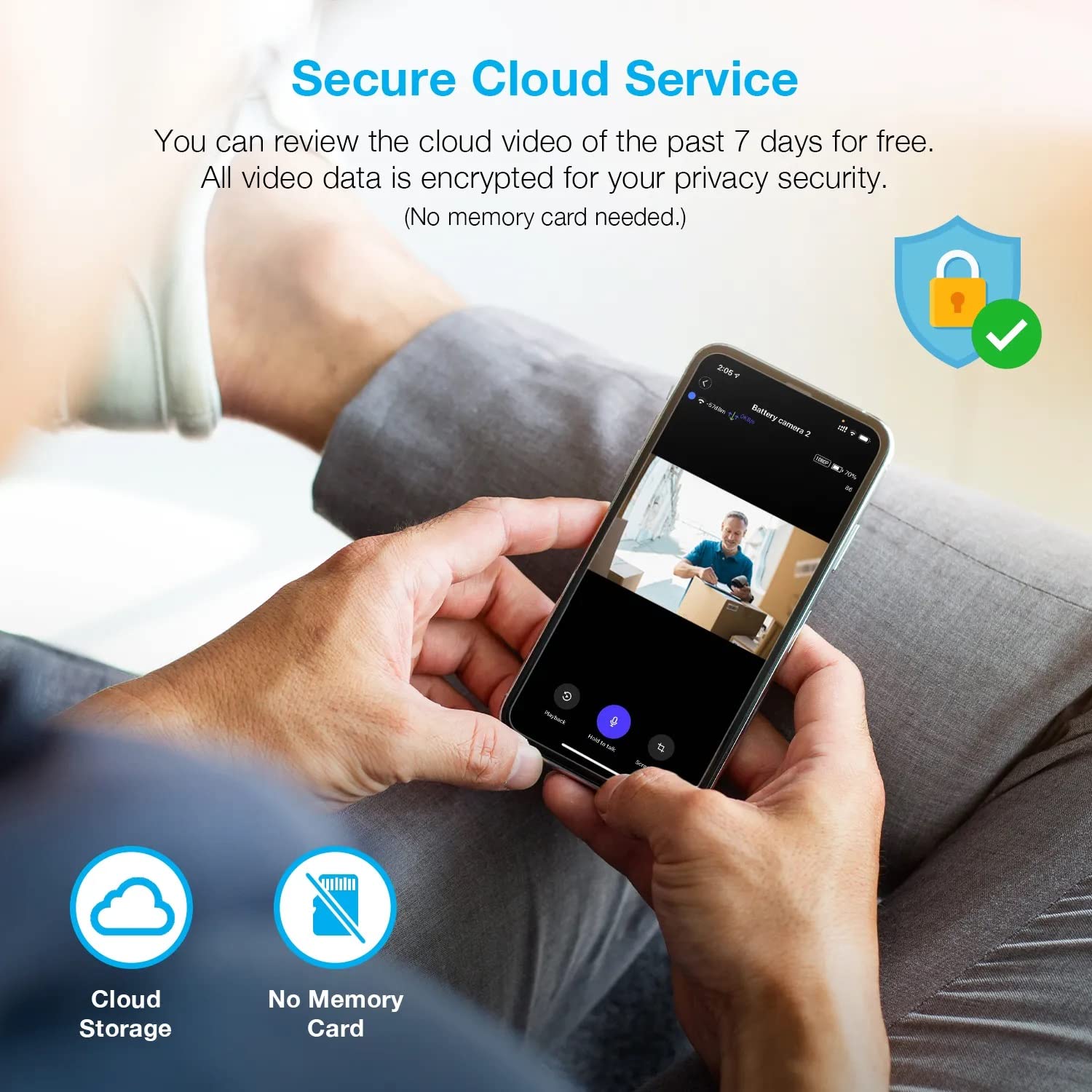
Imaj: Yon moun viewing recorded camera footage on a smartphone, accompanied by icons for cloud storage and indicating that no memory card is needed, highlighting the secure cloud service feature.
5. Antretyen
5.1 Jesyon batri
The HS01 camera is powered by a 6000mAh rechargeable battery. For continuous operation, ensure the solar panel is positioned to receive adequate direct sunlight. If the camera is used in an area with limited sunlight, periodic manual charging via the USB cable may be required.
5.2 Netwayaj
To maintain optimal performance, periodically clean the camera lens and the solar panel surface with a soft, damp twal. Evite itilize pwodui netwayaj abrazif oswa solvan ki ka domaje sifas yo.
NAN. Depanaj
- Kamera a pa konekte ak Wi-Fi a:
- Asire w ke rezo Wi-Fi ou a se 2.4GHz. Kamera a pa sipòte rezo 5GHz.
- Tcheke fòs siyal Wi-Fi a kote kamera a ye a.
- Verifye si modpas Wi-Fi ou te antre nan aplikasyon an kòrèk.
- Rekòmanse routeur ou a ak kamera a.
- Move kalite videyo:
- Ensure a strong Wi-Fi signal. Weak signals can affect streaming quality.
- Netwaye lantiy kamera a si li sanble sal oswa tache.
- Deteksyon mouvman an pa fonksyone oswa li twò sansib:
- Adjust the PIR motion sensitivity settings in the Rexing Home app.
- Asire w pa gen okenn obstak ki bloke kamera a view oubyen detèktè PIR la.
- Check the camera's battery level. Low battery can affect sensor performance.
- Battery not holding charge or solar panel not working:
- Asire w ke panèl solè a nan yon pozisyon pou l resevwa limyè solèy dirèk pandan plizyè èdtan chak jou.
- Clean the solar panel surface to remove any dirt or debris.
- Verifye ke kab panèl solè a byen konekte ak kamera a.
- If issues persist, try charging the camera directly via USB.
- No audio or poor two-way audio:
- Check the volume settings on your smartphone and in the Rexing Home app.
- Asire w ke mikwofòn telefòn ou an aktive pou aplikasyon an.
- Verify a stable internet connection for both the camera and your smartphone.
7. Espesifikasyon
| Karakteristik | Spesifikasyon |
|---|---|
| Nimewo Modèl | HS01 |
| Rezolisyon videyo | 1080p plen HD |
| Jaden nan View | 120 Degre |
| Vizyon lannwit Range | 33 pye |
| Kapasite batri | 6000 mAh |
| Koneksyon | San fil (Wi-Fi 2.4GHz) |
| Evalyasyon ki enpèmeyab | IP65 |
| Aparèy konpatib | Smartphone (Amazon Alexa, Google Assistant) |
| Dimansyon atik | 8.5 x 7.25 x 3.75 pous |
| Pwa atik | 1 liv |
| Sous pouvwa | Rechargeable Battery, Solar Panel |
8. Garanti ak sipò
8.1 Enfòmasyon sou Garanti
For detailed warranty information regarding your REXING HS01 Smart Home Security Camera System, please refer to the warranty card included with your product or visit the official REXING websit. Tèm ak kondisyon garanti yo ka varye selon rejyon an ak détayan an.
8.2 Sipò pou Kliyan
If you encounter any issues or have questions about your REXING HS01 camera, please contact REXING customer support. You can typically find support contact information on the official REXING website or within the Rexing Home mobile application.
For the latest updates, FAQs, and additional resources, please visit the official REXING websit: www.rexingusa.com