
1. Entwodiksyon
This manual provides essential information for the setup, operation, and maintenance of your Anderic OEM ONN Roku TV Remote Control. Designed as a direct replacement, this remote offers seamless control for compatible ONN Roku TV models without requiring complex programming.

Imaj 1.1: Devan ak bò view of the Anderic OEM ONN Roku TV Remote Control, highlighting its ergonomic design and button layout.
The Anderic RCAFIR remote is engineered to provide convenient access to all essential functions of your ONN Roku TV, including dedicated buttons for popular streaming services like Netflix, Disney, Hulu, and Vudu.

Image 1.2: The Anderic remote control pointing towards an ONN Roku TV, illustrating its capability to control the TV with a single device.
2. Enstalasyon
2.1 Enstalasyon batri
The remote control requires two (2) AAA batteries for operation. Batteries are not included.
- Jwenn kouvèti lòj batri a sou do kontwòl remote la.
- Slide the cover downwards or press the latch (if present) and lift to open.
- Mete de pil AAA ladan l, asire w ke tèminal pozitif (+) ak negatif (-) yo byen aliyen ak mak ki anndan konpatiman an.
- Remèt kouvèti konpatiman batri a lè w glise l tounen nan plas li jiskaske li fè yon klik byen fèm.

Image 2.1: Diagram illustrating the remote control's dimensions and the required AAA batteries for operation.
2.2 Initial Use (No Programming Required)
This Anderic remote control is pre-programmed for ONN Roku TVs. No manual programming or setup is required. Once batteries are installed, the remote is ready for immediate use with compatible ONN Roku TV models.

Image 2.2: A couple comfortably using the remote control, emphasizing the 'No Programming Needed' feature for immediate enjoyment.
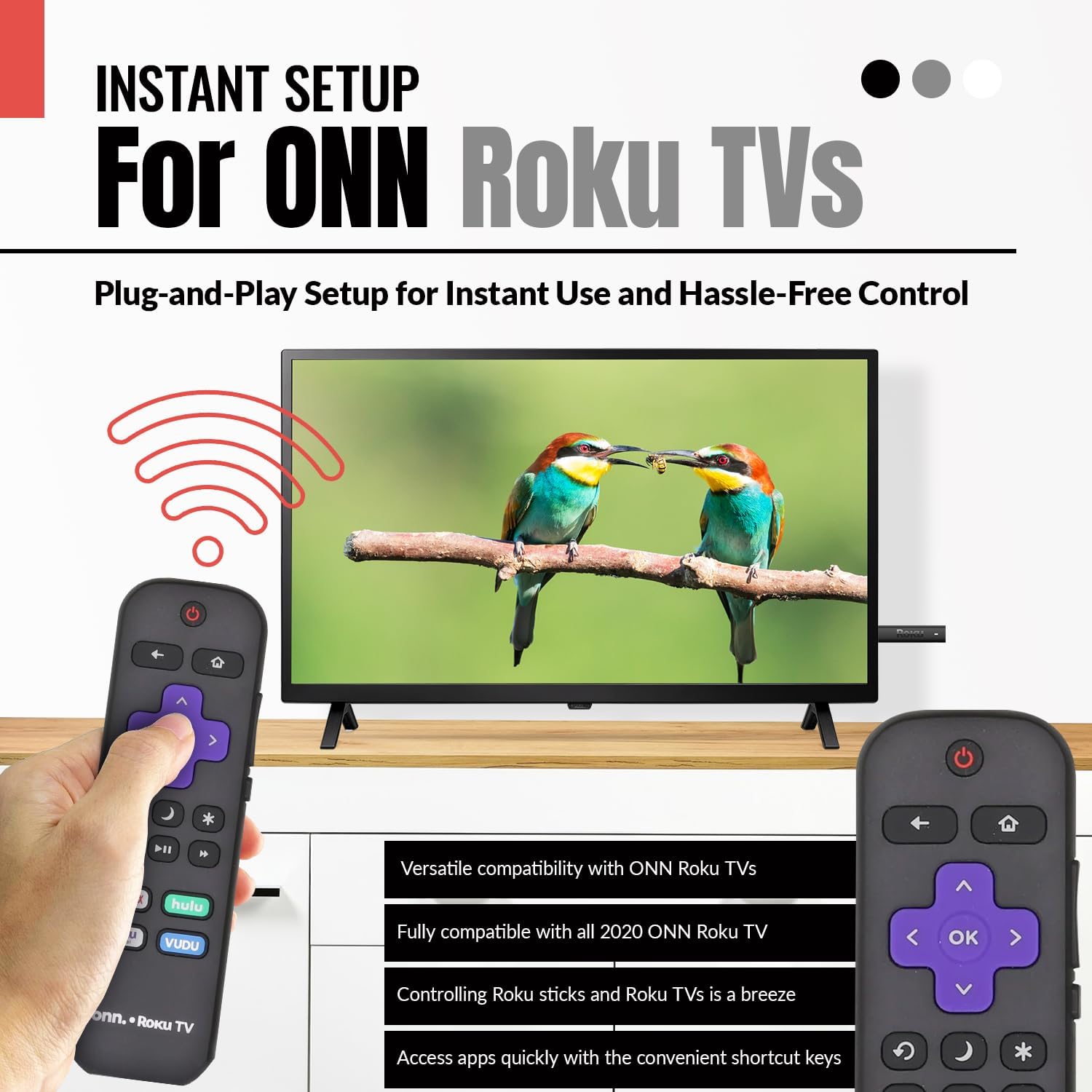
Image 2.3: A hand holding the remote control with a TV displaying content, illustrating the instant plug-and-play setup for ONN Roku TVs.
3. Operasyon Enstriksyon
3.1 Layout bouton ak fonksyon yo
The Anderic ONN Roku TV remote control features a user-friendly layout with dedicated buttons for various functions. Ensure a clear line of sight between the remote and your TV's infrared sensor for optimal performance.

Imaj 3.1: Yon gwo plan view of the remote control, emphasizing dedicated TV power, volume buttons, and pre-programmed streaming shortcut buttons for accessibility.
- Bouton pouvwa (Red Circle with Line): Limen oswa etenn televizyon an.
- Bouton tounen (Flèch gòch): Retounen nan ekran oswa meni anvan an.
- Bouton Kay (Ikòn Kay): Navige nan ekran prensipal Roku a.
- Directional Pad (Purple Arrows): Used to navigate through menus and content.
- OK Button (Purple 'OK'): Chwazi yon atik oubyen konfime yon aksyon.
- Volim monte / desann bouton: Ajiste volim televizyon an.
- Bouton bèbè: Mutes or unmutes the TV's audio.
- Instant Replay Button (Curved Arrow): Jumps back a few seconds during video playback.
- Sleep Button (Lalin Icône): Mete yon revèy dòmi pou televizyon an.
- Star Button (Asterisk): Aksè a opsyon oswa paramèt nan sèten aplikasyon.
- Bouton jwe/poz (Triangle/Two Bars): Plays or pauses media content.
- Bouton avanse/remonte rapid: Skips forward or backward in media content.
- Streaming Service Shortcut Buttons (Netflix, Hulu, Vudu, Roku Channel): Bay aksè dirèk a aplikasyon difizyon sa yo.

Image 3.2: A user operating the remote control, highlighting its comprehensive functionality beyond just streaming.
4. Konpatibilite
The Anderic RCAFIR remote control is designed for broad compatibility with ONN Roku TV models. It functions as a direct replacement for several original ONN Roku remotes.
4.1 Compatible ONN Roku TV Models
This remote is fully compatible with all 2020 ONN Roku TV models and is supplied with the following specific ONN Roku TV models:
- 100005397
- 100012584
- 100012585
- 100012586
- 100012587
- 100012589
- 100012590
- 100018971
- 100021258
- 100021261
- 100024699
4.2 Replacement for Original Remotes
The RCAFIR remote serves as a direct replacement for the original ONN RCALIR Roku remote with Netflix, Disney, Hulu, and Vudu buttons, as well as other compatible models including:
- 276168
- 3226000855
- 3226000887

Image 4.1: A graphic illustrating the replacement compatibility for the ONN Roku TV RCALIR remote, highlighting preset compatibility and easy setup.

Image 4.2: A woman holding the remote control, signifying its role as a reliable replacement for entertainment mastery.
NAN. Depanaj
5.1 Telekòmand lan pa reponn
- Tcheke batri yo: Asire w pil yo byen mete ak polarite ki kòrèk la (+/-). Ranplase pil ki fin vye yo oswa pil ki fin itilize yo ak pil AAA nèf.
- Liy Vizyon: Verify there are no obstructions between the remote control and the TV's infrared sensor. The remote operates using infrared technology, requiring a direct line of sight.
- Pouvwa televizyon: Confirm that your ONN Roku TV is powered on and not in standby mode.
- Reset Remote: Remove the batteries from the remote, press each button a few times to discharge any residual power, then reinsert the batteries.
5.2 Specific Button Issues
- If a specific button is not working, gently clean around the button with a soft, dry cloth to remove any dust or debris that might be interfering with its function.
- Ensure the remote is pointed directly at the TV's IR sensor when pressing the button.
6. Spécifications pwodwi
| Karakteristik | Detay |
|---|---|
| Nimewo Modèl | ONN-RCAFIR |
| Dimansyon pwodwi | 5.75 x 1.75 x 1 pous |
| Pwa atik | 1.76 ons |
| Batri obligatwa | 2 pil AAA (pa enkli) |
| Koneksyon Teknoloji | Enfrawouj (IR) |
| Aparèy konpatib | Television (ONN Roku TV models) |
| Karakteristik espesyal | Ergonomic design, Pre-programmed |
7. Enfòmasyon enpòtan
7.1 Limit responsabilite nou legal
Anderic is a registered trademark of Dan's Electronics Etc., Inc. All Rights Reserved. We are not affiliated with Roku. Roku is a registered trademark of Roku Inc.
7.2 Enfòmasyon sou manifakti
Anderic, a brand of Dan's Electronics Etc., Inc., has been manufacturing replacement remote controls since 1999. The company is based in NC, USA, and focuses on providing high-quality replacement remote controls and accessories to extend the life of your equipment.