
1. Pwodwi souview
The ELRO DV477W-M is an additional indoor monitor designed to expand your existing ELRO DV477W or DV477IP series video intercom system. This 7-inch color monitor allows for clear two-way communication with visitors at your door and provides convenient door opening functionality.
Karakteristik kle:
- 7-inch (18 cm) color display for clear video.
- High-quality microphone and speaker for two-way audio communication.
- Door opening function for convenient access control.
- Modern design with brushed aluminum finish.
- Compatible with ELRO DV477W and DV477IP series video intercoms.
Kontni pake:
- ELRO DV477W-M 7-inch Indoor Monitor
- Mounting Bracket
- 15m 4-wire Electrical Cable
- Adaptè pouvwa
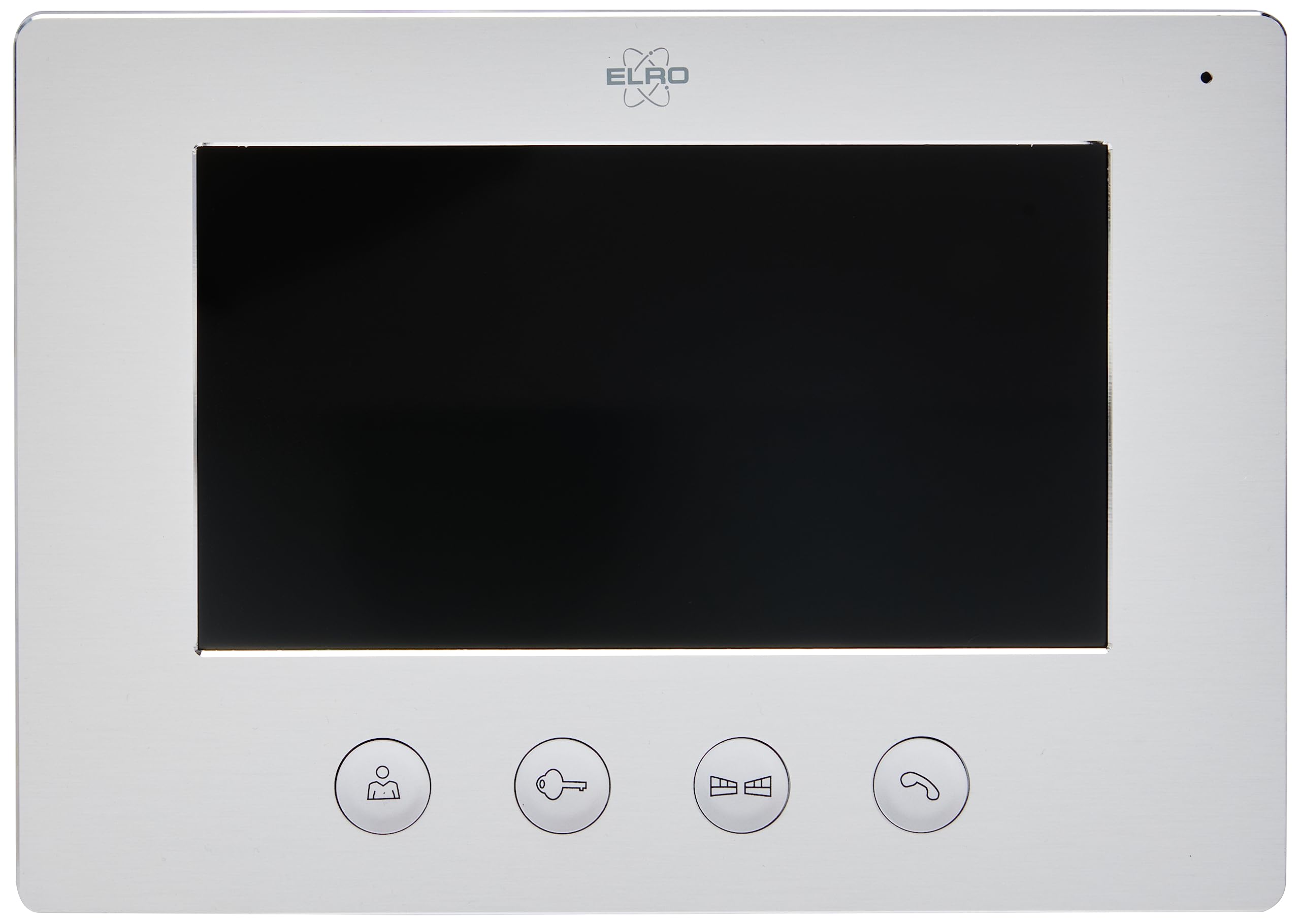
Image 1.1: The ELRO DV477W-M 7-inch indoor monitor, featuring a sleek design and control buttons.
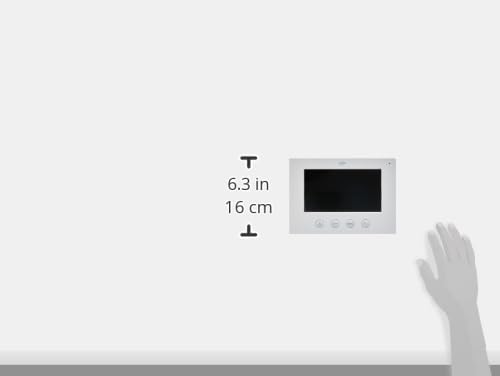
Image 1.2: Diagram showing the dimensions of the ELRO DV477W-M monitor, approximately 6.3 inches (16 cm) in height.
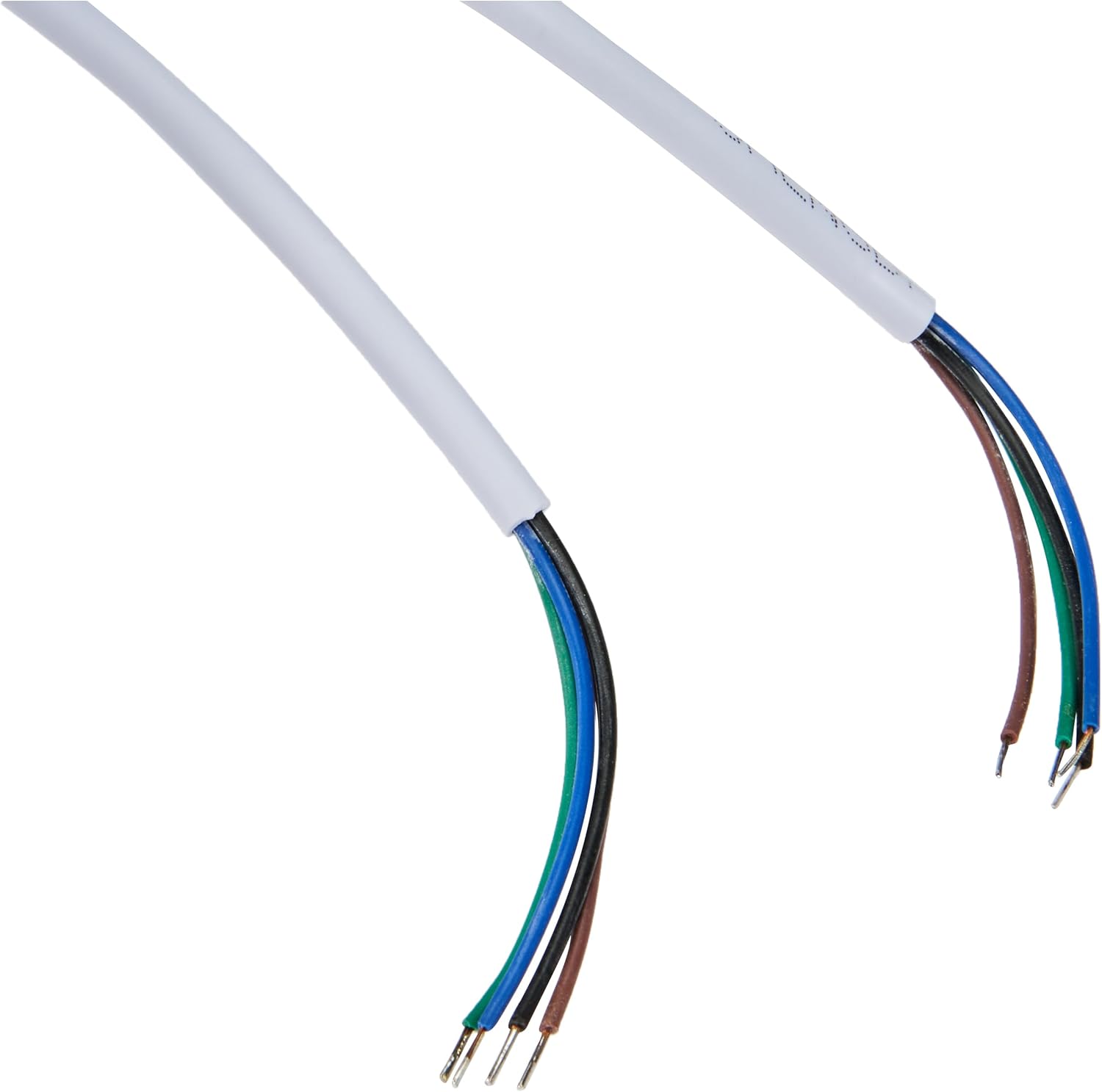
Image 1.3: The included 15-meter 4-wire electrical cable for connecting the monitor to the intercom system.
2. Enstalasyon ak Enstalasyon
This section provides instructions for installing your ELRO DV477W-M additional indoor monitor. Ensure all power is disconnected from your existing intercom system before beginning installation.
2.1 Prekosyon sekirite:
- Toujou dekonekte kouran anvan enstalasyon oswa antretyen.
- Konsilte yon elektrisyen kalifye si ou pa sèten sou nenpòt pwosedi fil elektrik.
- Do not expose the monitor to moisture or extreme temperatures.
2.2 Mounting the Monitor:
- Choose a suitable indoor location for the monitor, ensuring it is within reach of the 15m cable and a power outlet.
- Use the provided mounting bracket as a template to mark drilling points on the wall.
- Fè twou epi mete ploge miray si sa nesesè.
- Sekire parantèz la aliye nan miray la lè l sèvi avèk vis ki apwopriye yo.
2.3 Koneksyon fil elektrik:
- Connect the 4-wire electrical cable from your existing ELRO DV477W or DV477IP outdoor unit/main monitor to the corresponding terminals on the back of the DV477W-M additional monitor. Ensure correct polarity for each wire (e.g., power, ground, audio, video). Refer to your main intercom system's manual for specific wiring diagrams.
- Connect the power adapter to the monitor's power input and then plug it into a wall outlet.
- Carefully attach the monitor to the mounted bracket.
Nòt: The 4-wire cable typically carries power, ground, audio, and video signals. Incorrect wiring can damage the device or prevent proper operation.
3. Operasyon Enstriksyon
Once installed and powered on, the ELRO DV477W-M monitor is ready for use. It functions as an extension of your main intercom system.
3.1 Receiving a Call:
- When a visitor presses the doorbell button on the outdoor unit, the monitor will ring and display the visitor's image.
- Peze a Repons button (usually indicated by a telephone icon) to initiate two-way audio communication.
- Pou fini konvèsasyon an, peze la Fini apèl bouton.
3.2 Opening the Door:
- Pandan yon apèl, oubyen lè viewing the visitor, press the Pòt Degaje button (often depicted as a key or unlock icon) to activate the electronic door lock connected to your main intercom system.
- The door will unlock for a short period, allowing the visitor to enter.
3.3 Siveyans:
- Some systems allow you to manually activate the camera on the outdoor unit to view the entrance area without a visitor pressing the doorbell. Refer to your main intercom system's manual for this feature.
4. Antretyen
Proper maintenance ensures the longevity and optimal performance of your ELRO DV477W-M monitor.
4.1 Netwayaj:
- Wipe the monitor screen and casinSiye ak yon twal mou, sèk, epi ki pa gen pousyè.
- Pou mak ki difisil pou retire, yon ti kras dampRense twal la avèk dlo. Evite itilize pwodui chimik ki agresif, pwodui netwayaj abrazif, oswa solvan, paske sa yo ka domaje fini an.
- Do not spray cleaning liquids directly onto the monitor.
4.2 Swen Jeneral:
- Keep the monitor away from direct sunlight, heat sources, and areas with high humidity.
- Ensure ventilation openings (if any) are not blocked.
- Evite lage monitè a oswa soumèt li a gwo chòk.
NAN. Depanaj
If you encounter issues with your ELRO DV477W-M monitor, refer to the following common problems and solutions.
| Pwoblèm | Kòz posib | Solisyon |
|---|---|---|
| No image or sound on the monitor. |
|
|
| Image is distorted or unclear. |
|
|
| Pa gen odyo pandan kominikasyon an. |
|
|
| Door unlock function does not work. |
|
|
If these solutions do not resolve the issue, please contact ELRO customer support.
6. Espesifikasyon
| Karakteristik | Detay |
|---|---|
| Nimewo Modèl | DV477W-M |
| Manifakti | ELRO |
| Gwosè ekspozisyon | 7 pous (18 cm) |
| Dimansyon pwodwi (L x W x H) | 21.5 x 2.5 x 15 cm |
| Pwa | 386 gram |
| Materyèl | Aliminyòm |
| Konpozan ki enkli | Monitor, Mounting Bracket, 15m 4-wire Electrical Cable, Power Adapter |
| Batri obligatwa | Non |
| Konpatibilite | ELRO DV477W and DV477IP series video intercom systems |
7. Garanti ak sipò
ELRO products are designed for reliability and performance. For specific warranty information, please refer to the documentation included with your original ELRO video intercom system or visit the official ELRO websit.
If you require technical assistance, have questions about installation, or need to report a fault, please contact ELRO customer support. Contact details can typically be found on the ELRO websit la oubyen nan anbalaj pwodwi ou a.
Nòt: Availability of spare parts information is currently unavailable.