
Entwodiksyon
Thank you for choosing the Showasaki USB 1080P Dash Camera. This manual provides detailed instructions for the installation, operation, and maintenance of your dash camera. Please read this manual thoroughly before use to ensure proper functionality and to maximize your driving recording experience.
Kontni pake
Verifye ke tout atik ki nan lis anba a yo prezan nan pakè ou a:
- Showasaki USB 1080P Dash Camera
- USB kab
- 32GB Micro SD Kat
- Manyèl itilizatè

Karakteristik pwodwi
The Showasaki Dash Cam is equipped with several features designed to enhance your driving safety and recording experience:
- 1080P Clear Recording: Captures high-definition video for clear and detailed footage.
- Ultra Clear Night Vision: Utilizes Super Vision technology to record clear videos and images in low-light conditions.
- 170 ° Gran Ang View: Provides an extra-large wide-angle vision, covering multiple lanes to capture more events.
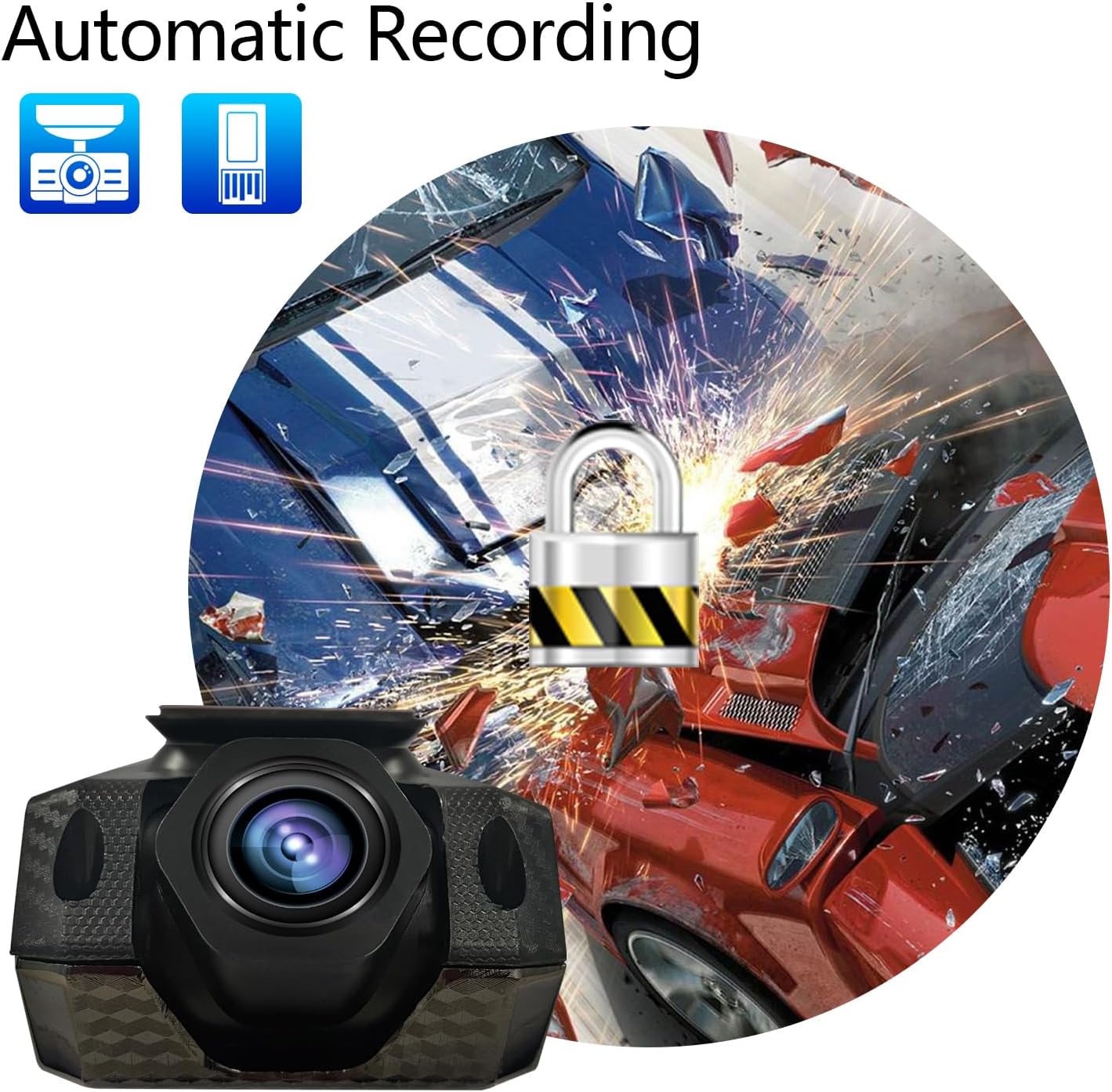
- Anrejistreman otomatik: Initiates recording automatically when powered on and supports cyclic covering recording.
- G-Capteur: Detects sudden movements or impacts and automatically locks the current video file pou anpeche efase.
- Included 32GB Micro SD Card: Provides immediate storage for recordings.


Gid enstalasyon
Follow these steps to properly install your Showasaki Dash Cam:
- Prepare sifas montaj la: Clean the area on your windshield where you intend to mount the dash cam. Ensure it is free from dust and grease for optimal adhesion.
- Tache Dash Cam la: Remove the protective film from the adhesive pad on the dash cam mount. Firmly press the dash cam onto the chosen spot on your windshield, typically behind the rearview glas la, asire w ke li pa bouche je w view.
- Mete Micro SD Kat: Gently insert the provided 32GB Micro SD card into the designated slot on the dash cam until it clicks into place.
- Konekte pouvwa: Connect the USB cable to the dash cam and route the cable neatly along the edge of the windshield and dashboard to your car's USB port or cigarette lighter adapter (if using a USB adapter, not included).
- Limen ak tès: Start your vehicle. The dash cam should power on automatically and begin recording. Adjust the camera angle to ensure it captures the desired view nan wout la.

Enstriksyon Operasyon
Anrejistreman otomatik
The Showasaki Dash Cam is designed for convenience. Once connected to power and your vehicle starts, the camera will automatically power on and begin recording. When the vehicle is turned off, the camera will save the current recording and power down.
Anrejistreman bouk
The dash cam features loop recording, which means it continuously records. When the Micro SD card is full, the oldest unlocked video fileNouvo anrejistreman yo pral ranplase yo. Sa asire anrejistreman kontinyèl san entèvansyon manyèl.
G-Sensor (Anrejistreman Ijans)
In the event of a sudden impact or collision, the built-in G-Sensor will detect the event and automatically lock the current video segment. This prevents the footage from being overwritten by loop recording, preserving critical evidence.
Vizyon lannwit
The Super Night Vision technology automatically adjusts to low-light conditions, ensuring clear video capture even during nighttime driving. No manual settings are required for this feature.
Swen ak Antretyen
- Keep the lens clean: Regularly wipe the camera lens with a soft, lint-free cloth to ensure clear recordings.
- Avoid extreme temperatures: Do not expose the dash cam to prolonged direct sunlight or extreme cold, as this can affect its performance and lifespan.
- Secure mounting: Periodically check that the dash cam is securely mounted to prevent it from falling during driving.
- Format Micro SD card: It is recommended to format the Micro SD card every few months to maintain optimal recording performance and prevent data corruption. Back up any important files anvan fòma.
Depanaj
| Pwoblèm | Solisyon |
|---|---|
| Kamera tablodbò a pa limen. | Ensure the USB cable is securely connected to both the dash cam and a working power source (car's USB port or cigarette lighter adapter). Check the vehicle's power outlet. |
| Recording stops unexpectedly or records only short segments (e.g., 1 minute). | This might be due to a full Micro SD card or an issue with loop recording. Format the Micro SD card. If the issue persists, the card might be faulty and require replacement. Ensure G-Sensor sensitivity is not set too high, causing frequent emergency recordings. |
| Video footage flou oswa pa klè. | Clean the camera lens. Ensure the protective film has been removed from the lens. Check if the windshield area where the camera is mounted is clean. |
| Kamera a vin cho pandan l ap fonksyone. | It is normal for dash cams to generate some heat during operation. If it becomes excessively hot or emits smoke, disconnect power immediately and contact customer support. |
| Pa kapab view recordings on a computer. | Ensure the Micro SD card is properly inserted into your computer's card reader. Use a compatible video player. If files are corrupted, try formatting the card in the dash cam. |
Espesifikasyon teknik
| Karakteristik | Spesifikasyon |
|---|---|
| Non modèl | RM |
| Rezolisyon Capture Videyo | 1080p |
| Koneksyon Teknoloji | USB |
| Karakteristik espesyal | G-Sensor, Night Vision, Wide Angle View |
| Kalite aliye | Vit devan mòn |
| Konpozan ki enkli | Dash Camera, USB Cable, 32GB Micro SD Card, User Manual |
| Pwa atik | 6.7 ons |
| Koulè | Nwa, Wouj |
| Manifakti | Showasaki |
Garanti ak sipò
Enfòmasyon sou Garanti
The Showasaki Dash Cam comes with a 1-ane garanti from the date of purchase, covering manufacturing defects. Additionally, a 30-day exchange and return policy is available for eligible products.
Sipò pou Kliyan
For any questions, technical assistance, or warranty claims, please contact Showasaki customer support. We aim to provide high-quality service with quick replies within 24 hours.
