
1. Entwodiksyon
This manual provides essential information and instructions for the safe and efficient use of your new XIAOMI Redmi Pad 2 tablet. Please read this manual thoroughly before operating the device and retain it for future reference.
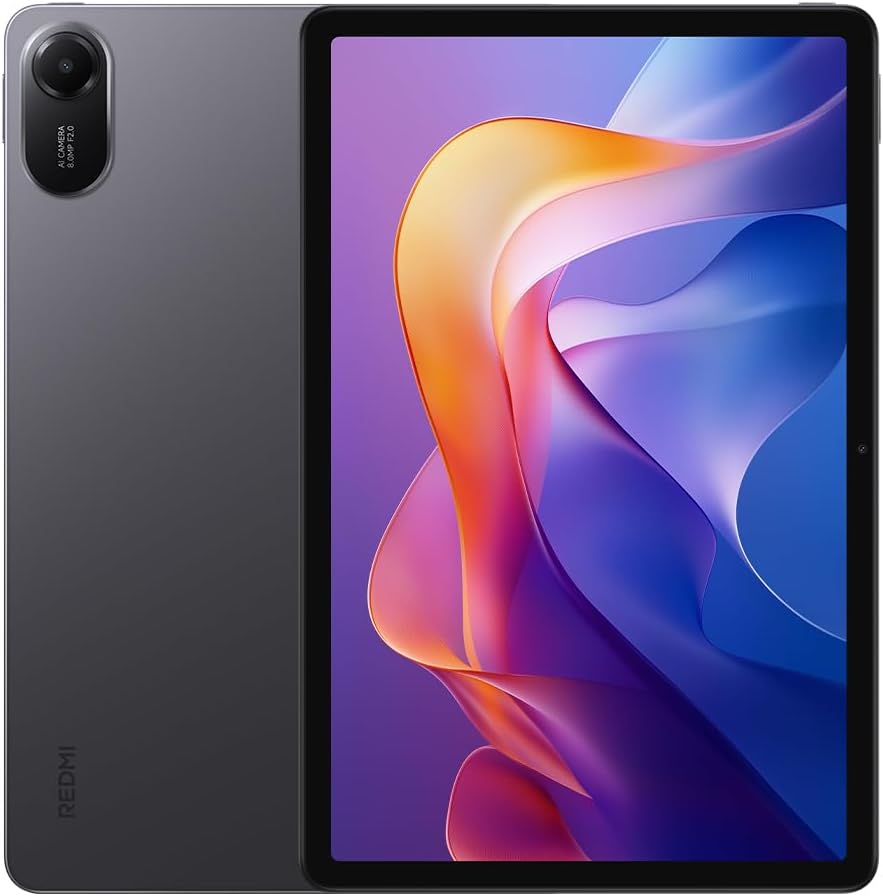
Figi 1: Devan ak dèyè view of the Redmi Pad 2 tablet.
2. Ki sa ki nan bwat la
Verifye ke tout atik yo prezan nan pake pwodwi ou a:
- Tablèt Redmi Pad 2
- USB-C kab
- Adaptè pouvwa
- Gid Quick Start
3. Enstalasyon
- Chaje aparèy la: Before first use, connect the tablet to the power adapter using the provided USB-C cable and charge it fully. The battery indicator will show charging status.
- Pouvwa sou: Press and hold the power button located on the side of the tablet until the XIAOMI logo appears.
- Premye konfigirasyon: Swiv enstriksyon yo sou ekran an pou chwazi lang ou, konekte ak yon rezo Wi-Fi, konekte ak kont Google ou, epi konfigire fonksyon sekirite yo.
4. Operating Your Redmi Pad 2
4.1 Montre
The Redmi Pad 2 features an 11-inch 2.5K crystal-clear display, supporting 1.07 billion colors. This display delivers rich, vibrant hues and exquisite detail, enhancing both immersive entertainment and daily use.
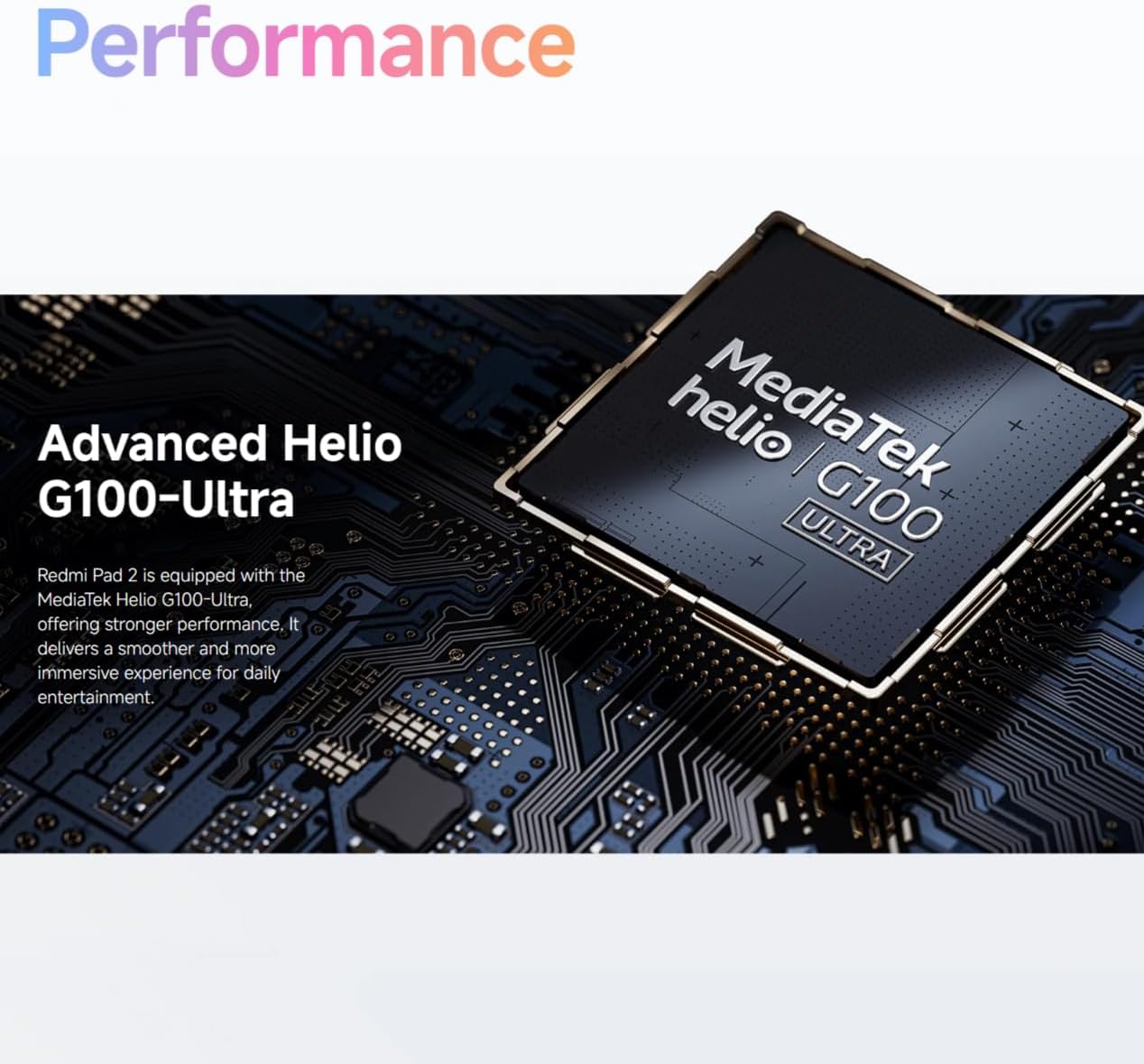
Figure 2: Visual representation of the Redmi Pad 2's 11-inch 2.5K display capabilities.
4.2 Batri
Equipped with a massive 9000 mAh (typical) battery, the Redmi Pad 2 is designed for extended endurance. This allows for prolonged reading, gaming sessions, and video playback without frequent recharging.

Figure 3: Illustration of the Redmi Pad 2's 9000 mAh battery capacity.
4.3 Pèfòmans
The Redmi Pad 2 is powered by the MediaTek Helio G100-Ultra processor, delivering robust performance. This ensures a smoother and more immersive experience for daily entertainment and multitasking.

Figure 4: Close-up of the MediaTek Helio G100-Ultra processor, central to the tablet's performance.
4.4 Odyo
The tablet features four speakers and supports Dolby Atmos, providing an immersive sound experience for movies, games, and music.

Figure 5: Depiction of the Redmi Pad 2's quad speaker system with Dolby Atmos support.
4.5 Konsepsyon
The Redmi Pad 2 features a unibody metal design, offering a sophisticated tactile experience and enhanced durability.
5. Antretyen
- Netwayaj: Sèvi ak yon twal mou ki pa gen pousyè pou netwaye ekran an ak kò a. Evite materyèl abrazif oswa pwodui chimik ki agresif.
- Depo: Sere grenn nan nan yon kote ki fre epi sèk, lwen limyè solèy dirèk ak tanperati ekstrèm.
- Swen batri: Pou pwolonje lavi batri a, evite dechaje batri a nèt souvan. Chaje aparèy la regilyèman.
- Mizajou lojisyèl: Tcheke epi enstale mizajou sistèm yo regilyèman pou asire pèfòmans ak sekirite optimal.
NAN. Depanaj
- Aparèy pa limen: Ensure the battery is charged. Connect to a power source and try again. If unresponsive, press and hold the power button for 10-15 seconds to force a restart.
- Ekran an pa reponn: Restart the device. If the issue persists, check for software updates.
- Pwoblèm koneksyon Wi-Fi: Rekòmanse routeur Wi-Fi ou a ak tablèt la. Bliye rezo a epi rekonekte li.
- Applications Crashing: Clear the cache of the problematic application or reinstall it. Ensure your system software is up to date.
7. Espesifikasyon
| Karakteristik | Detay |
|---|---|
| Nimewo Modèl | 25040RP0AE |
| Dimansyon (L x W x H) | 25.4 x 16.6 x 0.77 cm |
| Pwa | 840 gram |
| Ekspozisyon | 11-inch 2.5K (2560x1600) |
| Processeur | MediaTek Helio G100-Ultra |
| Kapasite batri | 9000 mAh (tipik) |
| Koulè | Gri |
| Lang | angle |
8. Garanti ak sipò
For detailed warranty information, please refer to the warranty card included with your product or visit the official XIAOMI website. For technical support, contact XIAOMI customer service through their official channels.