
TYLT QIMEDBK-T
TYLT Medallion Portable Qi Wireless Charging Pad User Manual
Model: QIMEDBK-T
Entwodiksyon
The TYLT Medallion is a portable Qi-certified wireless charging pad designed to provide convenient and efficient power to your compatible devices. This manual provides essential information for the safe and optimal use of your charging pad.
Enfòmasyon sou Sekirite
- Pa ekspoze aparèy la nan tanperati ekstrèm, limyè solèy dirèk, oswa imidite.
- Evite jete oswa sibi aparèy la nan gwo enpak.
- Do not disassemble, modify, or attempt to repair the device. This will void the warranty.
- Kenbe soti nan atenn timoun yo.
- Asire bon vantilasyon pandan w ap itilize pou anpeche surchof.
- Use only the provided or certified compatible USB-C cable and power source.
Kontni pake
Verifye ke tout atik yo prezan nan pakè ou a:
- 1 x TYLT Medallion Qi-Certified Wireless Charging Pad
- 1 x 3.3ft USB Type-C Cable
- 1 x Manyèl Itilizatè (dokiman sa a)

Imaj: Anba view of the TYLT Medallion charging pad, showing the integrated USB-C cable and product information.
Enstalasyon
- Konekte pad chaj la: Plug the integrated USB Type-C cable from the TYLT Medallion into a compatible power source. This can be a laptop's USB-C port, a power bank with a USB-C output, or a wall adapter (not included) with a USB-C port.
- Kondisyon pou sous pouvwa: For optimal fast charging, use a power source capable of delivering 5V/2A or 9V/1.8A.
- Plasman: Place the charging pad on a flat, stable surface, such as a countertop, desk, or bedside table.
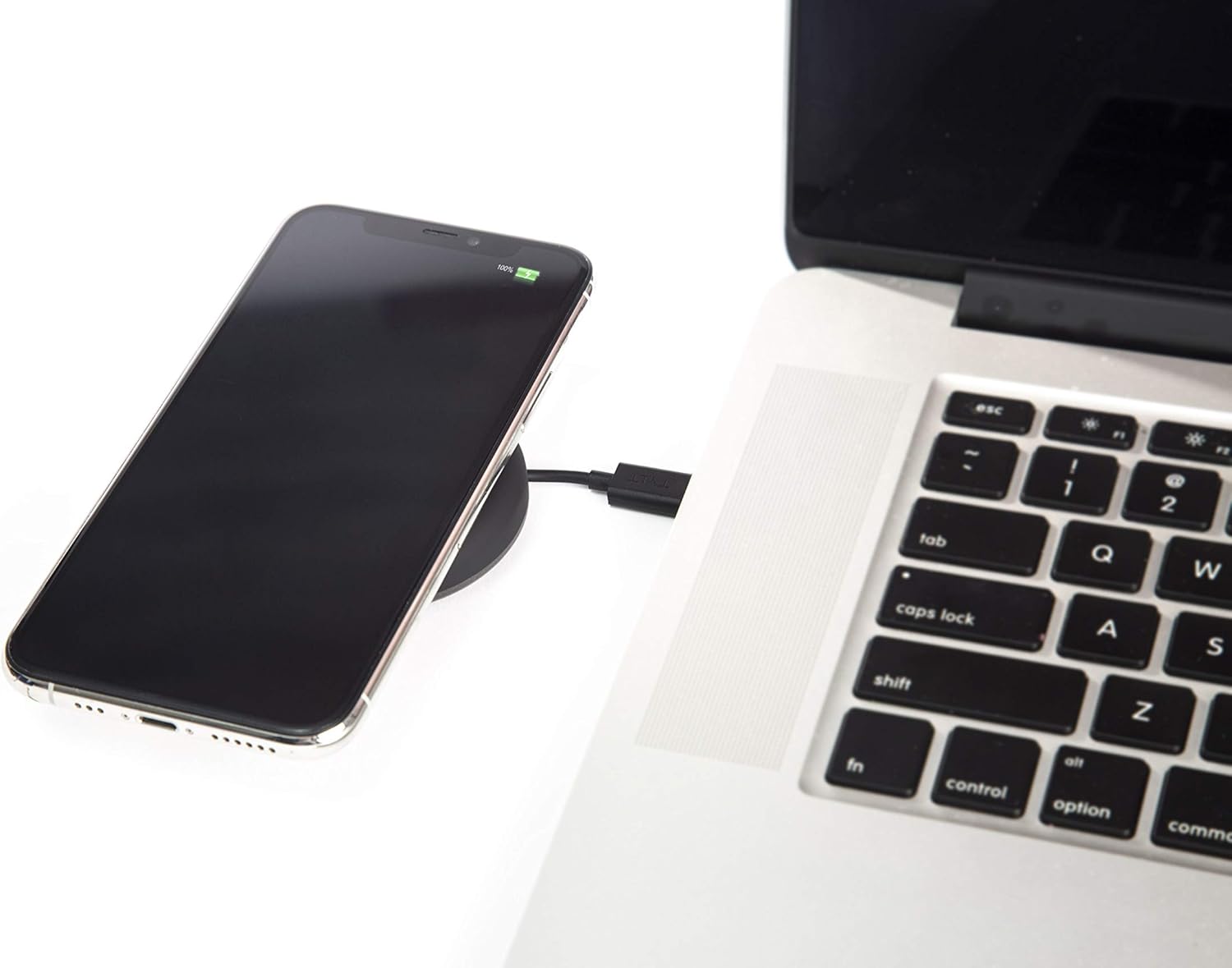
Image: A smartphone wirelessly charging on the TYLT Medallion, which is connected to a laptop via its USB-C cable.
Enstriksyon Operasyon
- Mete aparèy ou an: Position your Qi-enabled smartphone or wireless earbuds directly onto the center of the TYLT Medallion charging pad. The device grip ring helps secure your device.
- Endikasyon chaje: Your device's screen or indicator light will show that it is charging. The TYLT Medallion does not have its own charging indicator light.
- Chaje Optimal: Ensure your device is centered on the pad for efficient charging. Charging can occur through most phone cases.
- Sòti chaje:
- 10W output for compatible Samsung devices.
- 7.5W output for compatible Apple iPhones.
- 5W output for other Qi-enabled devices, including wireless earbuds.
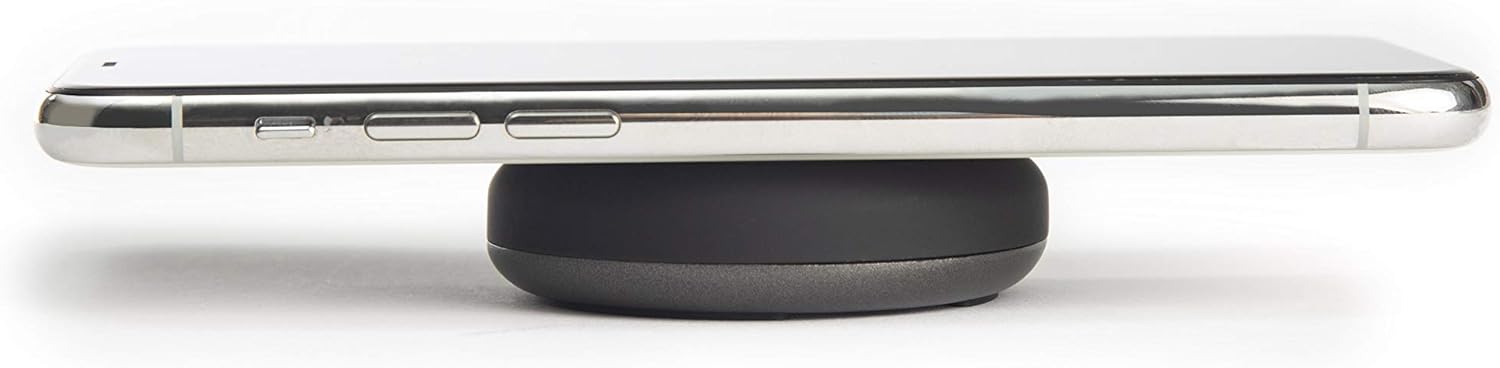
Image: A smartphone placed on the TYLT Medallion charging pad, demonstrating its low profile.
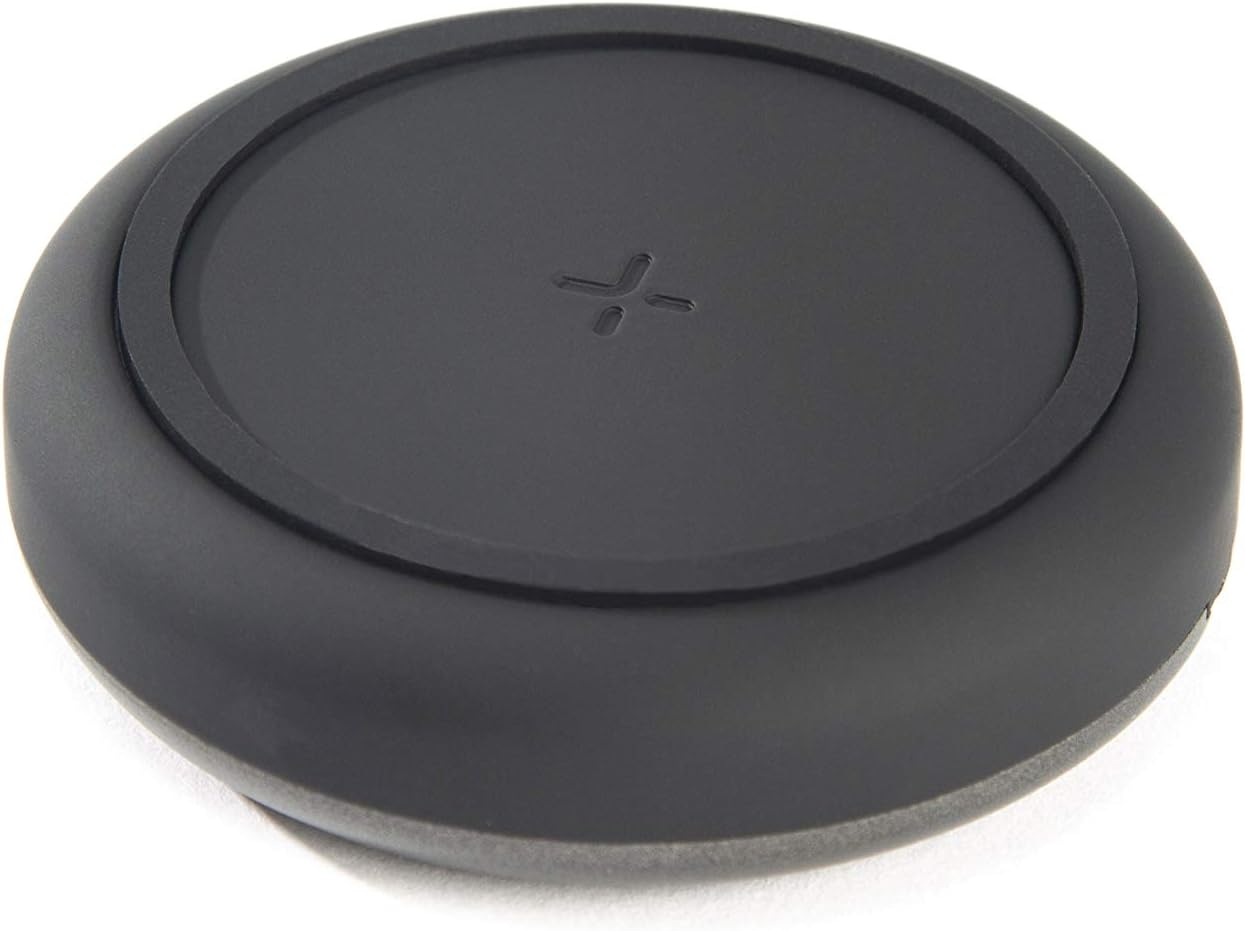
Imaj: Anlè view of the TYLT Medallion charging pad, highlighting its compact and minimalist design.
Antretyen
- Netwayaj: Disconnect the charging pad from its power source before cleaning. Use a soft, dry cloth to wipe the surface. Do not use harsh chemicals or abrasive cleaners.
- Depo: When not in use, store the charging pad in a cool, dry place away from direct sunlight.
Depanaj
| Pwoblèm | Kòz posib | Solisyon |
|---|---|---|
| Aparèy pa chaje. |
|
|
| Chaje dousman. |
|
|
| Charging pad or device gets warm. |
|
|
Espesifikasyon
| Nimewo Modèl | QIMEDBK-T |
| Antre Voltage | 5V / 2A oswa 9V / 1.8A |
| Sòti Wattage | 10W (Max) |
| Sòti Ampepòk | 1A (Max) |
| Kalite Connector | USB Type-C (integrated) |
| Konpatibilite | Qi-enabled devices (Apple iPhone, Samsung Galaxy, Microsoft Lumia, Google Nexus, Nokia Lumia, Pixel, LG, wireless earbuds, etc.) |
| Dimansyon pwodwi | 4 x 1.5 x 5 pous |
| Pwa atik | 2.39 ons |
| Karakteristik espesyal | Fast Charging, Qi Certified, Built-in Temperature Control, Voltage Protection, Non-slip Device Grip Ring |
Enfòmasyon sou Garanti
TYLT products are eligible for a 1-year Global Warranty program apati dat acha a. Garanti sa a kouvri domaj fabrikasyon ak atizan konn fè nan itilizasyon nòmal. Li pa kouvri domaj ki koze pa move itilizasyon, aksidan, modifikasyon san otorizasyon, oswa mete ak chire nòmal.
Tanpri kenbe prèv ou achte pou reklamasyon garanti.
Sipò
For any concerns, technical assistance, or warranty inquiries, please do not hesitate to contact TYLT customer support.
Refer to the official TYLT website for contact details or visit their Amazon store: TYLT Amazon Store
Ask a question about this manual
Ask about setup, troubleshooting, compatibility, parts, safety, or missing instructions. Manuals+ will review the question and use this page’s manual context to help answer it.