
1. Entwodiksyon
Thank you for choosing the ABSINA Battery Charger X4. This device is designed for charging NiMH and NiCd rechargeable batteries of sizes AA, AAA, and 9V. Please read this manual carefully before first use to ensure proper operation and to prevent damage to the charger or batteries.

Image 1.1: The ABSINA Battery Charger X4, a compact black unit with four charging slots and LED indicators, designed for various battery types.
2. Enstriksyon Sekirite Enpòtan
Always follow these basic safety precautions when using the battery charger:
- This charger is designed exclusively for NiMH and NiCd rechargeable batteries. Do not attempt to charge non-rechargeable batteries or other battery types (e.g., Alkaline, Lithium-ion), as this may lead to explosion, rupture, or leakage, causing personal injury or property damage.
- Use the charger only indoors and in dry conditions. Do not expose it to rain, moisture, or extreme temperatures.
- Asire w ke gen bon vantilasyon pandan w ap chaje. Pa kouvri plato a.
- Pa demonte oswa modifye plato a. Konfye tout antretyen bay pèsonèl kalifye.
- Kenbe plato a deyò pou timoun ak bèt kay.
- Debranche chargeur a nan priz kouran an lè w pa ap itilize l oswa anvan w netwaye l.
- If the charger or power cord is damaged, discontinue use immediately.
- Insert batteries with correct polarity (+/-). Incorrect insertion can cause damage.
3. Pake kontni
Pake a ta dwe gen ladan atik sa yo:
- 1 x ABSINA Battery Charger X4 (Model 301001)
- 1 x Manyèl Enstriksyon (dokiman sa a)
Note: Batteries are not included with the charger.
4. Pwodwi Features
The ABSINA Battery Charger X4 offers advanced features for efficient and safe battery charging:
- Konpatibilite plizyè batri: Charges 1-4 Micro AAA, 1-4 Mignon AA, or 1-2 E-block 9V NiMH/NiCd batteries simultaneously.
- Single Bay Monitoring: Each charging slot is monitored independently, allowing for optimal charging of individual batteries.
- Battery Full Detection: Automatically detects when batteries are fully charged and switches to pulse trickle charge to maintain capacity.
- Battery Defect Detection: Identifies defective batteries immediately upon insertion.
- Mòd reparasyon: Features a gentle pre-charge and reduced charging current for deeply discharged batteries.
- Chaje rapid: Microcontroller-monitored charging control allows for charging within approximately 2 hours (varies by battery capacity).
- Multiple Overcharge Protection: Ensures battery safety and longevity.
- Ki ap dirije Status Endikatè: Provides clear visual feedback on the charging status of each battery.
- Otomatik fèmen: The charger automatically switches off or to trickle charge once batteries are fully charged.
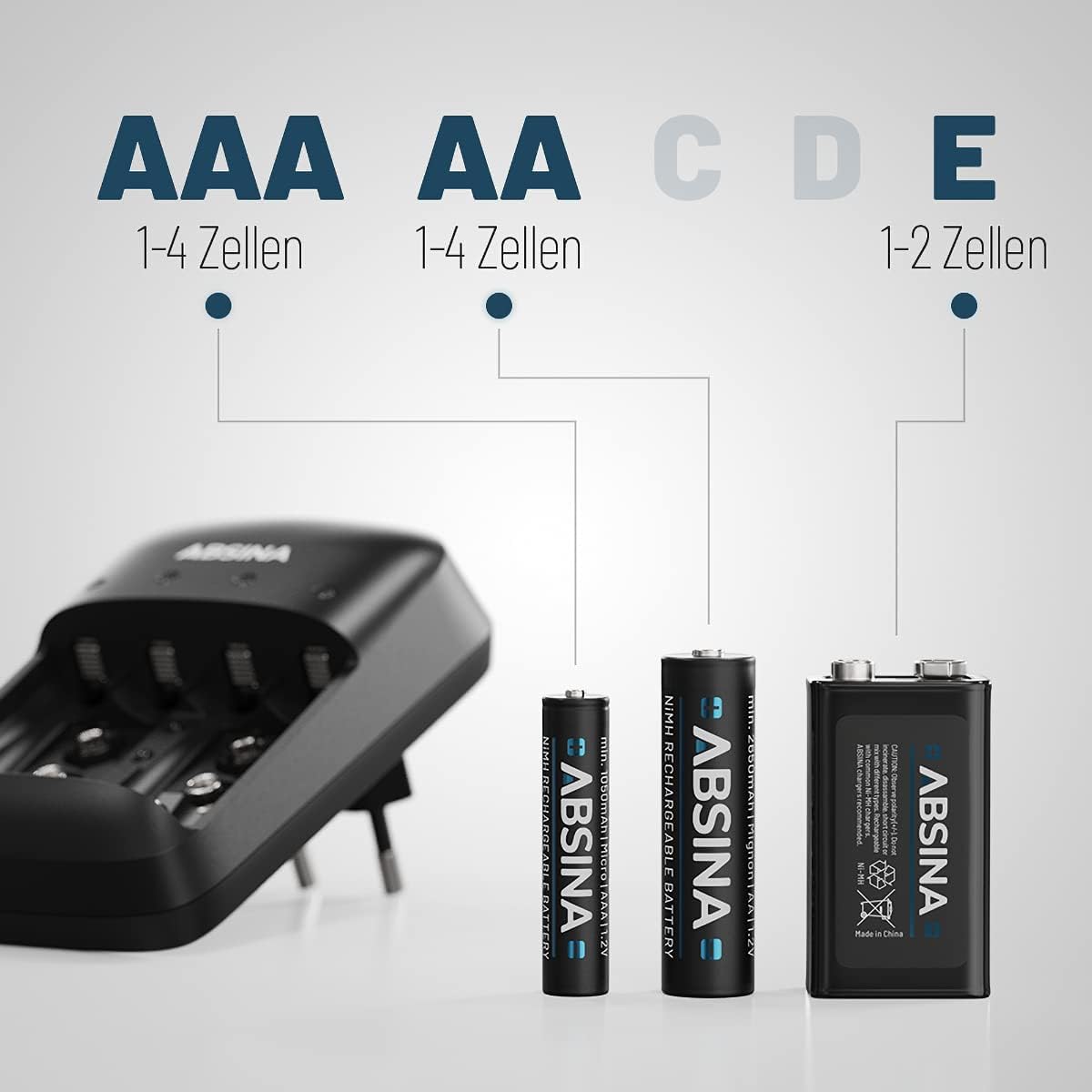
Image 4.1: Illustration showing the charger's compatibility with 1-4 AAA cells, 1-4 AA cells, and 1-2 9V cells.

Image 4.2: Close-up of the charger's LED status indicators, showing green lights for charging/charged batteries and a red light for a defective battery.

Image 4.3: The charger indicating a defective battery with a red LED, demonstrating its fault detection feature.
5. Enstalasyon
- Depale chajè a: Carefully remove the ABSINA Battery Charger X4 from its packaging. Inspect it for any signs of damage.
- Chwazi yon kote: Place the charger on a flat, stable, and non-flammable surface. Ensure the area is well-ventilated and away from direct sunlight, heat sources, or moisture.
- Konekte ak pouvwa: Plug the charger directly into a standard AC power outlet (100-240V AC, 50-60Hz). The charger is designed for worldwide use.
6. Operasyon Enstriksyon
Follow these steps to charge your rechargeable batteries:
- Mete pil: Insert 1 to 4 AA or AAA NiMH/NiCd batteries, or 1 to 2 9V NiMH/NiCd batteries into the corresponding charging slots. Ensure correct polarity (+ and -) as indicated on the charger and batteries.
- Automatic Charging Start: The charger will automatically detect the battery type and begin the charging process. The LED indicator for each slot will illuminate green, indicating active charging. If a red LED appears, the battery is defective (refer to Troubleshooting).
- Chaje Estati:
- LED vèt (solid): Batri ap chaje.
- Green LED (Solid, after charging): Battery is fully charged and the charger has switched to trickle charge.
- LED wouj (solid): Defective battery detected. Remove the battery.
- Tan pou chaje: Charging time varies depending on the battery capacity and discharge level. For typical AA batteries (2500mAh), charging can take approximately 2 hours. Refer to the "Charging Time Table" in the Specifications section for estimates.
- Retire pil: Once the LED indicator for a battery turns solid green (indicating full charge), you can remove the battery. The charger will automatically stop charging that specific slot.

Image 6.1: The charger with batteries inserted, highlighting its straightforward operation without unnecessary buttons.
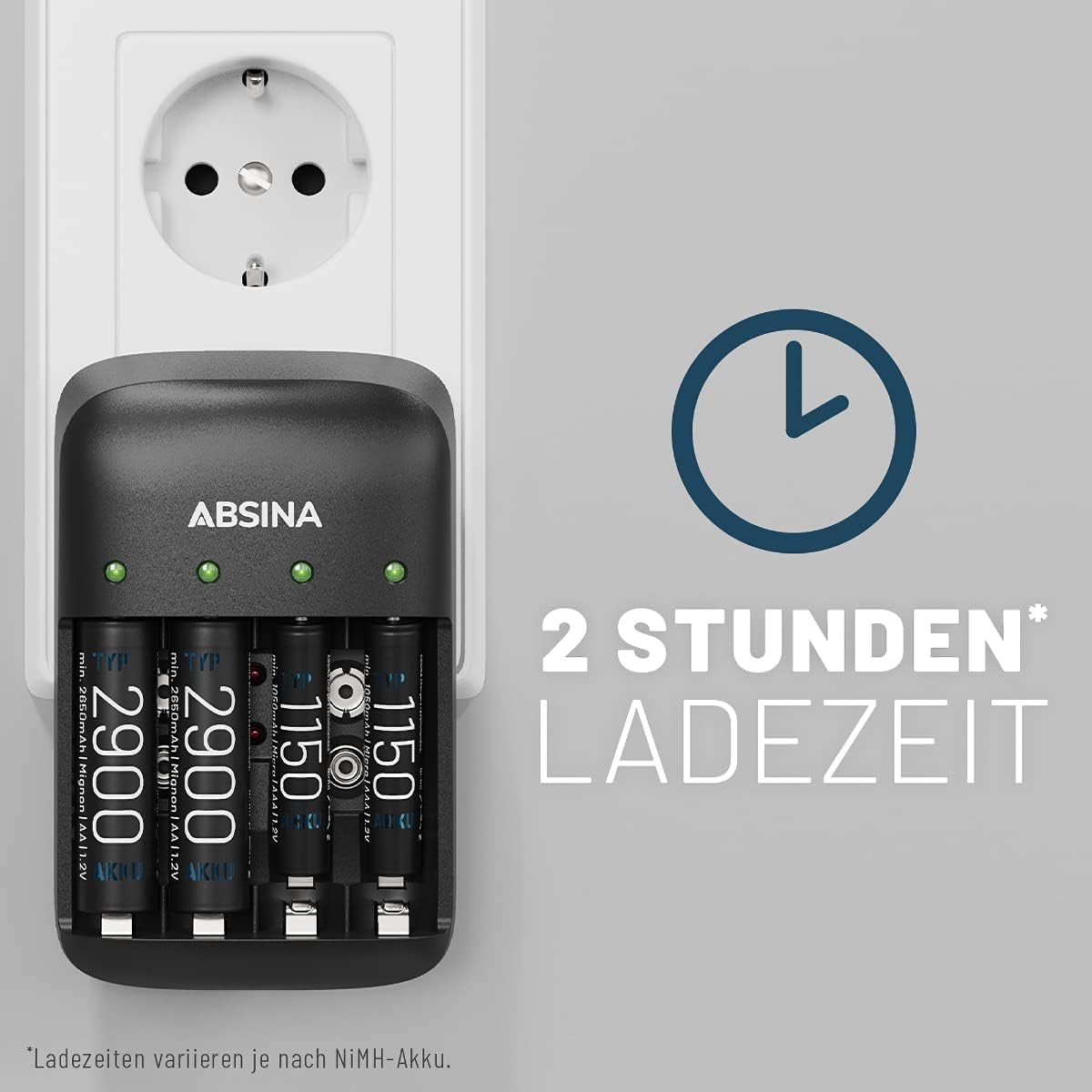
Image 6.2: Visual representation of the approximate 2-hour charging time for certain battery types.

Image 6.3: The charger's auto-off function after charging is complete, conserving energy and preventing overcharge.
7. Antretyen
- Netwayaj: Disconnect the charger from the power outlet before cleaning. Use a soft, dry cloth to wipe the exterior of the charger. Do not use liquid cleaners or solvents.
- Depo: Sere plato a nan yon kote ki fre, sèk lè li pa itilize.
- Evite obstak: Ensure that the charging slots and ventilation openings are free from dust and debris.
NAN. Depanaj
| Pwoblèm | Kòz posib | Solisyon |
|---|---|---|
| Charger not working / No LEDs light up. | Pa gen ekipman pou pouvwa. | Asire w ke plato a byen branche nan yon priz kouran ki aktif. |
| Red LED lights up for a battery. | Defective battery or incorrect battery type. | Remove the battery. This charger is only for NiMH/NiCd rechargeable batteries. If it's a NiMH/NiCd battery, it may be permanently damaged and needs replacement. |
| Batteries do not charge fully or take too long. | Batteries are old, deeply discharged, or have reduced capacity. | The charger has a repair mode for deeply discharged batteries. Allow it to run. If issues persist, the batteries may need replacement. Ensure batteries are NiMH/NiCd. |
| Chargeur a cho pandan l ap fonksyone. | Operasyon nòmal. | It is normal for the charger and batteries to become slightly warm during charging. Ensure adequate ventilation. If it becomes excessively hot, unplug immediately and contact support. |
9. Espesifikasyon
| Modèl: | ABSINA X4 (301001) |
| Kalite batri konpatib: | NiMH, NiCd |
| Compatible Battery Sizes: | AA (Mignon), AAA (Micro), 9V (E-block) |
| Antre Voltage: | 100-240V AC, 50-60Hz, 160mA |
| Output Current (AA/AAA): | 500mA per slot |
| Output Current (9V): | 13mA per slot |
| Charging Time (Approximate): |
|
| Karakteristik espesyal: | Single Bay Monitoring, Battery Full Detection, Pulse Trickle Charge, Battery Defect Detection, Repair Mode, Multiple Overcharge Protection, Automatic Shutdown, LED Status Indicator |
| Dimansyon pwodwi: | 11.5 x 7.5 x 7 cm |
| Pwa atik: | 102 g |
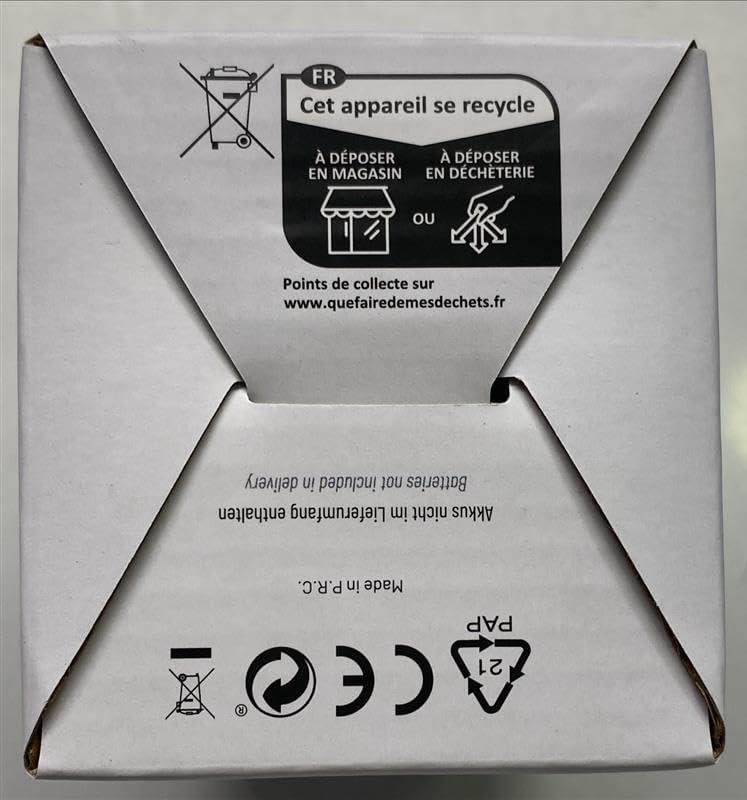
Image 9.1: Packaging detail showing the charging time table for different battery capacities.

Image 9.2: Packaging detail highlighting key features such as worldwide applicability, battery repair mode, multiple overcharge protection, single bay monitoring, and microprocessor-controlled charging.
10. Garanti ak sipò
ABSINA products are manufactured with quality and reliability in mind. For warranty information and technical support, please refer to the official ABSINA websit oswa kontakte revandè ou a.
Ofisyèl Websit: www.absina.de
For further assistance, please contact ABSINA customer service.