
Entwodiksyon
This manual provides essential information for the safe installation, operation, and maintenance of your Link2Home EM-WR1600B Motion Activated Outdoor LED Flood Light. Please read these instructions thoroughly before installation and retain them for future reference.
The Link2Home EM-WR1600B is a hardwired, motion-sensing LED floodlight designed for outdoor use. It provides 1600 lumens of 6500K cool white light, offering security and illumination for areas such as driveways, garages, and backyards. Its motion sensor detects activity up to 30 feet away within a 180-degree range, activating the light for a user-defined duration.
Enfòmasyon sou Sekirite
AVÈTISMAN: Risk pou chòk elektrik. Dekonekte kouran an nan fizib la oswa disjonktè a anvan enstalasyon oswa antretyen.
- Enstalasyon an dwe fèt pa yon elektrisyen kalifye oswa yon moun ki gen eksperyans nan elektrisite.
- Asire rezèv la voltage se 120V AC, 60Hz.
- Do not connect to a dimmer switch. This product is designed for use with a non-dimmable wall light switch.
- Mount the fixture securely to a wall or solid surface.
- Do not attempt to modify the product. Any modifications may void the warranty and create safety hazards.
- Kenbe timoun yo lwen zòn enstalasyon an.
Kontni pake
Verifye ke tout konpozan yo prezan anvan ou kòmanse enstalasyon an:
- Link2Home EM-WR1600B Motion Activated Outdoor LED Flood Light
- Mounting Materyèl
- Kontwòl Remote
Karakteristik pwodwi
- Super Bright Ekleraj: 1600 Lumen output for effective outdoor lighting.
- Deteksyon Mouvman: Detects movement up to 30 feet away with a 180-degree coverage area.
- Anviwònman reglabl: Customize illumination time (3 seconds to 7 minutes), light sensitivity (LUX), and motion detection zone (SENS).
- Rezistan nan move tan: Constructed with durable, waterproof materials for outdoor use in various weather conditions.
- Enstalasyon fasil: Features an easy-mount quick connect system for wall mounting.
- Tèt limyè reglabl: Multi-position head can be adjusted to direct light as needed.

Image: The Link2Home EM-WR1600B flood light highlighting its key features: 180-degree motion sensor with a maximum range of 30 feet, 1600 lumens brightness, water resistance, adjustable run time from 3 seconds to 7 minutes, and a LUX setting of 2.
Enstalasyon ak Enstalasyon
Follow these steps for safe and proper installation of your flood light. Ensure power is disconnected at the circuit breaker before proceeding.
- Prepare sifas montaj la: Choose a suitable wall or solid surface for mounting. Ensure the location allows for optimal motion detection and light coverage.
- Monte aparèy la: Use the provided mounting hardware to securely attach the flood light to the chosen surface. The quick connect system simplifies this process. Refer to the diagram below for typical mounting orientation.
- Fil aparèy la: Connect the flood light's wiring to your home's electrical system. This is a hardwired unit and should be connected to a non-dimmable wall light switch. Follow local electrical codes and safety guidelines. Typically, connect the black wire from the fixture to the black (live) wire from the supply, the white wire from the fixture to the white (neutral) wire from the supply, and the green/bare copper wire from the fixture to the green/bare copper (ground) wire from the supply.
- Koneksyon an sekirite: Asire w tout koneksyon fil yo byen fèm epi byen izole.
- Ajiste limyè tèt: Once mounted, adjust the multi-position light head to direct the illumination to your desired area.
- Retabli pouvwa: After installation is complete and all connections are secure, restore power at the circuit breaker.
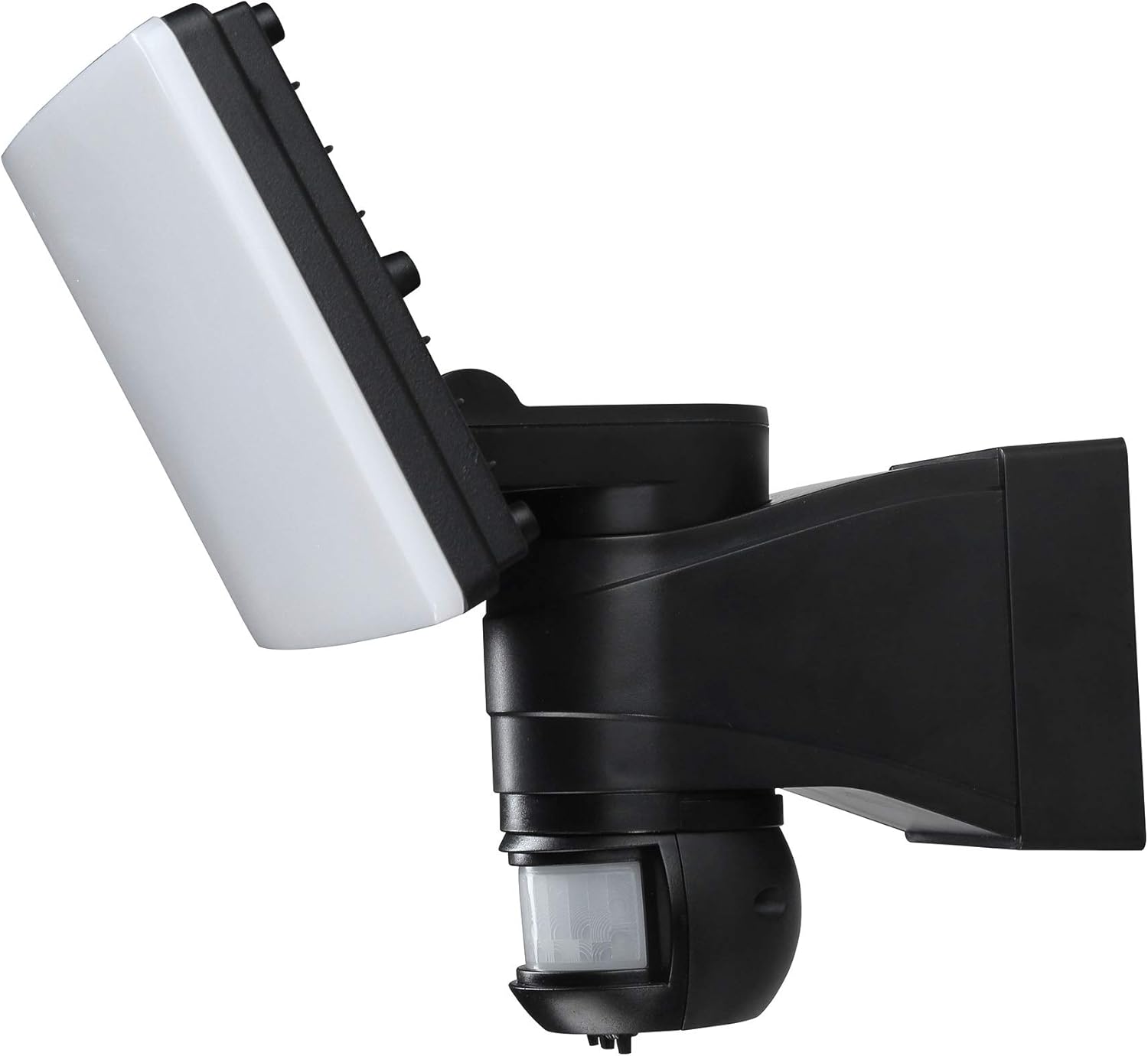
Imaj: Yon bò view of the Link2Home EM-WR1600B flood light, illustrating its adjustable light head and motion sensor for flexible positioning during installation.

Image: The Link2Home EM-WR1600B flood light securely installed on a brick wall during daylight hours, demonstrating its compact and integrated design.
Enstriksyon Operasyon
The Link2Home EM-WR1600B features adjustable settings for optimal performance. These settings are typically located on the motion sensor unit.
- Anviwònman TAN: This dial controls how long the light remains on after motion is detected and stops. You can adjust the illumination time from approximately 3 seconds to 7 minutes. Turn the dial clockwise to increase the duration and counter-clockwise to decrease it.
- SENS Setting: This dial adjusts the sensitivity of the motion sensor, controlling the detection range. Maximize the setting for a wider detection zone (up to 30 feet) or minimize it for a smaller area.
- Anviwònman LUX: This dial determines the ambient light level at which the motion sensor will activate the light. Set it to a lower LUX value (e.g., 2 Lux) for the light to only turn on in darker conditions, or to a higher value for activation in brighter conditions.
Experiment with these settings to find the ideal configuration for your specific outdoor environment.

Image: The Link2Home EM-WR1600B flood light actively illuminating a pathway and surrounding outdoor area at night, demonstrating its effective light output and coverage.
Antretyen
Antretyen regilye asire pèfòmans optimal ak lonjevite limyè inondasyon ou an.
- Netwayaj: Netwaye aparèy limyè a ak lantiy detektè mouvman an detanzantan avèk yon twal mou.amp cloth. Do not use abrasive cleaners or solvents, as these can damage the finish or sensor.
- Enspeksyon: Annually inspect the wiring and mounting hardware for any signs of wear, damage, or loosening. Tighten any loose screws and replace damaged components if necessary.
- Rezistans move tan: The fixture is designed to be weather resistant. Ensure all seals and covers are intact to maintain its waterproof integrity.
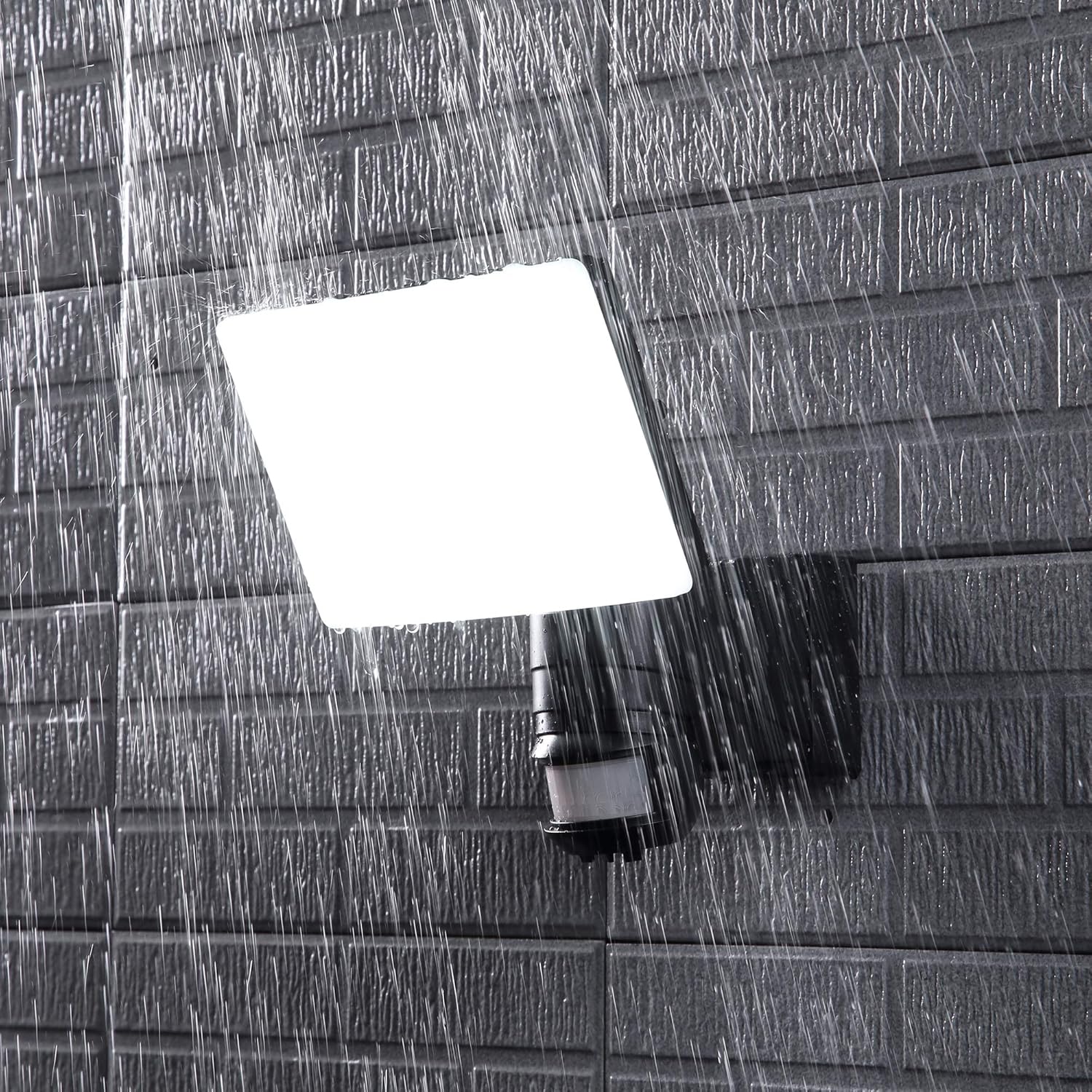
Image: The Link2Home EM-WR1600B flood light enduring rainfall, illustrating its weather-resistant construction suitable for outdoor environments.
Depanaj
If your flood light is not functioning as expected, refer to the following common issues and solutions:
- Limyè pa limen:
- Tcheke si ekipman pou kouran an konekte epi si disjonktè a limen.
- Verify the LUX setting. If it's set too high, the light may not activate in dim conditions.
- Ensure the motion sensor is not obstructed.
- Test the light during different times of day to rule out ambient light interference.
- Limyè a rete limen san rete:
- Check the TIME setting. If set to maximum, it will stay on longer.
- Ensure there is no continuous motion within the sensor's detection range (e.g., moving branches, traffic).
- Verify the SENS setting. Reduce sensitivity if the light is being triggered by distant or minor movements.
- Motion sensor range is too short or too long:
- Adjust the SENS dial to increase or decrease the detection range.
- Ensure the sensor is not obstructed and is positioned correctly for the desired coverage area.
If issues persist after troubleshooting, contact customer support.
Espesifikasyon
| Karakteristik | Spesifikasyon |
|---|---|
| Nimewo Modèl | EM-WR1600B |
| Mak | Link2Home |
| Sous limyè | Entegre dirije |
| Klète | 1600 Lumen |
| Tanperati Koulè | 6500 Kelvin (blan fre) |
| Sous pouvwa | AC Hardwired |
| Voltage | 120 Volts |
| Wattage | 100 wat |
| Mouvman Sensor Range | Jiska 30 pye |
| Ang Capteur Mouvman | 180 degre |
| Adjustable Run Time | 3 segonn a 7 minit |
| Itilizasyon Andedan kay la / Deyò | Deyò |
| Materyèl | Plastik |
| Nivo rezistans dlo | Ki enpèmeyab |
| Pwa atik | 2.3 liv |
Garanti ak sipò
This Link2Home product is covered by a 12-mwa garanti soti nan dat acha a. Garanti sa a kouvri domaj nan materyèl ak atizan konn fè nan itilizasyon nòmal.
For warranty claims, technical support, or any questions regarding your product, please contact Link2Home customer service. Keep your purchase receipt as proof of purchase.
Enfòmasyon pou kontakte:
Please refer to the Link2Home official website or your purchase documentation for the most current customer support contact details.