
1. Entwodiksyon
This manual provides essential information for the safe and efficient operation of your Sharp 32Bi3EA Smart Android TV. Please read these instructions thoroughly before using the television and retain them for future reference. This television features Android TV 9.0, Google Assistant with voice control, integrated Chromecast, Bluetooth connectivity, Harman/Kardon speakers, HDR10 support, and DTS Virtual X audio technology.
2. Enfòmasyon sou Sekirite
Toujou obsève prekosyon sekirite sa yo pou anpeche chòk elektrik, dife oswa domaj nan televizyon an:
- Pa ekspoze televizyon an anba lapli oswa imidite.
- pa louvri kabinè a; refere sèvis bay pèsonèl kalifye.
- Asire w ke gen bon vantilasyon toutotou televizyon an.
- Evite mete televizyon an toupre sous chalè oswa anba limyè solèy dirèk.
- Sèvi sèlman ak kòd kouran ki vini ak televizyon an.
- Kenbe pil yo pa rive jwenn timoun yo.
3. Ki sa ki nan bwat la
Verify that all the following items are included with your Sharp 32Bi3EA Smart Android TV:
- Sharp 32Bi3EA Smart Android TV Unit
- Pedestal Stand (2 pieces)
- Kontwòl Remote
- pil AAA (2x)
- Manyèl Enstriksyon (dokiman sa a)
- Kòd pouvwa
4. Enstalasyon
4.1. Enstalasyon Fizik
Your television can be installed using the included pedestal stand or mounted on a wall (wall mount not included).
Attaching the Pedestal Stand
Carefully place the TV screen-down on a soft, flat surface. Align the pedestal stands with the screw holes on the bottom of the TV and secure them using the provided screws. Ensure the stands are firmly attached before placing the TV upright.

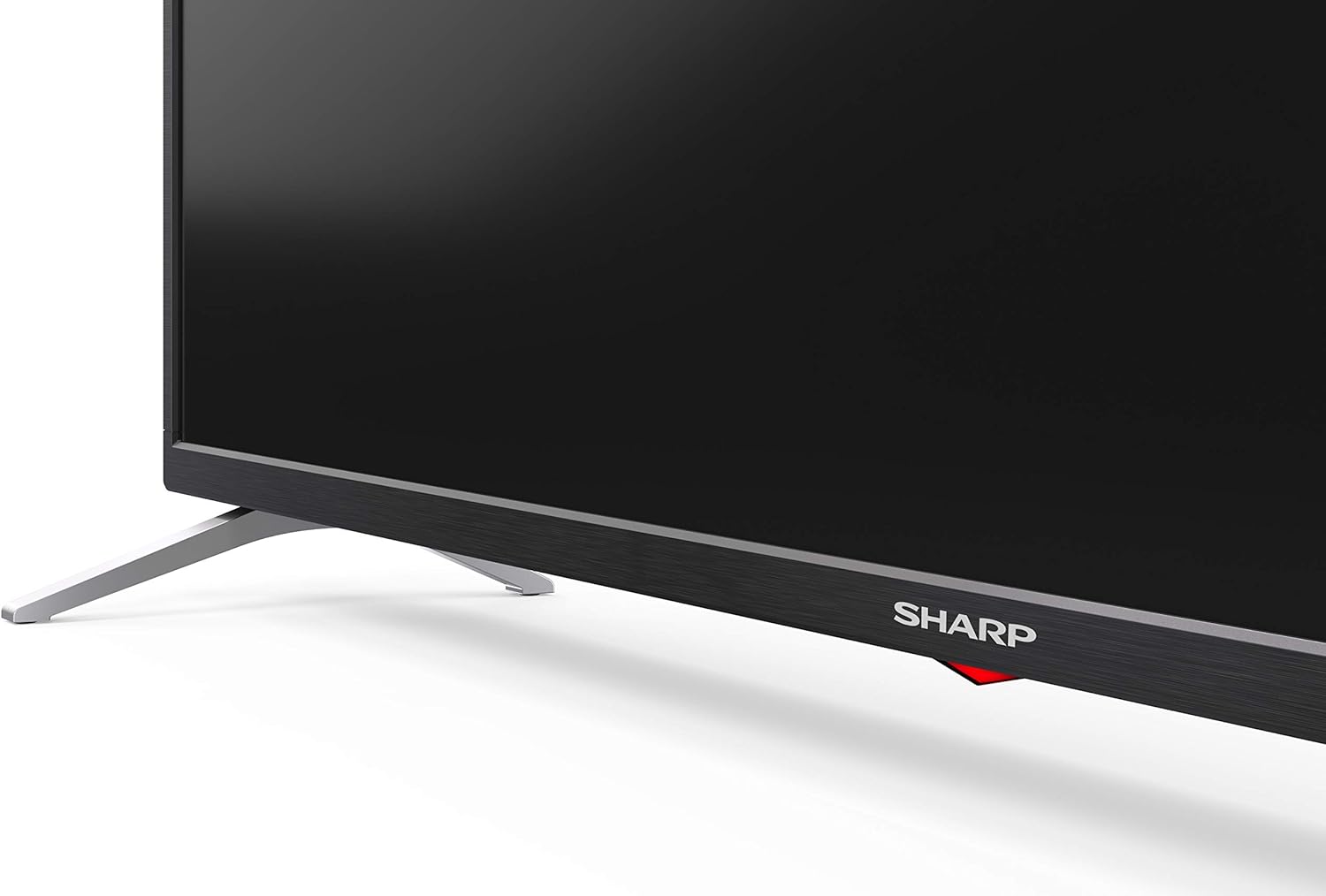
Imaj: Bò kote view of the Sharp 32Bi3EA TV, illustrating the slim profile and the attached pedestal stand.
Mi aliye
If you choose to wall mount the television, use a VESA compatible bracket with dimensions of 200x100 mm. Consult a professional for wall mounting to ensure proper installation and safety.
4.2. Konekte Aparèy
Connect your external devices to the appropriate ports on the back or side of the television.
Imaj: Dèyè view of the Sharp 32Bi3EA TV, highlighting the Ethernet, Optical, HDMI, USB, and AV input ports.
- Pò HDMI (3x): Konekte lektè Blu-ray, konsola jwèt, oswa dekodeur.
- Pò USB (2x): Konekte aparèy depo USB yo pou lekti medya oswa mizajou lojisyèl.
- Ethernet Port: Pou yon koneksyon entènèt filaire.
- Sòti odyo dijital optik: Pou konekte ak yon sistèm odyo ekstèn.
- Antre AV: Pou aparèy ki pi ansyen k ap itilize videyo konpoze ak odyo stereo.
4.3. Premye Limen ak Konfigirasyon Android TV a
After connecting the power cord and turning on the TV, follow the on-screen instructions to complete the initial setup. This includes selecting your language, connecting to a Wi-Fi network, and logging into your Google account to activate Android TV features like Google Assistant and Chromecast.
5. Itilizasyon televizyon an
5.1. Kontwòl Remote
The included remote control allows you to navigate the Android TV interface, adjust settings, and use Google Assistant voice commands. Insert the two AAA batteries into the remote control, ensuring correct polarity.
- Bouton pouvwa: Limen oswa etenn televizyon an.
- Bouton Asistan Google la: Activates voice control. Press and hold to speak commands.
- Bouton Navigasyon: Sèvi ak pavé direksyon an ak bouton OK a pou deplase nan meni yo.
- Bouton Kay: Retounen nan ekran prensipal Android TV a.
- Volim +/-: Ajiste nivo volim.
- Chèn +/-: Chanje chanèl televizyon yo.
- Bouton rakoursi aplikasyon yo: Direct access to popular streaming services (e.g., Netflix, Amazon Prime Video).
5.2. Karakteristik Smart TV (Android TV)
Your Sharp 32Bi3EA TV runs on Android TV 9.0, providing access to a wide range of applications and services.
- Google Asistan: Use your voice to search for content, control smart home devices, get answers, and manage tasks.
- Chromecast entegre: Voye kontni ki soti nan telefòn entelijan, tablèt, oswa òdinatè konpatib ou dirèkteman sou ekran televizyon an.
- Google Play Store: Download and install additional apps, games, and streaming services.
- Sèvis Entènèt Sipòte: Access popular platforms such as Netflix, Amazon Prime Video, HBO, Disney+, Movistar+, DAZN, Atresmedia, KODI, IPTV, Steamlink, Twitch, VLC, YouTube, Puffin TV Browser, Spotify, Deezer, and TuneIn Radio.
5.3. Audio and Video Settings
The television supports advanced audio and video technologies for an enhanced vieweksperyans nan.
- HDR10: Ofri yon pi gwo varyete koulè ak kontras pou kontni konpatib.
- Harman/Kardon Speakers: Integrated audio system designed to deliver clear and powerful sound (2x10W).
- DTS Virtual X / DTS HD: Enhances audio with virtual surround sound capabilities.
- Active Motion 400: Amelyore klète mouvman pou sèn rapid yo.
5.4. Koneksyon
Televizyon an ofri plizyè opsyon koneksyon:
- Wi-Fi: Connects to your home wireless network for internet access.
- Bluetooth: Pair with compatible devices such as headphones, soundbars, or game controllers.
6. Antretyen
6.1. Netwayaj
To clean the TV screen, gently wipe it with a soft, lint-free cloth. For stubborn marks, slightly dampen the cloth with water or a specialized screen cleaner. Do not use abrasive cleaners or solvents. For the TV cabinet, use a soft, dry cloth.
6.2. Mizajou lojisyèl
Your Android TV may receive software updates periodically to improve performance and add new features. Ensure your TV is connected to the internet to receive these updates. You can check for updates manually through the TV's settings menu.
NAN. Depanaj
If you encounter issues with your television, refer to the following common solutions:
| Pwoblèm | Solisyon posib |
|---|---|
| Pa gen pouvwa | Tcheke si kòd kouran an byen branche nan televizyon an ak nan priz miray la. Eseye yon lòt priz. |
| Pa gen foto/son | Asire w ou chwazi bon sous done a. Tcheke koneksyon kab yo ak aparèy ekstèn yo. |
| Remote kontwòl pa travay | Ranplase pil yo. Asire w pa gen okenn obstak ant telekòmand lan ak detèktè IR televizyon an. |
| Pwoblèm koneksyon Wi-Fi | Rekòmanse routeur ou a ak televizyon an. Tcheke modpas Wi-Fi a. Asire w ke televizyon an nan zòn routeur la. |
| Android TV apps freezing | Restart the TV. Clear the cache of the problematic app in the TV settings. Uninstall and reinstall the app. |
If the problem persists after trying these solutions, please contact Sharp customer support.
8. Espesifikasyon
| Karakteristik | Detay |
|---|---|
| Nimewo Modèl | 32Bi3E |
| Gwosè ekran | 32 pous (81 cm) |
| Teknoloji ekspozisyon | dirije |
| Rezolisyon | 720p (1366 x 768 piksèl) |
| Rafrechisman pousantaj | 60 Hz |
| Sistèm operasyon | Android TV 9.0 |
| Karakteristik espesyal | Google Assistant, Chromecast Built-in, HDR10, DTS Virtual X, Active Motion 400 |
| Sistèm Audio | Harman/Kardon (2x10W) |
| Koneksyon | Bluetooth, Ethernet, HDMI (3x), USB (2x), Wireless (Wi-Fi) |
| VESA mòn | 200x100 mm |
| Dimansyon (ak kanpe) | 803.0 x 542.0 x 149.0 mm (L x H x P) |
| Dimansyon (san kanpe) | 730.0 x 436.1 x 83.5 mm (L x H x P) |
| Pwa | 4.6 kg |
| Power Consumption (1000h) | 31 kWh (Energy Class F) |

Image: Energy efficiency label for the Sharp 1T-C32BIx series, indicating an F energy class and 31 kWh per 1000 hours of operation. For more details, refer to the official EU EPREL database via the QR code or link: EPREL baz done.

Image: Detailed Product Information Sheet, providing comprehensive technical specifications and regulatory information for the Sharp 32Bi3EA TV in various languages.
9. Garanti ak sipò
9.1. Enfòmasyon sou Garanti
Your Sharp 32Bi3EA Smart Android TV comes with a standard manufacturer's warranty. Please refer to the warranty card included with your product or visit the official Sharp websit la pou wè kondisyon detaye espesifik pou rejyon ou an.
9.2. Sipò pou Kliyan
For technical assistance, troubleshooting beyond this manual, or warranty claims, please contact Sharp customer support. Contact information can typically be found on the official Sharp website or in the documentation provided with your television.
Online resources and FAQs may also be available on the Sharp support portal.