
Entwodiksyon
This manual provides detailed instructions for the proper use and maintenance of your LG AKB74955603 Air Conditioner Remote Control. Please read this manual thoroughly before operating the device to ensure optimal performance and longevity.
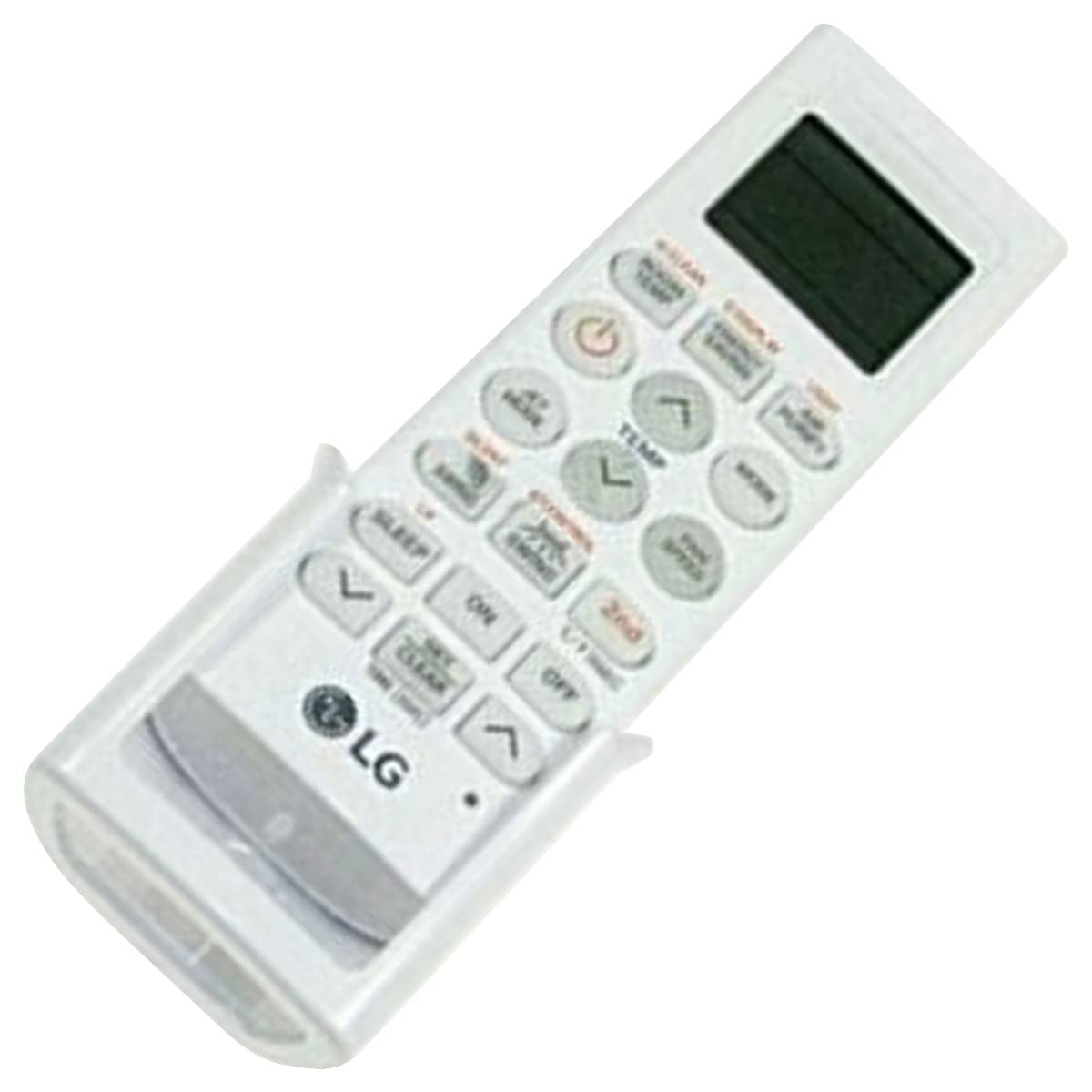
Image: The LG AKB74955603 Air Conditioner Remote Control, a white rectangular device with various control buttons.
Enstalasyon
1. Enstalasyon batri
The remote control requires two (2) AAA batteries for operation. Ensure correct polarity when inserting the batteries.
- Louvri kouvèti konpatiman pil la ki sitiye sou dèyè kontwòl remote la.
- Mete de nouvo pil AAA, epi mete tèminal (+) ak (-) yo ansanm jan yo endike anndan konpatiman an.
- Fèmen kouvèti lòj batri a byen.
Nòt: Pa melanje pil fin vye ak pil nèf, oubyen diferan kalite pil. Retire pil yo si ou p ap itilize kontwòl remote la pou yon bon bout tan.
Enstriksyon Operasyon
Point the remote control directly at the air conditioner's receiver. Ensure there are no obstructions between the remote and the unit.
Fonksyon kle
- POUVOIR (⏻): Limen oswa etenn èkondisyone a.
- MOD: Cycles through operating modes: Auto, Cool, Dry, Fan, Heat.
- TANPERATI ▲/▼: Ajiste tanperati ki nesesè a.
- VITÈS VANTILATÈ: Selects the fan speed (Auto, Low, Medium, High).
- SWING: Activates or deactivates the louver swing function.
- TIMER: Sets the ON/OFF timer for the air conditioner.
- DÒM: Aktive mòd dòmi an pou yon operasyon konfòtab lannwit.
- LIMYÈ: Controls the display light on the air conditioner unit (if available).
- FUNCTION/SPECIAL: Accesses additional functions or settings.
Operasyon debaz
- Peze a POUVWA bouton pou limen èkondisyone a.
- Peze a MÒD button repeatedly to select your desired operating mode (e.g., Cool).
- Sèvi ak la TANPERATI ▲/▼ bouton yo mete tanperati a vle.
- Ajiste vitès vantilatè a lè l sèvi avèk la VITÈS VANTILATÈ button if needed.
- Pou fèmen inite a, peze la POUVWA bouton ankò.
Antretyen
Ranplasman batri
Replace batteries when the remote control's range decreases or if the display becomes dim. Follow the battery installation steps outlined in the Setup section.
Netwayaj
Wipe the remote control with a soft, dry cloth. Do not use liquid cleaners, abrasive materials, or chemical solvents, as these may damage the surface or internal components.
Depo
Store the remote control in a cool, dry place away from direct sunlight and extreme temperatures. If storing for an extended period, remove the batteries to prevent leakage.
Depanaj
- Kontwòl remote la pa reponn:
- Tcheke si pil yo byen mete epi yo pa fin itilize. Ranplase yo si sa nesesè.
- Asire w ke gen yon liy vizyon klè ant kontwòl remote la ak reseptè èkondisyone a.
- Verifye ke kontwòl remote la ap pwente dirèkteman nan direksyon èkondisyone a.
- Ranje operasyon limite:
- Ranplase pil yo ak nouvo.
- Ensure no strong light sources (e.g., direct sunlight, fluorescent lights) are interfering with the infrared signal.
Espesifikasyon
| Karakteristik | Detay |
|---|---|
| Non modèl | AKB74955603 |
| Mak | LG |
| Aparèy konpatib | È kondisyone |
| Koneksyon Teknoloji | Enfrawouj (IR) |
| Kantite bouton | 10 |
| Maksimòm Range | 10 mèt |
| Kalite batri | 2 x AAA (pa enkli) |
| Karakteristik espesyal | Fasil pou itilize |
Garanti ak sipò
For warranty information and customer support, please refer to the documentation provided with your air conditioner unit or visit the official LG websit la. Kenbe resi acha ou kòm prèv acha pou nenpòt reklamasyon garanti.
For further assistance, you may contact LG customer service through their official channels.