
Entwodiksyon
This manual provides essential instructions for the safe and efficient operation, maintenance, and troubleshooting of your Cafe CTS90DP4NW2 30-inch Professional Smart Built-In Convection Single Wall Oven. Please read all instructions carefully before using the appliance.

Imaj: Devan view of the Cafe CTS90DP4NW2 30-inch Professional Smart Built-In Convection Single Wall Oven in Matte White, installed in a kitchen cabinet.
Enfòmasyon sou Sekirite
Always follow basic safety precautions when using this appliance to reduce the risk of fire, electric shock, or injury to persons. Keep flammable materials away from the oven. Do not use water on grease fires. Never use the oven for storage. Refer to the full safety guidelines in the separate installation guide provided with your appliance.
Enstalasyon
1. Enstalasyon
This oven must be properly installed and grounded by a qualified technician in accordance with the provided installation instructions. Ensure all packaging materials are removed from the oven cavity before initial use.
2. Initial Power-On and Wi-Fi Connection
Upon initial power-on, the oven's 7-inch full-color touch LCD screen will guide you through the setup process. To enable smart features and receive software updates, connect the oven to your home Wi-Fi network. Follow the on-screen prompts to complete the connection.

Image: Close-up of the oven's 7-inch full-color touch LCD screen showing various cooking options like Bake, Broil, Convection, Precision Cooking, and Air Fry.
Enstriksyon Operasyon
1. Basic Oven Functions
- Kwit: Select "Bake" on the touch screen, set the desired temperature and time, then press "Start".
- Griye: Select "Broil", choose the broil level (e.g., High, Low), and set the time.
- Konveksyon: Select "Convection" for even heat distribution. The oven may automatically adjust the temperature for convection cooking.
- Precision Kuizin: Utilize pre-programmed settings for various dishes, accessible via the touch screen.
- Air fri: This feature allows for air frying with specific settings for crispy results.
2. Rack Adjustment
The oven features multiple rack positions to accommodate different cooking needs. Racks are removable and can be repositioned by sliding them out and inserting them into the desired slots. Ensure racks are securely placed before cooking.
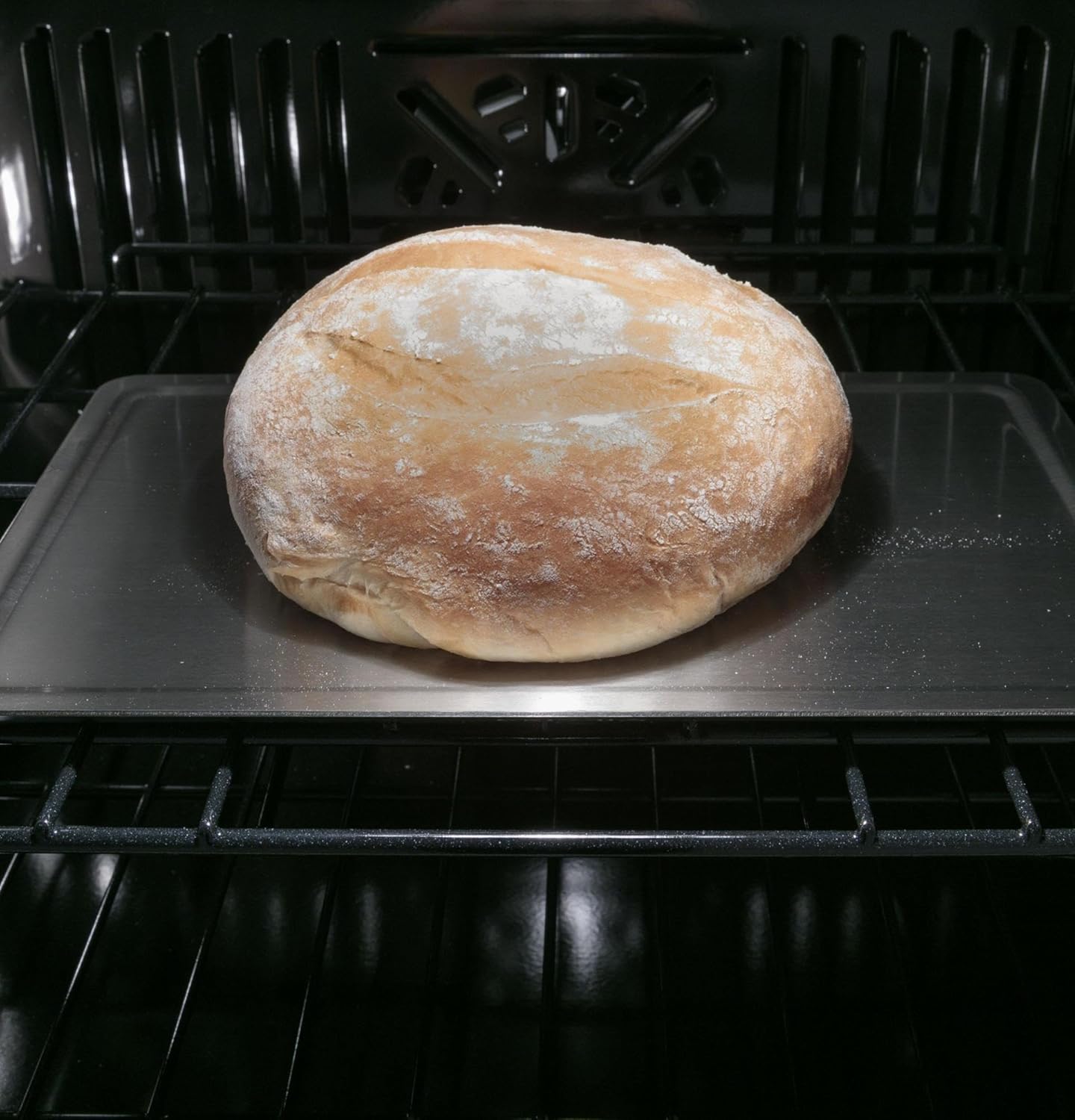
Imaj: Enteryè view of the oven showing a loaf of bread baking on an adjustable rack, demonstrating the oven's capacity.
Antretyen
1. Self-Clean Feature
The oven is equipped with a self-clean function. To activate, ensure the oven is empty and the door is securely latched. Select the "Self-Clean" option from the touch screen and follow the prompts to choose the cleaning cycle duration. The oven will reach high temperatures to incinerate food residues, which can then be wiped away as ash once the oven has cooled.
2. Netwayaj jeneral
For light cleaning, wipe the interior and exterior surfaces with a soft cloth and mild detergent. Avoid abrasive cleaners or scouring pads that could damage the finish. Clean the oven door glass with a non-abrasive glass cleaner.
Depanaj
If your oven is not operating correctly, review the following common issues before contacting service.
- Fou a pa chofe: Check if the oven is properly plugged in and the circuit breaker has not tripped. Ensure a cooking mode and temperature have been selected.
- Kwit manje inegal: Verify that racks are positioned correctly and food is placed centrally. Avoid overcrowding the oven.
- Pwoblèm koneksyon Wi-Fi: Ensure your home Wi-Fi network is active and the oven is within range. Restart your router and the oven if necessary.
- Kòd Erè: If an error code appears on the display, consult the full troubleshooting section in the comprehensive user manual or contact customer support with the specific code.
Espesifikasyon
| Karakteristik | Detay |
|---|---|
| Kapasite total | 5.0 ku. ft. |
| Eleman Broil | Wi |
| Konveksyon | Wi |
| Saba Mode | Wi |
| Oto-pwòp | Wi |
| Pwofondè | 23-3/4 pous |
| Wotè | 28-5/8 pous |
| Lajè | 29-3/4 pous |
| Pwofondè Dekoupe | 23-1/2 pous |
| Koupe Wotè | 27-5/16 pous |
| Lajè dekoupe | 28-5/8 pous |
| Ekspozisyon | 7-inch Full Color Touch LCD Screen |
| Konfòmite | ADA konfòme |
Garanti ak sipò
1. Garanti manifakti a
This Cafe oven is covered under a 1-year manufacturer's parts and labor warranty. Please retain your proof of purchase for warranty claims. For full terms and conditions, refer to the warranty documentation included with your appliance.
2. Sipò pou Kliyan
For technical assistance, service scheduling, or to order replacement parts, please contact Cafe customer support. Contact information can be found on the manufacturer's websit la oubyen nan dokimantasyon aparèy ou an.