
Entwodiksyon
This manual provides comprehensive instructions for the safe and efficient use of your TUINYO TP19 Bluetooth Wireless Over-Ear Headphones. Please read this manual thoroughly before operating the device and retain it for future reference.

Image: TUINYO TP19 Bluetooth Wireless Over-Ear Headphones, showcasing the sleek design in black and blue.
Enfòmasyon sou Sekirite
- Evite ekspoze pwolonje nan nivo volim ki wo pou anpeche domaj tande.
- Pa sèvi ak kas ekoutè pandan w ap kondui, pandan w ap monte bisiklèt, oubyen nan sitiyasyon kote li ka danjere pou w pa tande bri anbyen yo.
- Kenbe aparèy la lwen dlo, imidite, ak tanperati ekstrèm.
- Pa eseye demonte oswa modifye kas ekoutè yo. Sa ka anile garanti a epi lakòz domaj.
- Clean the headphones with a soft, dry cloth. Avoid using harsh chemicals.
Kontni pake
- TUINYO TP19 Bluetooth Wireless Over-Ear Headphones
- Mikwo USB Chaje Kab
- 3.5mm Audio Kab
- Ka Pwoteksyon
- Manyèl Itilizatè (dokiman sa a)

Image: All items included in the TUINYO TP19 headphone package: the headphones, a protective case, a micro USB charging cable, and a 3.5mm audio cable.
Pwodwi souview
The TUINYO TP19 headphones feature a comfortable over-ear design with soft memory-protein earmuffs and an adjustable stainless steel headband for a perfect fit. Controls are intuitively placed on the earcup.

Imaj: Detaye view of the headphone's ergonomic features: leather-padded headband, adjustable headband mechanism, soft memory-protein earmuffs, and the equalizer (EQ) button.
Karakteristik kle:
- High Fidelity Stereo Sound: Powered by 40mm neodymium drivers for immersive audio.
- Konfòtab konsepsyon: Memory-protein ear cushions and adjustable headband for extended wear.
- Mòd doub: Supports both wireless Bluetooth and wired 3.5mm audio connections.
- Long lavi batri: Jiska 40 èdtan jwe sou yon sèl chaj.
- Mikwofòn entegre: Pou apèl men lib ak kòmandman vokal.
- Konsepsyon pliable: Pou fasil pou pote ak estoke.
Enstalasyon
1. Chaje kas ekoutè yo
- Connect the micro USB charging cable to the charging port on the headphones.
- Konekte lòt bout kab la nan yon adaptè kouran USB (pa enkli) oubyen nan yon pò USB òdinatè.
- The LED indicator will show charging status (typically red while charging, off or blue when fully charged).
- A full charge takes approximately 2-2.5 hours and provides up to 40 hours of music playtime.

Image: Graphic illustrating the impressive battery duration, highlighting up to 35 hours of battery life and a quick charge feature where 15 minutes of charging provides 3 hours of playtime.
2. Power On/Off
- Pouvwa sou: Press and hold the Power button (usually the multi-function button) for a few seconds until the LED indicator lights up and you hear a power-on prompt.
- Pouvwa Off: Press and hold the Power button again for a few seconds until the LED indicator turns off and you hear a power-off prompt.
3. Pè Bluetooth
- Asire w ke kas ekoutè yo etenn.
- Peze epi kenbe bouton Pouvwa a pou apeprè 5-7 segonn jiskaske endikatè LED la flache wouj ak ble altènativman, sa ki endike mòd koneksyon.
- Sou aparèy ou an (telefòn entelijan, tablèt, òdinatè), aktive Bluetooth epi chèche aparèy ki disponib yo.
- Select "TP 19" from the list of devices.
- Once paired, the LED indicator will flash blue slowly, and you will hear a connection confirmation.
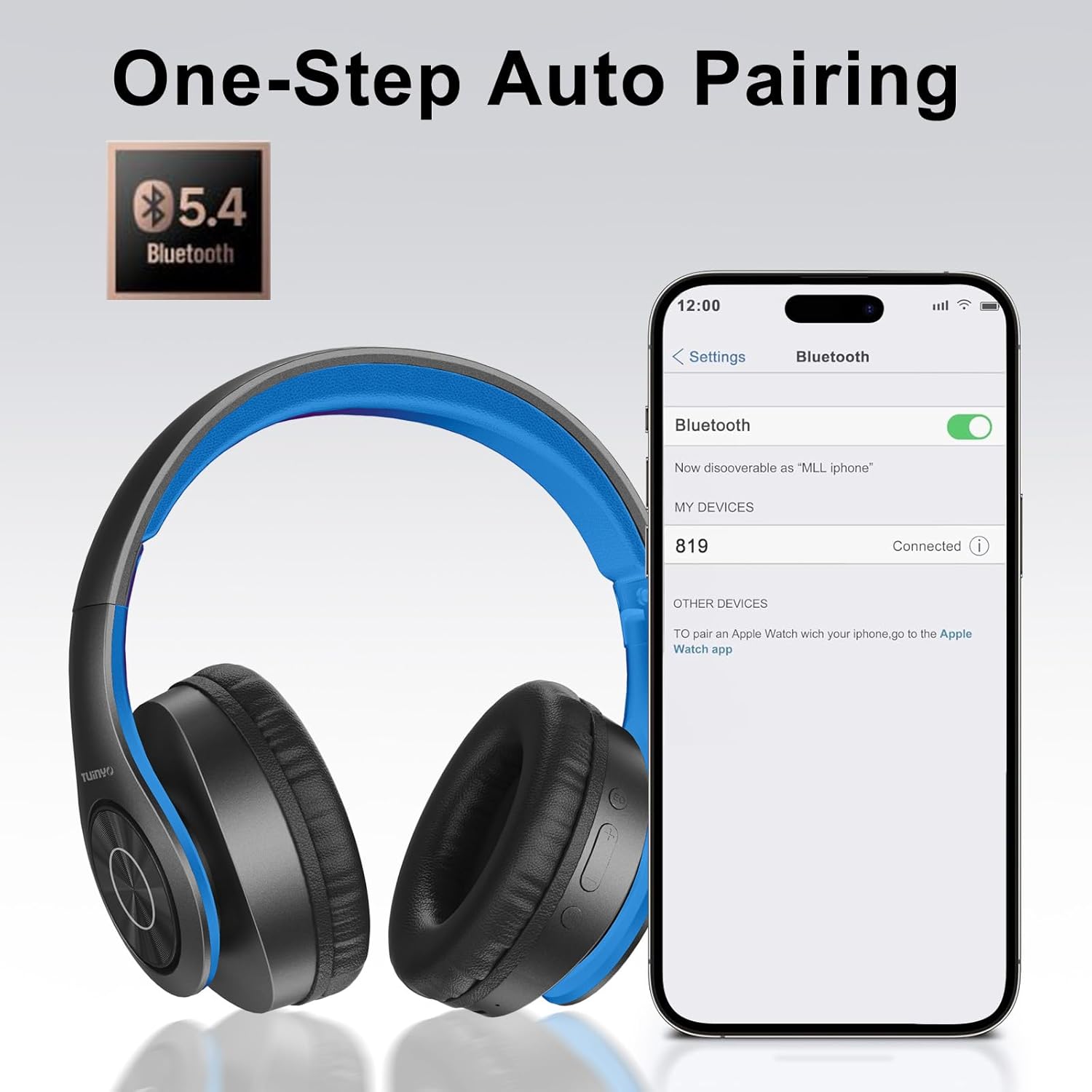
Image: A smartphone screen displaying the Bluetooth settings, showing the "819" (representing the TP19 headphones) successfully connected, illustrating the one-step auto pairing feature.
Video: An official TUINYO video demonstrating the Bluetooth pairing process and showing the headphones in use. This video highlights the ease of connecting the headphones to a device.
Enstriksyon Operasyon
1. Wireless Mode
- Jwe/Poz: Peze bouton Multi-fonksyon an yon fwa.
- Volim moute: Peze bouton "+" la.
- Volim desann: Peze bouton "-" la.
- Pwochen Track: Peze epi kenbe bouton "+" la.
- Track Previous: Peze epi kenbe bouton "-" la.
2. Mòd Filaire
When the battery is low or if you prefer a wired connection, you can use the included 3.5mm audio cable.
- Connect one end of the 3.5mm audio cable to the audio input port on the headphones.
- Connect the other end to your audio device's 3.5mm jack.
- In wired mode, controls on the headphones may be limited, and playback will be controlled by your connected device.
3. Fonksyon Apèl
- Reponn/Fen Apèl: Peze bouton Multi-fonksyon an yon fwa.
- Rejte apèl: Peze epi kenbe bouton Multi-fonksyon an pou 2 segonn.
- Recomposition Dènye Nimewo: Doub peze bouton Multi-fonksyon an.
4. Asistan vwa
The headphones support voice-enabled assistants like Siri. Press the Multi-function button twice to activate your device's voice assistant.
5. Sound Effects (EQ Mode)
The headphones feature multiple sound effects (EQ modes) to customize your listening experience. Press the EQ button (often labeled "EQ" or a similar icon) to cycle through available modes such as Normal, Rock, Pop, Classic, Jazz, and Country.
Video: An official TUINYO video showcasing the various sound modes and controls on the headphones, demonstrating how to switch between different equalizer settings.
Antretyen
- Store the headphones in the protective case when not in use to prevent damage.
- Kenbe pò chaje a ak priz odyo a pwòp epi pwòp san pousyè ak debri.
- Avoid exposing the headphones to direct sunlight or extreme heat for extended periods.
- Do not use abrasive cleaners or solvents on the headphones.
Depanaj
| Pwoblèm | Solisyon |
|---|---|
| Kas ekoutè yo pa vle limen. | Asire w ke kas ekoutè yo byen chaje. Konekte yo nan yon sous kouran epi eseye ankò. |
| Pa ka konekte ak aparèy la. |
|
| Pa gen son nan mòd san fil. |
|
| Pa gen son nan mòd filaire. |
|
Espesifikasyon
| Karakteristik | Detay |
|---|---|
| Non modèl | TP 19 |
| Koneksyon Teknoloji | San fil (Bluetooth) |
| Teknoloji kominikasyon san fil | Bluetooth 5.1 |
| Gamme Bluetooth | 10 mèt |
| Kalite chofè odyo | Chofè dinamik |
| Gwosè Chofè Audio | 40 Milimèt |
| Repons Frekans | 20 KHz |
| Enpedans | 32 Ohms |
| Lavi batri | 40 èdtan |
| Tan pou chaje | 2.5 èdtan |
| Ekoutè Jack | 3.5mm Jack |
| Kalite kontwòl | Kontwòl Vwa, Touche |
| Karakteristik espesyal | Pliable |
| Pwa atik | 8.9 ons (251 gram) |
| Dimansyon pwodwi | 6.85 x 3.9 x 9.72 pous |
| Materyèl | Plastik |
| Konpozan ki enkli | Cable, Protective Case, micro usb cable |
Garanti ak sipò
By choosing TUINYO, you are covered by a 30-day hassle-free return policy and a one-year warranty. For any inquiries or assistance, please contact our prompt and friendly customer service, available 24/7.
For further support, visit the official TUINYO store: TUINYO Store