
Entwodiksyon
Thank you for choosing the HSH Reversible L-Shaped Computer Desk. This manual provides detailed instructions for the assembly, operation, maintenance, and troubleshooting of your new desk. Please read this manual thoroughly before beginning assembly to ensure correct setup and safe use. Keep this manual for future reference.
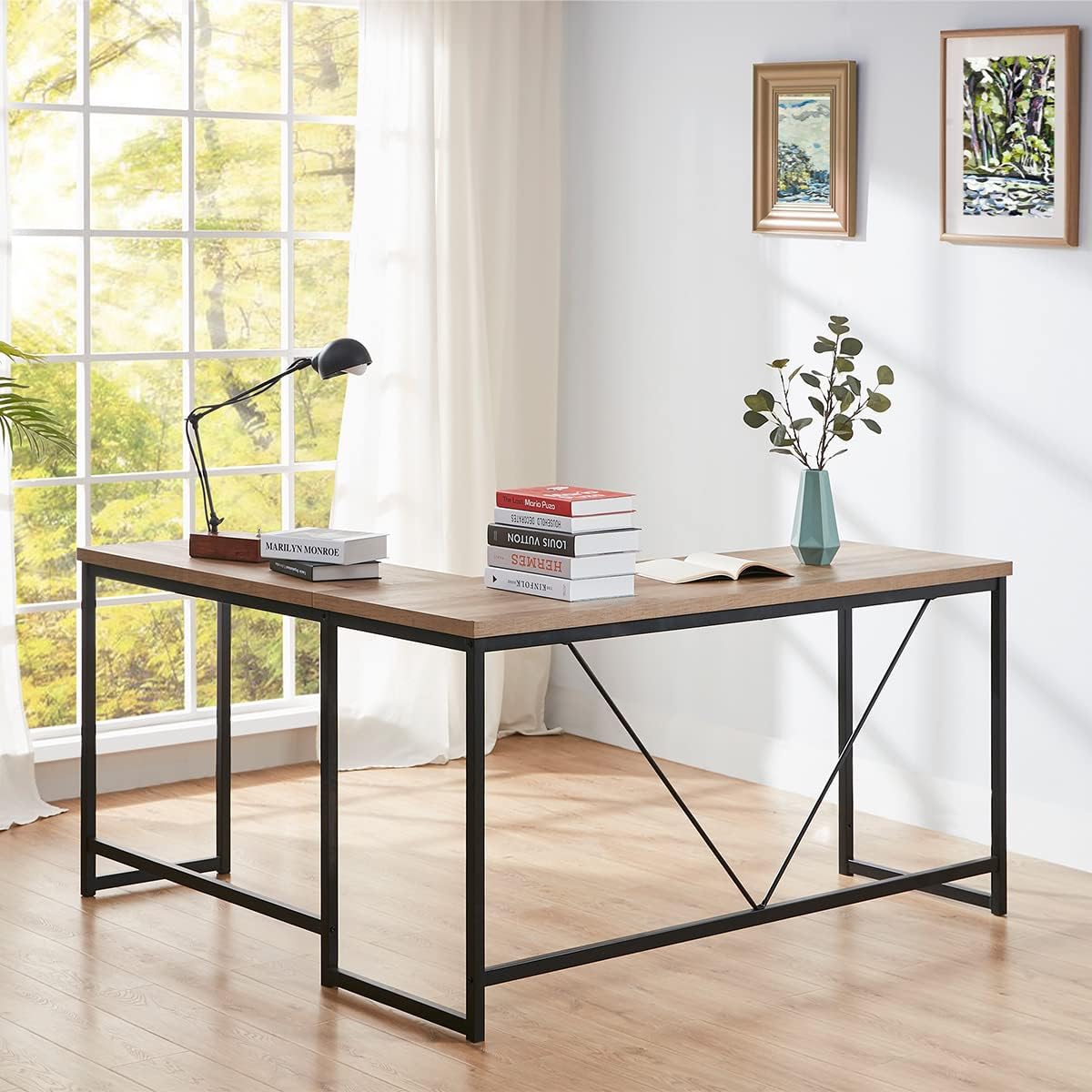
Image: The HSH L-Shaped Computer Desk, showcasing its design and ample workspace in a modern office environment.
Karakteristik pwodwi
- Rustic Appeal and AmpEspas: Features a sturdy steel frame paired with an L-shaped tabletop in a rustic oak finish, providing generous space for computers, laptops, and other office essentials.
- Excellent Stability and Sturdiness: Constructed with a thick steel tube frame, ensuring high stability and capable of supporting multiple monitors and over 300 lbs.
- Suitable for All Sites (Reversible Design): The L-shape can be configured for either a left-hand or right-hand setup to best suit your space requirements.
- Asanble fasil: Designed for straightforward assembly, typically completed within 25 minutes with all necessary hardware included.
- Dimansyon: 59 / 55 inches (W) x 19.7 inches (D) x 30.0 inches (H).

Image: A close-up of the desk's rustic oak tabletop, highlighting the wood grain finish.
Espesifikasyon pwodwi
| Spesifikasyon | Detay |
|---|---|
| Mak | HSH |
| Nimewo Modèl | LC010201 |
| Fòm | L-Fòm |
| Dimansyon pwodwi | 55"D x 59"W x 30"H |
| Koulè | Rustic Oak |
| Style | Endistriyèl |
| Materyèl de baz | Metal |
| Kalite Materyèl Top | Wood (Engineered Wood) |
| Karakteristik espesyal | Revèsib |
| Rekòmandasyon pwa maksimòm | 300 liv |
| Asanble obligatwa | Wi |
| Kantite Moun Rekòmande pou Asanble | 2 |

Image: Detailed product dimension diagram for the HSH L-Shaped Computer Desk.
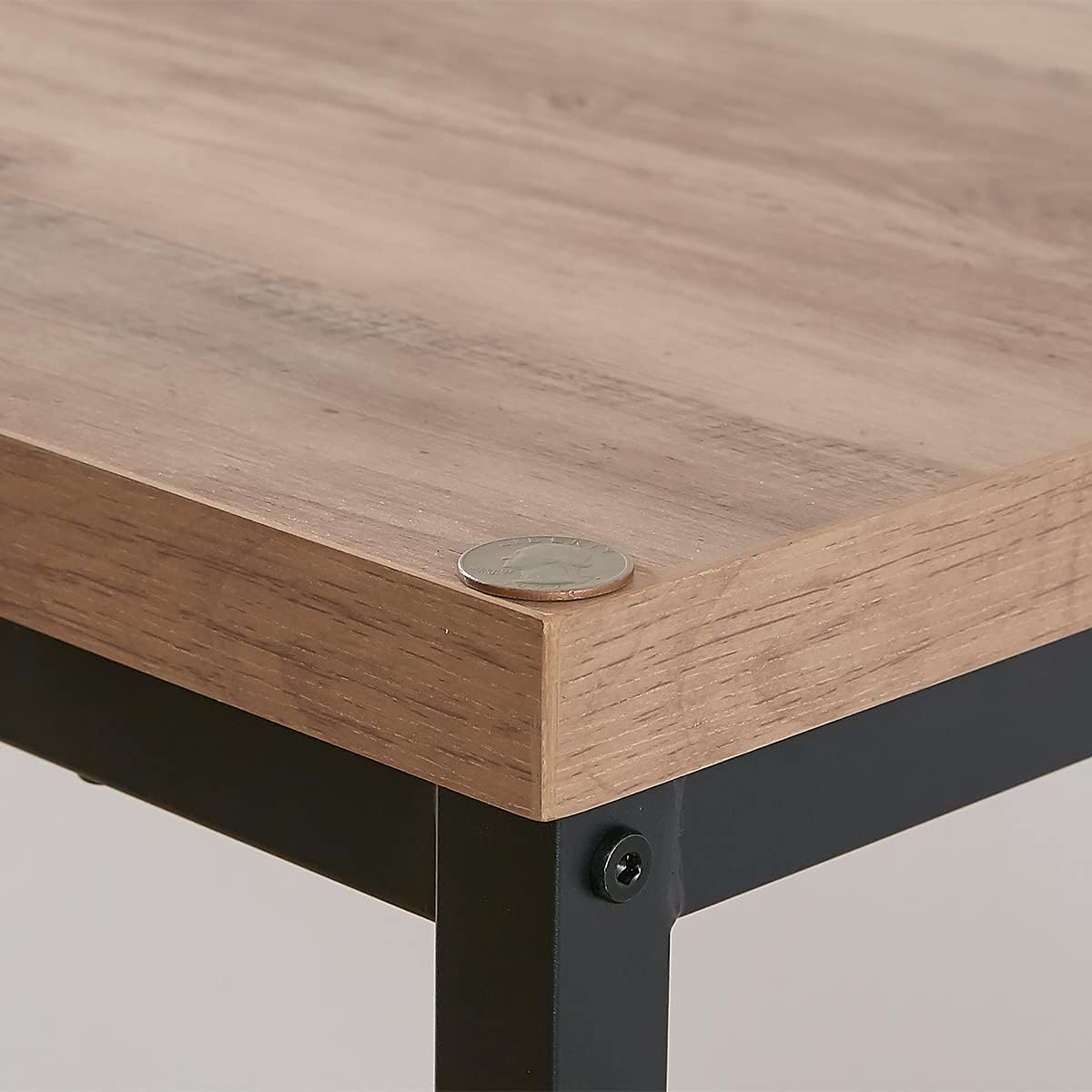
Image: Close-up of the desk's thickened tabletop, indicating its robust build quality.
Enstriksyon Asanble
Please ensure all parts are present and undamaged before beginning assembly. It is recommended to assemble the desk on a soft, clean surface to prevent scratches. Two people are recommended for assembly.
Step 1: Unpacking and Inventory
- Ak anpil atansyon depale tout eleman nan anbalaj la.
- Refer to the included hardware list and instruction manual to verify all parts and hardware are present.
- Separate and organize hardware by type to simplify the assembly process.
Etap 2: Asanble ankadreman
- Begin by assembling the metal frame components. Connect the horizontal bars to the vertical legs using the provided screws.
- Ensure all connections are finger-tightened initially. Do not fully tighten screws until the entire frame is assembled to allow for adjustments.
- Attach the V-shaped support bars to the main frame sections for enhanced stability.
Step 3: Attaching Tabletops
- Carefully place the tabletop sections onto the assembled metal frame.
- Align the pre-drilled holes in the tabletop with the holes in the frame.
- Secure the tabletops to the frame using the designated screws.
Step 4: Reversible Configuration
The L-shaped desk is designed to be reversible. During Step 2 and 3, you can choose to assemble the longer section of the L-shape on either the right or left side, depending on your preference and room layout. The frame components are designed to accommodate both configurations.
- Before fully tightening all screws, position the desk in your desired orientation (right-hand or left-hand L-shape).
- Once satisfied with the orientation, proceed to fully tighten all screws on the frame and tabletop connections. Ensure all connections are secure for optimal stability.

Image: Visual guide demonstrating the right-hand and left-hand assembly options for the L-shaped desk.
Videyo: Yon pwodwi finiview prezantasyon videyoasing the HSH L-Shaped Computer Desk and its features. While not a step-by-step assembly guide, it provides a visual representation of the assembled product.
Enstriksyon Operasyon
The HSH L-Shaped Computer Desk is designed for versatile use in various settings such as home offices, bedrooms, or living rooms. Its primary function is to provide a stable and spacious work surface.
- Enstalasyon estasyon travay: Utilize the expansive L-shaped surface to comfortably accommodate multiple monitors, a laptop, keyboard, mouse, and other office supplies.
- Konfigirasyon revèsib: As detailed in the assembly section, the desk can be set up with the longer section on either the left or right side. This allows for optimal placement within your room and adapts to your workflow preferences.
- Kapasite pwa: Ensure that the total weight placed on the tabletop does not exceed 300 lbs to maintain stability and prevent damage.
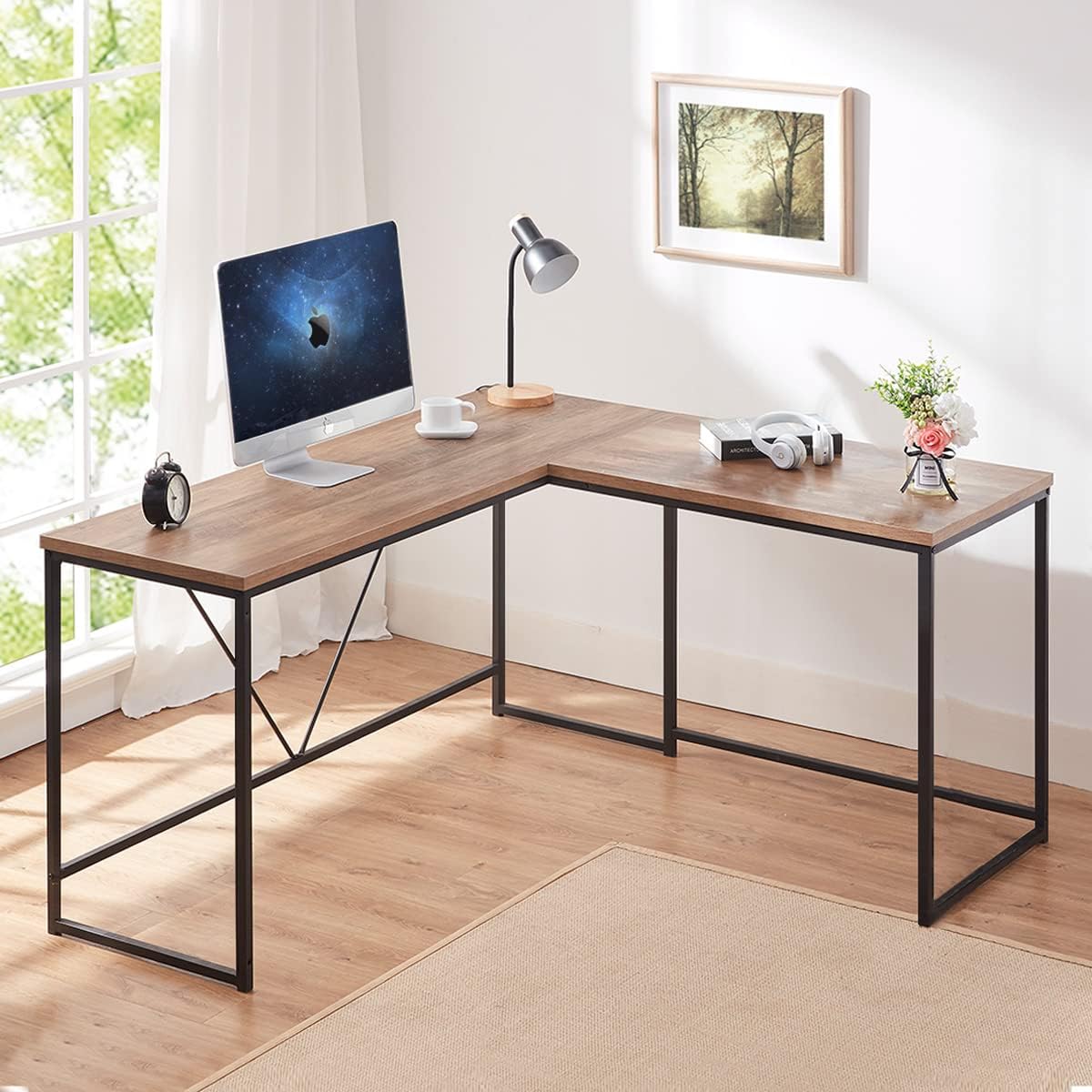
Image: The desk set up with a computer, demonstrating its functionality as a spacious workstation.
Antretyen
Proper care and maintenance will extend the life and appearance of your HSH L-Shaped Computer Desk.
- Netwayaj: Siye sifas yo ak yon mou, damp twal. Evite pwodui chimik ki agresif oswa pwodui netwayaj abrazif, ki ka domaje fini an.
- Devèsman: Clean up spills immediately to prevent staining or damage to the wood grain finish.
- Pwoteksyon: Use coasters for beverages and desk pads for writing or heavy objects to protect the tabletop from scratches and heat.
- Tcheke Materyèl: Tcheke tout vis ak koneksyon yo detanzantan pou asire yo rete sere. Sere yo ankò si sa nesesè pou kenbe estabilite.
- Evite limyè solèy la dirèk: Prolonged exposure to direct sunlight can cause fading or discoloration of the tabletop finish.
Depanaj
If you encounter any issues with your HSH L-Shaped Computer Desk, refer to the following common solutions:
- Desk Wobbles:
- Ensure all screws are fully tightened. Loosen slightly, adjust the desk to a level position, then re-tighten firmly.
- Check if the floor surface is even. Use furniture pads or shims under the legs if necessary to level the desk.
- Pyès ki manke oswa domaje:
- Before assembly, verify all parts against the included hardware list. If any parts are missing or damaged, contact HSH customer service immediately for assistance.
- Difficulty with Reversible Assembly:
- Review Step 4 of the Assembly Instructions. The frame is designed to be symmetrical for both left and right configurations. Ensure you are aligning the tabletop sections correctly for your desired orientation.
Garanti ak sipò
HSH is committed to providing high-quality products and customer satisfaction.
- Kalite garanti: This product comes with a 12-Month Quality Warranty from the date of purchase. This warranty covers manufacturing defects and material flaws under normal use.
- Sèvis Kliyan: For any questions, concerns, or warranty claims, please contact HSH customer service. We offer 24-hour friendly customer service to assist you.
- Retounen: A 30-Day Free Return policy is available for eligible purchases. Please refer to your retailer's return policy for specific details.
For further assistance, please visit the HSH Store online or contact our support team.