
Entwodiksyon
This manual provides detailed instructions for setting up, operating, maintaining, and troubleshooting your YABER Y61 WiFi Mini Projector. Please read thoroughly before use.
Karakteristik kle
- Wireless Connection (iOS/Android) & ZOOM Function: Seamlessly mirror content from your smartphone or other Miracast-enabled devices. Adjust image size from 100% to 75% remotely.
- Native 1280*720P (1080P Supported) & Innovative Display Tech: Experience bright, clear images with 5500L brightness and a 6000:1 contrast ratio, offering outstanding color accuracy.
- Small Size & Wide Compatibility: Portable design with multiple ports (HDMI, USB, VGA, AV, Audio) for connection to TV Box, Amazon Fire Stick TV, Chromecast, PC, laptop, tablet, external speakers, USB stick, iPad, iPhone, and Android smartphones.
- HIFI Stereo Sound & Latest Advanced Cooling System: Built-in 3W dual stereo speakers with SRS sound. Advanced silent cooling system with 3 fans. SmarEco technology extends lamp lavi jiska 100,000 èdtan.
- Three-Year & Lifetime Professional Support: Enjoy comprehensive support for your product.
Ki sa ki nan bwat la
- Kòd pouvwa
- HDMI kab
- AV Kab
- Kouvri lantiy pwojektè
- Twous netwayaj
- Kontwòl Remote
- Manyèl itilizatè

Image: YABER Y61 Projector and its accessories, including cables, remote, and cleaning kit.
Pwodwi souview
Devan View
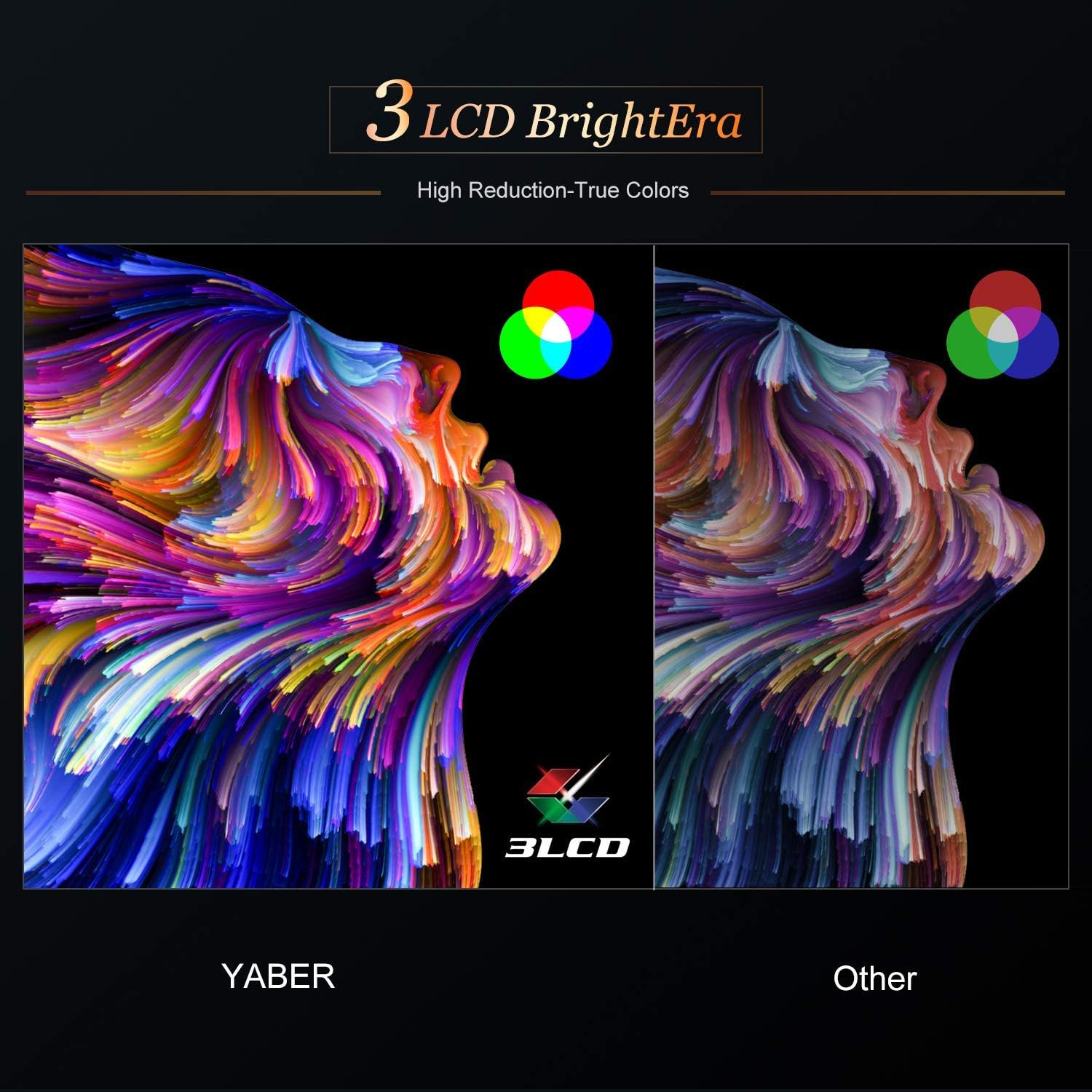
Image: The front of the YABER Y61 projector, showing the projection lens.
The front of the projector features the projection lens and the infrared receiver.
Top View

Image: The top panel of the YABER Y61 projector, displaying control buttons for navigation and power.
The top panel includes control buttons for navigation, power, and source selection.
Dèyè View
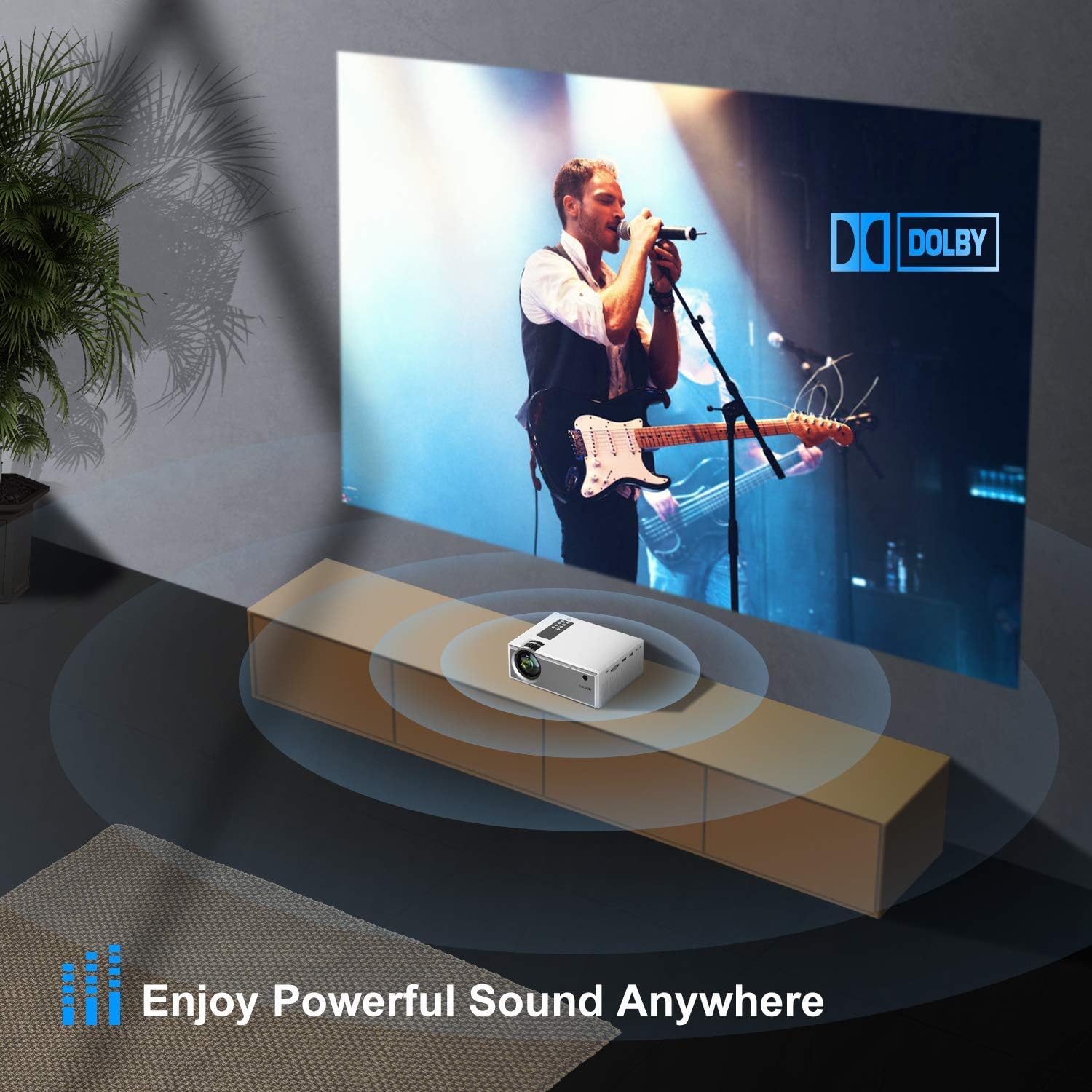
Image: The rear panel of the YABER Y61 projector, showing various input/output ports.
The rear panel houses various input/output ports: 2x USB, 2x HDMI, AV, Audio Out, and IR receiver.
Anba View

Image: The bottom of the YABER Y61 projector, showing mounting points and an adjustable foot.
The bottom of the projector includes mounting points for tripods and an adjustable foot for angle correction.
Enstalasyon
Enstalasyon debaz
- Koneksyon pouvwa: Konekte fil elektrik la nan pwojektè a ak yon priz kouran.
- Plasman: Place the projector on a stable, flat surface or mount it using a compatible tripod. Ensure the projection path is clear.
- Pouvwa sou: Peze bouton pouvwa a sou pwojektè a oswa sou kontwòl remote la pou limen li.
- Ajisteman konsantre: Vire bag konsantre a sou lantiy pwojektè a jiskaske imaj la vin klè e byen file.
- Koreksyon Keystone: Use the keystone correction feature (manual or automatic, if available) to adjust the image shape if it appears distorted (trapezoidal).

Image: YABER Y61 projector illustrating focus and keystone correction adjustments.
Koneksyon
Wireless Connection (Screen Mirroring)
The Y61 supports wireless screen mirroring for iOS and Android devices.

Image: Diagram showing wireless screen mirroring from a mobile device to the YABER Y61 projector.
- Asire w ke pwojektè w la ak aparèy mobil ou a konekte sou menm rezo Wi-Fi a.
- On the projector's main menu, select "iOS Cast" for iOS devices or "Miracast" for Android devices.
- Follow the on-screen instructions to enable screen mirroring on your mobile device and select the projector from the list of available devices.
Video: Official YABER Y61 WiFi Mini Portable Projector overview, demonstrating features including wireless connectivity.
Koneksyon branche
The projector offers multiple wired input options for various devices.
- HDMI: Connect your device (e.g., TV Box, Amazon Fire Stick TV, PC, laptop, PS4) to the projector's HDMI port using an HDMI cable. Select the corresponding HDMI input from the projector's source menu.
- USB: Insert a USB stick into the USB port to play media files dirèkteman.
- DE: Use the provided AV cable to connect older devices (e.g., DVD player) to the AV port.
- Odyo Deyò: Connect external speakers or headphones to the Audio Out port for enhanced sound.
Enstriksyon Operasyon
Fonksyon Zoom
The projector features a zoom function that allows you to adjust the image size from 100% to 75% using the remote control without moving the projector.
Odyo
The Y61 LED projector has built-in 3W dual stereo speakers with SRS sound system. For a more immersive experience, external speakers can be connected via the Audio Out port.
Antretyen
Netwayaj
Regularly clean the projector lens and vents to ensure optimal performance and longevity. Use the provided cleaning kit for the lens.
Lamp Lavi

Image: Illustration of the YABER Y61's advanced LED light source and its 100,000-hour lamp lavi.
Pwojektè a itilize teknoloji SmarEco pou minimize lamp power consumption, extending the useful life of the lamp to a maximum of 100,000 hours.
Depanaj
- Pa gen imaj/siyal: Check all cable connections (HDMI, AV, Power). Ensure the correct input source is selected on the projector. For wireless mirroring, confirm both devices are on the same Wi-Fi network.
- Imaj flou: Adjust the focus ring on the lens. Ensure the projector is placed at an optimal distance from the screen.
- Imaj defòme (Trapèz): Use the keystone correction feature to adjust the image shape.
- Pa gen son: Check the volume settings on both the projector and the connected device. If using external speakers, ensure they are properly connected and powered on.
- Black Spot on Screen: Refer to the provided support information or contact customer service for assistance.
Espesifikasyon
| Karakteristik | Detay |
|---|---|
| Dimansyon pwodwi | 11.6 x 7.6 x 4.5 pous |
| Pwa atik | 3.43 liv |
| Nimewo modèl atik | Y61 |
| Mak | yaber |
| Itilizasyon Rekòmande | Home Cinema, Gaming, Outdoor Activities |
| Karakteristik espesyal | Built-In Speaker, Built-In Wi-Fi, Lightweight |
| Koneksyon Teknoloji | HDMI, USB, VGA |
| Rezolisyon ekspozisyon | 1920*1080 support (Native 1280*720P) |
| Klète | 5500 Lumen |
| Pwopòsyon kontras | 6000:1 |
| Lamp Lavi | 100,000 èdtan |
Garanti ak sipò
YABER provides a 6-month return policy and 3-year repair warranty. Lifetime professional technical support is also available. For any issues, please contact YABER customer service.