
LEICKE 5V 10A 50W Power Adapter User Manual
Modèl: 5V 10A 50W
1. Pwodwi souview
This manual provides instructions for the LEICKE 5V 10A 50W power adapter. This adapter is designed to provide stable 5V power for various electronic devices.

Figure 1: LEICKE 5V 10A 50W Power Adapter with connected EU power cable.
Karakteristik kle:
- 5V 10A output, 50W total power.
- Ideal for LED strips (WS2811, WS2812, WS2812B, WS2801, SK6812, APA102, SK9822, LED8806), NAS systems, routers, CCTV cameras, and other wireless devices.
- Features LEICKE Ultra-Long-Life-Technology (ULL) and SolidPower II (SP2) for stable voltage (100-240V) even with power fluctuations.
- Built-in protection against short circuit, overvoltage, overload, and overheating.
- Includes EU plug power cable and carrying case.
2. Enstriksyon Sekirite
Please read these safety instructions carefully before using the power adapter to prevent damage or injury.
- Asire vol D' atage of the adapter matches your local power supply (100-240V AC).
- Pa ekspoze adaptè a nan dlo, imidite, oswa tanperati ekstrèm.
- Do not disassemble or attempt to repair the adapter. Refer to qualified service personnel.
- Asire bon vantilasyon alantou adaptè a pou anpeche surchof.
- Connect the adapter to devices that require 5V DC input and do not exceed the 10A current rating.
- Kenbe soti nan atenn timoun yo.
3. Enstalasyon
Follow these steps to set up your LEICKE power adapter:
- Depake adaptè a: Carefully remove the power adapter, EU power cable, and carrying case from the packaging.
- Connect the AC Power Cable: Insert the EU power cable into the AC input port of the power adapter.
- Verify DC Connector: Ensure the DC output connector (5.5mm outer diameter, 2.5mm inner diameter) is compatible with your device's power input.
- Konekte ak aparèy: Plug the DC output connector of the adapter into the power input port of your electronic device (e.g., LED strip controller, router, CCTV camera).
- Konekte nan priz kouran: Insert the EU power cable plug into a suitable wall power outlet.
- Pouvwa sou: The adapter will automatically power on. A small LED indicator on the adapter typically illuminates when power is supplied.
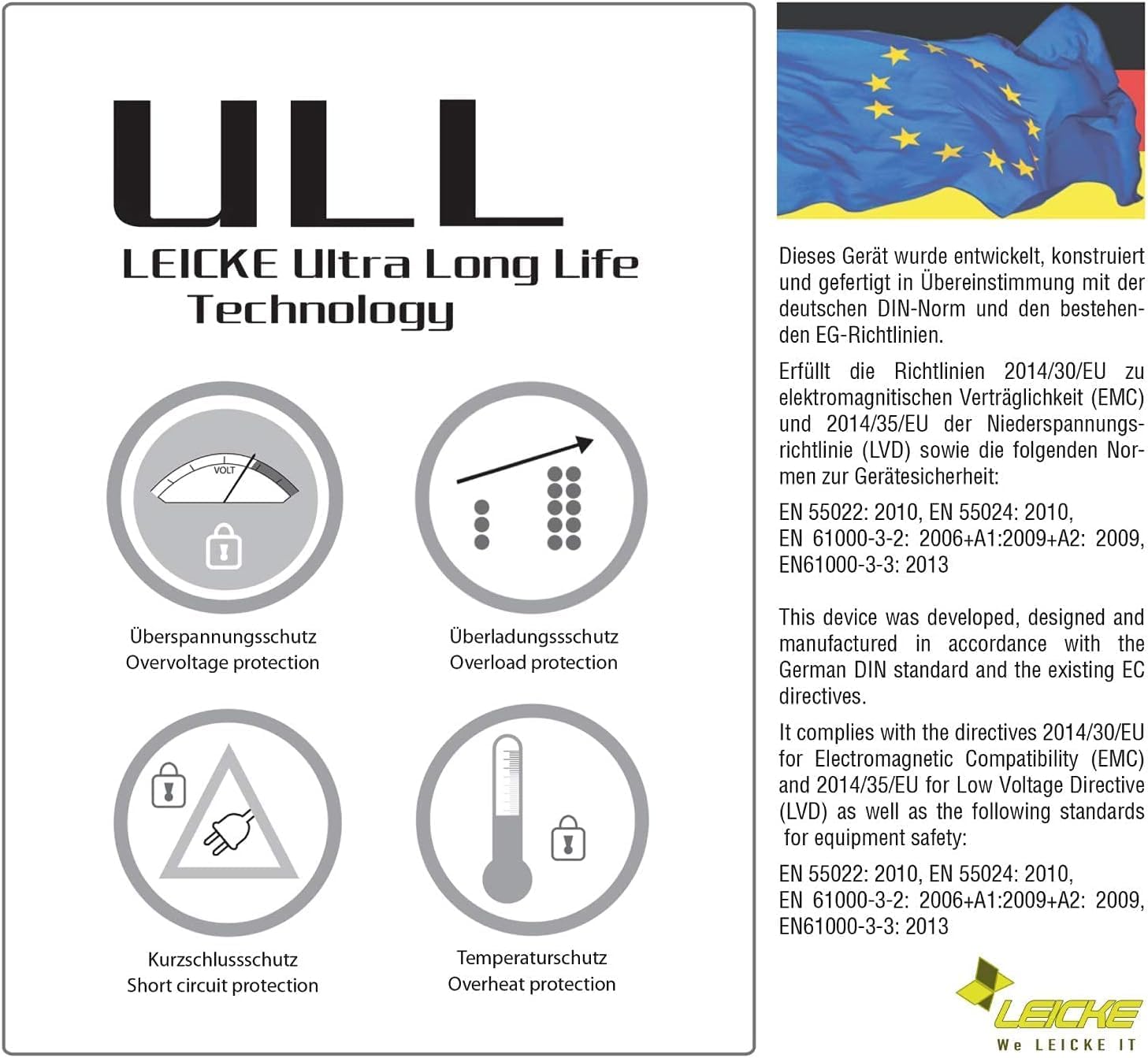
Figure 2: The included EU power cable for connecting to a wall outlet.

Figure 3: Diagram showing the DC connector dimensions: 5.5mm outer diameter, 2.5mm inner diameter.
4. Operasyon Enstriksyon
The LEICKE 5V 10A 50W power adapter is designed for continuous operation. Once connected, it provides a stable 5V DC output to your device.
- Pouvwa kontinyèl: The adapter delivers constant power as long as it is connected to a power outlet and the connected device is drawing power.
- Endikatè ki ap dirije: A small LED light on the adapter indicates that it is receiving power and functioning correctly.
- Dekoneksyon: To power off your device, either unplug the adapter from the wall outlet or disconnect the DC connector from your device.
5. Antretyen
Bon antretyen asire lonjevite ak fonksyònman an sekirite nan adaptè kouran ou an.
- Netwayaj: Disconnect the adapter from the power outlet and your device before cleaning. Use a soft, dry cloth to wipe the surface. Do not use liquid cleaners.
- Depo: When not in use, store the adapter in a cool, dry place, away from direct sunlight and moisture. The included carrying case can be used for protection.
- Enspeksyon kab: Regularly inspect the power cables for any signs of damage, fraying, or exposed wires. If damage is found, discontinue use immediately and replace the cable.
- Vantilasyon: Ensure the adapter's ventilation openings are not blocked during operation.
NAN. Depanaj
If you encounter issues with your LEICKE power adapter, refer to the following common problems and solutions:
| Pwoblèm | Kòz posib | Solisyon |
|---|---|---|
| No power output / Device not turning on. |
|
|
| Adapter is hot to the touch. |
|
|
| Intermittent power. |
|
|
7. Espesifikasyon
| Karakteristik | Detay |
|---|---|
| Mak | LEICKE |
| Modèl | Adaptè kouran 5V 10A 50W |
| Antre Voltage | 100-240V AC |
| Sòti Voltage | 5V DC |
| Sòti aktyèl | 10A |
| Sortie pouvwa | 50W |
| DC Connector Dimensions | 5.5mm (Outer Diameter) / 2.5mm (Inner Diameter) |
| Karakteristik espesyal | Kout sikwi pwoteksyon, Overvoltage protection, Overload protection, Overheat protection |
| Aparèy konpatib | LED strips (WS2811, WS2812, WS2812B, WS2801, SK6812, APA102, SK9822, LED8806), Routers, Wireless devices, CCTV cameras, Monitors, etc. |
| Konpozan ki enkli | LEICKE 5V 10A Power Adapter, EU Power Cable, Carrying Case |
8. Garanti ak sipò
LEICKE products are designed for reliability and performance. This product comes with a 24-month warranty.
- Peryòd garanti: 24 mwa apati dat acha a.
- Sètifikasyon: All LEICKE products are CE certified for safety.
- Sipò Kliyan: For technical assistance, warranty claims, or further inquiries, please visit the official LEICKE websit oswa kontakte revandè ou a.
- Resous sou entènèt: Pou plis enfòmasyon ak sipò, tanpri vizite www.leicke.com.