
Entwodiksyon
Thank you for choosing the Conceptronic REGAS01B Optical Desktop Mouse. This manual provides essential information for setting up, operating, and maintaining your new mouse. Please read these instructions carefully before use to ensure proper functionality and longevity of your device.
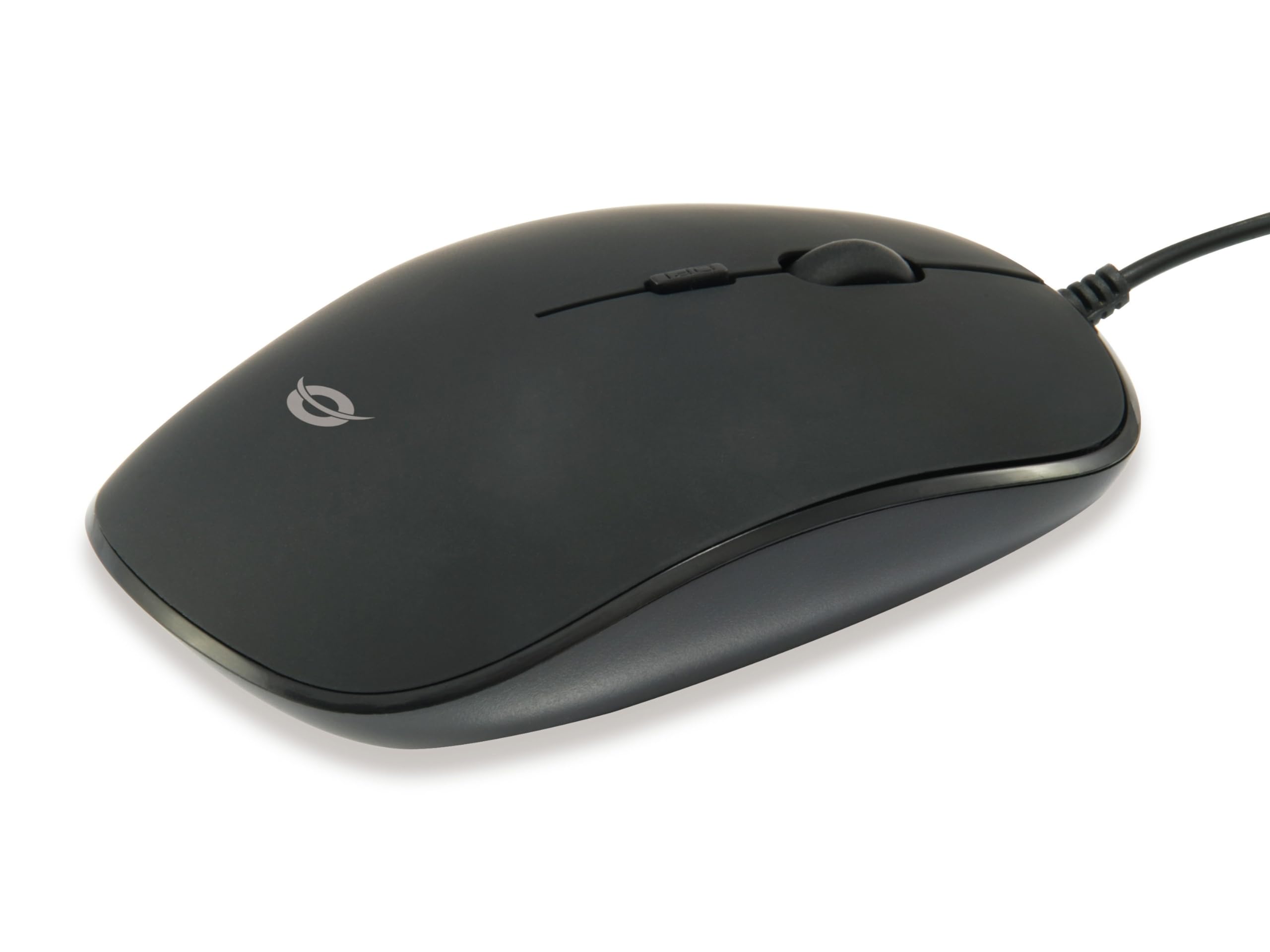
Imaj: Anlè view of the Conceptronic REGAS01B Optical Desktop Mouse, showcasing its ergonomic black design.
Kontni pake
Asire w tout atik yo prezan nan pakè a:
- Conceptronic REGAS01B Optical Desktop Mouse
- Manyèl Itilizatè (dokiman sa a)
- Note: This is a wired USB mouse and does not require external batteries for operation, despite some generic product data indicating otherwise.
Karakteristik
- DPI switch: Adjustable sensitivity (800/1000/1200 DPI) for precise control.
- Ploge epi jwe: Easy installation without the need for additional drivers.
- Konsepsyon anbidextre: Comfortable for both left and right-handed users.
- Rubberized Surface: Provides enhanced grip and comfort during extended use.
- Suivi optik: Reliable and accurate cursor movement.
- Koneksyon USB: Standard wired connection for stable performance.
Enstalasyon
- Konekte sourit la: Locate an available USB port on your computer. Insert the USB connector of the Conceptronic REGAS01B mouse into the USB port.
- Enstalasyon otomatik: Your operating system (Windows, Linux, etc.) will automatically detect and install the necessary drivers. This process typically takes a few seconds.
- Pare pou itilize: Once the installation is complete, the mouse is ready for immediate use. No additional software is required.

Imaj: Gwo plan view of the mouse's scroll wheel and the DPI switch button, located behind the scroll wheel.
Enstriksyon Operasyon
Fonksyon debaz yo
- Klike Goch: Peze bouton gòch la pou chwazi atik yo, ouvri files, oubyen aktive fonksyon yo.
- Klike sou dwa: Peze bouton dwat la pou ouvri meni kontèks yo oubyen pou jwenn aksè a lòt opsyon.
- wou woulo liv: Woule wou woulo a monte oswa desann pou navige nan dokiman yo epi web pages. The scroll wheel can also be pressed for a middle-click function, depending on software configuration.
Ajiste sansiblite DPI a
The Conceptronic REGAS01B mouse features a DPI switch to adjust cursor sensitivity on the fly. This allows you to quickly change between different tracking speeds for various tasks, such as precise editing or fast-paced gaming.
- Bouton chanjman DPI: Located behind the scroll wheel.
- Nivo sansiblite: Press the DPI switch button to cycle through 800, 1000, and 1200 DPI settings.
- Seleksyon: Each press will change the sensitivity, allowing you to find the optimal speed for your current activity.
Antretyen
- Netwayaj: Sèvi ak yon twal mou epi sèk pou netwaye sifas sourit la. Pou pousyè tè ki difisil pou retire, siye l yon ti kras.ampRense twal la avèk dlo oswa yon solisyon netwayaj dou. Evite pwodui chimik ki agresif oswa materyèl abrazif.
- Optical sensor: Kenbe detèktè optik ki anba sourit la pwòp epi san pousyè oswa debri pou asire swivi egzat.
- Depo: When not in use, store the mouse in a clean, dry environment.
- Evite likid: Do not expose the mouse to excessive moisture or immerse it in liquids.
Depanaj
Sourit la pa reponn
- Tcheke koneksyon USB a: Asire w kab USB a byen branche nan yon pò USB ki fonksyone sou òdinatè w la. Eseye yon lòt pò USB.
- Rekòmanse òdinatè: Sometimes a simple computer restart can resolve connectivity issues.
- Tès sou yon lòt òdinatè: Si posib, teste sourit la sou yon lòt òdinatè pou detèmine si pwoblèm nan soti nan sourit la oswa nan konfigirasyon òdinatè w la.
Inaccurate Cursor Movement
- Netwaye Capteur Optik: Asire w ke detèktè optik ki anba sourit la pwòp epi san pousyè oswa debri.
- Mouse Pad/Surface: Use the mouse on a clean, non-reflective, and uniform surface. Avoid highly reflective or transparent surfaces.
- Ajiste DPI: Experiment with the DPI switch to find a sensitivity setting that provides accurate tracking for your needs.
Espesifikasyon
| Karakteristik | Detay |
|---|---|
| Mak | Conceptronic |
| Non modèl | REGAS01B |
| Koulè | Nwa |
| Koneksyon Teknoloji | USB (branche) |
| Teknoloji deteksyon mouvman | Optik |
| Anviwònman DPI | 800 / 1000 / 1200 DPI (Reglabl) |
| Kantite bouton | 3 (Left, Right, Scroll Wheel/Middle Click) + DPI Switch |
| Oryantasyon men | Anbidextr |
| Aparèy konpatib | Odinatè pèsonèl |
| Sistèm operasyon konpatibilite | Linux, Windows 7, Windows XP (ak vèsyon ki pi resan yo) |
| Pwa atik | 61 gram |
| Karakteristik espesyal | Ergonomic Design, Rubberized Surface, Plug & Play |
| Nimewo Pati Manifakti | REGAS01B |
| GTIN (UPC) | 04015867208526 |
Garanti ak sipò
For warranty information and technical support, please refer to the official Conceptronic websit la oubyen kontakte détayan lokal ou a. Kenbe prèv acha ou pou reklamasyon garanti.
- Sipò sou entènèt: Vizite www.conceptronic.net (Nòt: Sa a se yon espas rezève URL, please replace with the actual support URL si disponib.)
- Kontakte: Refer to the contact information provided on the product packaging or the Conceptronic websit pou sèvis kliyan.