
Entwodiksyon
Thank you for choosing the Edifier TWS1 True Wireless Stereo Earbuds. This manual provides essential information for the proper use and maintenance of your device. The TWS1 earbuds offer a wire-free audio experience with dynamic stereo sound. They feature an impressive 32-hour total playtime with the charging case and are designed with an IPX5 rating for splash and sweat resistance, making them suitable for various activities.
Please read this manual thoroughly before operating the earbuds to ensure optimal performance and longevity.
Kontni pake
Verifye ke tout atik ki nan lis anba a yo enkli nan pakè ou a:
- Edifier TWS1 True Wireless Stereo Earbuds (Left and Right)
- Ka chaje
- USB Chaje Kab
- Plizyè gwosè bout zòrèy (ti, mwayen, gwo)
- Manyèl itilizatè
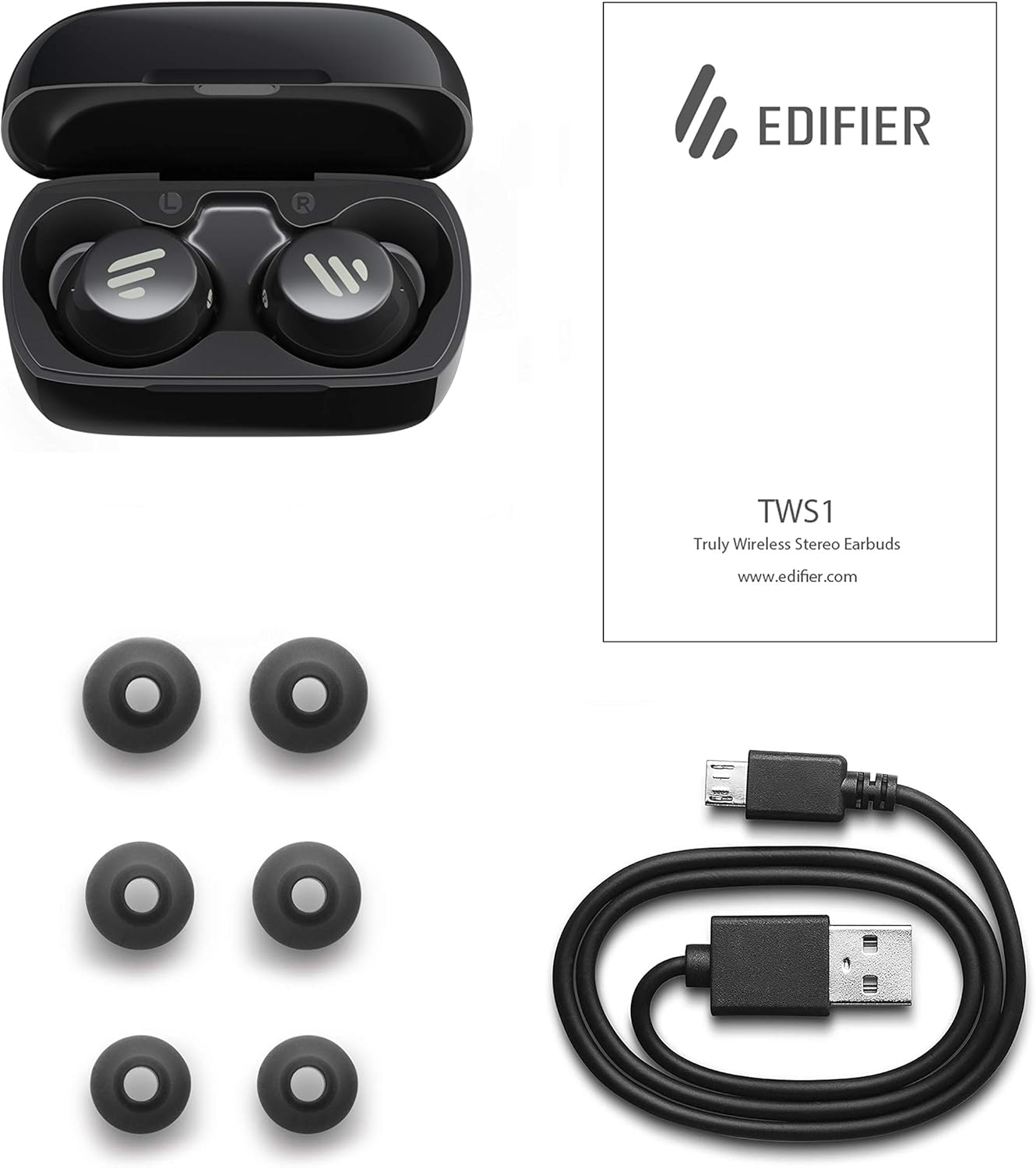
Image: The Edifier TWS1 earbuds, charging case, USB charging cable, and various sizes of ear tips are displayed alongside the user manual, illustrating the complete package contents.
Enstalasyon
1. Chaje ekoutè yo ak bwat la
Before first use, fully charge the earbuds and the charging case. Place the earbuds into the charging case. Connect the USB charging cable to the charging port on the case and a power source. The indicator light on the case will show charging status. Once fully charged, the indicator will change or turn off.
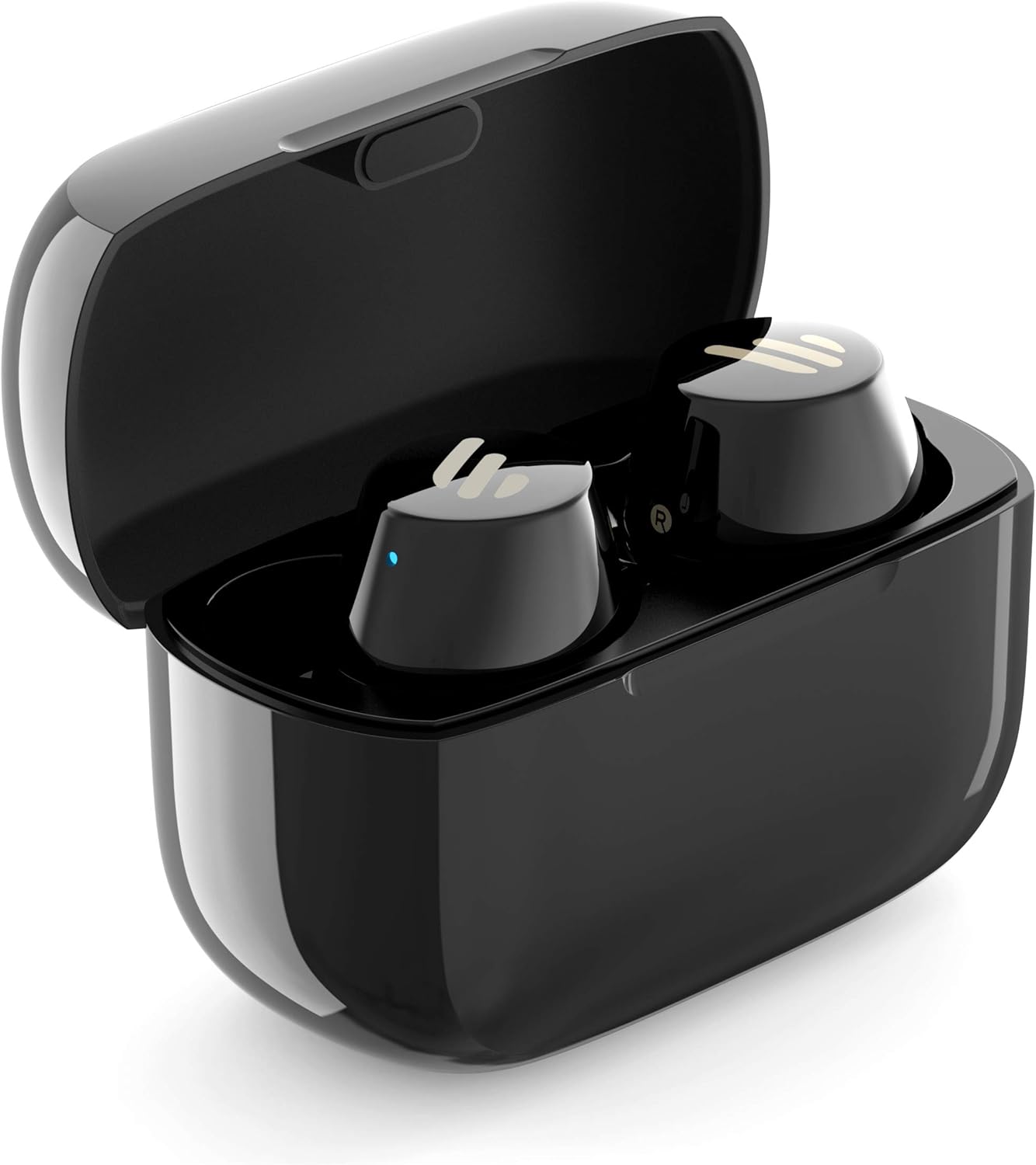
Image: The Edifier TWS1 earbuds are shown nestled within their open charging case, with a blue indicator light visible, signifying charging or power status.
2. Pairing ak yon Aparèy
- Asire ke ekoutè yo chaje.
- Open the charging case. The earbuds will automatically enter pairing mode, and the indicator light on one earbud will flash rapidly.
- Sou aparèy ou an (telefòn entelijan, tablèt, òdinatè pòtab), aktive Bluetooth epi chèche nouvo aparèy.
- Select "EDIFIER TWS1" from the list of available devices.
- Once connected, the indicator light on the earbuds will stop flashing.
3. Mete ekoutè yo an plas
Choose the ear tips that provide the most comfortable and secure fit for your ears. Insert the earbuds into your ear canals and gently twist them until they feel snug and stable. A proper fit is crucial for optimal sound quality and noise isolation.
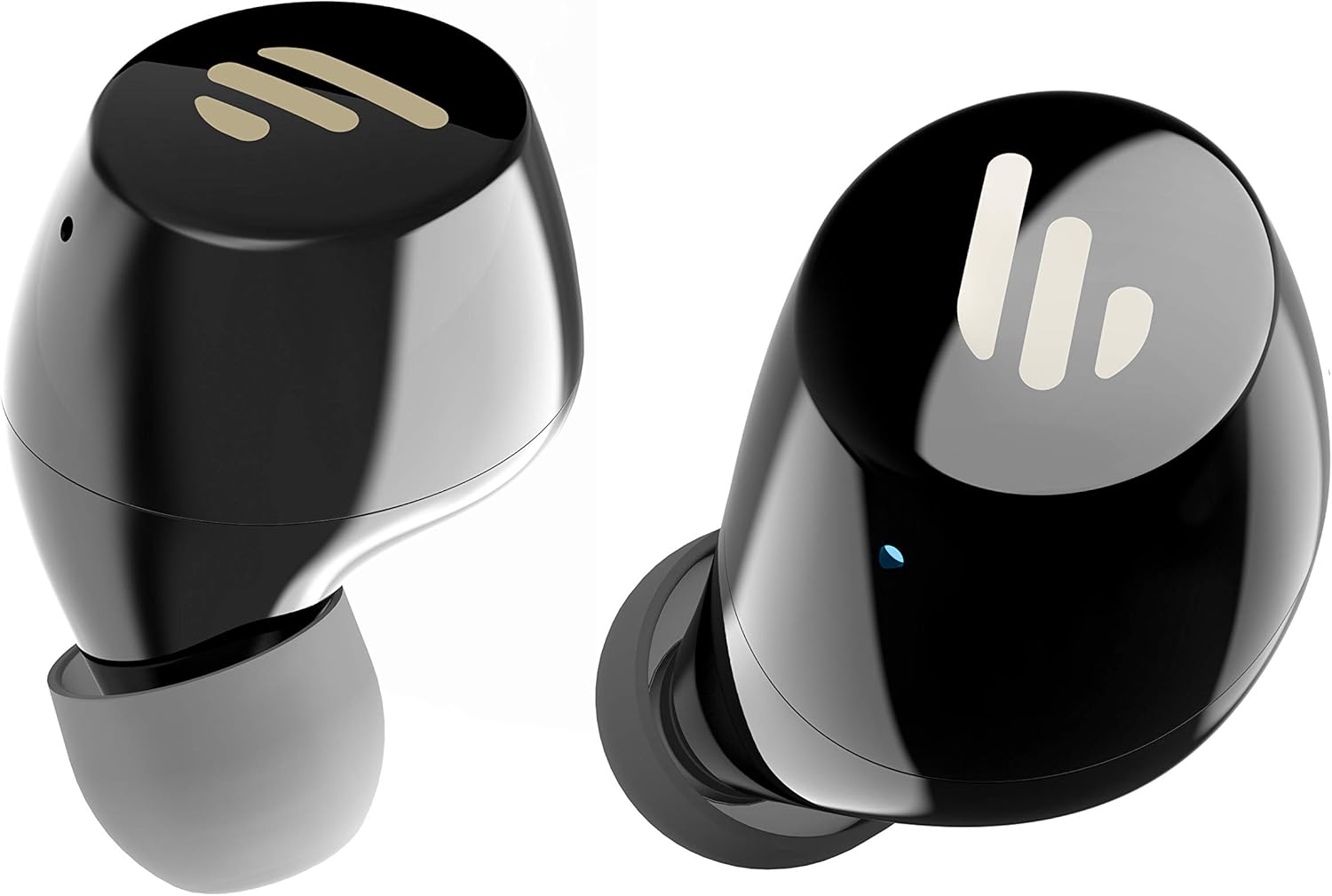
Imaj: Yon imaj detaye view of the Edifier TWS1 earbuds, highlighting their ergonomic shape and the silicone ear tips designed for a comfortable and secure in-ear fit.
Enstriksyon Operasyon
The Edifier TWS1 earbuds feature touch controls for easy operation.
- Pouvwa sou: Earbuds power on automatically when removed from the charging case.
- Pouvwa Off: Place earbuds back into the charging case to power off automatically.
- Jwe/Poz: Tape de fwa sou panèl taktil ki sou nenpòt ekoutè.
- Pwochen Track: Triple-tap the touch panel on the right earbud.
- Track Previous: Triple-tap the touch panel on the left earbud.
- Reponn/Fen Apèl: Tape de fwa sou panèl taktil ki sou nenpòt ekoutè.
- Rejte apèl: Press and hold the touch panel on either earbud for 2 seconds.
- Aktive Asistan Vwa: Press and hold the touch panel on the left earbud for 2 seconds.
Antretyen
- Netwayaj: Regularly clean the earbuds and charging case with a soft, dry cloth. Do not use abrasive cleaners or solvents.
- Rezistans dlo: The earbuds are IPX5 rated, meaning they are resistant to splashes and sweat. Do not submerge them in water or expose them to heavy rain. Ensure the charging port is dry before charging.
- Depo: Lè w pa ap itilize yo, sere ekoutè yo nan bwat chaj yo pou pwoteje yo epi kenbe yo chaje. Sere yo nan yon kote ki fre epi sèk, lwen tanperati ekstrèm.
- Swen batri: Pou konsève lavi batri a, evite dechaje ekoutè yo ak bwat chaje a nèt souvan. Chaje yo regilyèman, menm si w pa itilize yo tout tan.
Depanaj
If you encounter issues with your Edifier TWS1 earbuds, please refer to the following common solutions:
| Pwoblèm | Solisyon |
|---|---|
| Ekoutè yo pa limen. | Ensure the earbuds and charging case are fully charged. Place earbuds in the case and close it, then open to power on. |
| Pa ka konekte ak aparèy la. | Make sure Bluetooth is enabled on your device. Ensure earbuds are in pairing mode (flashing indicator). Try forgetting the device in your Bluetooth settings and re-pairing. |
| Se yon sèl ekoutè k ap travay. | Place both earbuds back into the charging case, close the lid, and then open it again. This should re-sync them. If the issue persists, try resetting the earbuds. |
| Pa gen son oswa volim nan ba. | Check the volume level on both your device and the earbuds. Ensure earbuds are properly seated in your ears. Try cleaning the ear tips and speaker mesh. |
| Pwoblèm chaje. | Ensure the charging cable is securely connected. Try a different USB port or power adapter. Clean the charging contacts on the earbuds and inside the case. |
Reset faktori
If problems persist, a factory reset may resolve them:
- Mete tou de ekouteur nan ka chaje a.
- Press and hold the touch panel on both earbuds simultaneously for approximately 8 seconds until the indicator lights flash rapidly, then release.
- Remove the earbuds from the case and attempt to re-pair them with your device.
Espesifikasyon
| Karakteristik | Detay |
|---|---|
| Non mak | Edifier |
| Non modèl | TWS1 BK |
| Nimewo Modèl Atik | TWS1_BK |
| Koulè | Nwa |
| Materyèl | Plastik |
| Koneksyon Teknoloji | San fil |
| Teknoloji kominikasyon san fil | Bluetooth |
| Ekoutè fòm faktè | Nan Zòrèy |
| Plasman Zòrèy | Nan Zòrèy |
| Jack kas ekoutè | Pa gen Jack |
| Metòd kontwòl | Manyen |
| Nivo rezistans dlo | Rezistan dlo (IPX5) |
| Aparèy konpatib | Telefòn entelijan, Tablèt, Laptop, Odinatè Desktop |
| Itilizasyon espesifik pou pwodwi | Kominikasyon |
| Dimansyon pwodwi | 2.32 x 1.72 x 2.04 cm; 130 gram |
| Konpozan ki enkli | TWS1 Earbuds |
| Deskripsyon ranje laj | Granmoun |
Garanti ak sipò
Edifier products are designed and manufactured to the highest quality standards. For information regarding warranty coverage, please refer to the warranty card included with your product or visit the official Edifier website. For technical support or further assistance, please contact Edifier customer service through their official channels.