
Entwodiksyon
This manual provides detailed instructions for the installation, operation, and maintenance of your Serounder 6mm 1080P 2MP IR CCTV Lens. Designed for IP cameras, this fixed-focus lens offers a 6mm focal length, 2 million pixel resolution, and infrared (IR) night vision capabilities for enhanced surveillance. Please read this manual thoroughly before use to ensure proper functionality and longevity of the product.
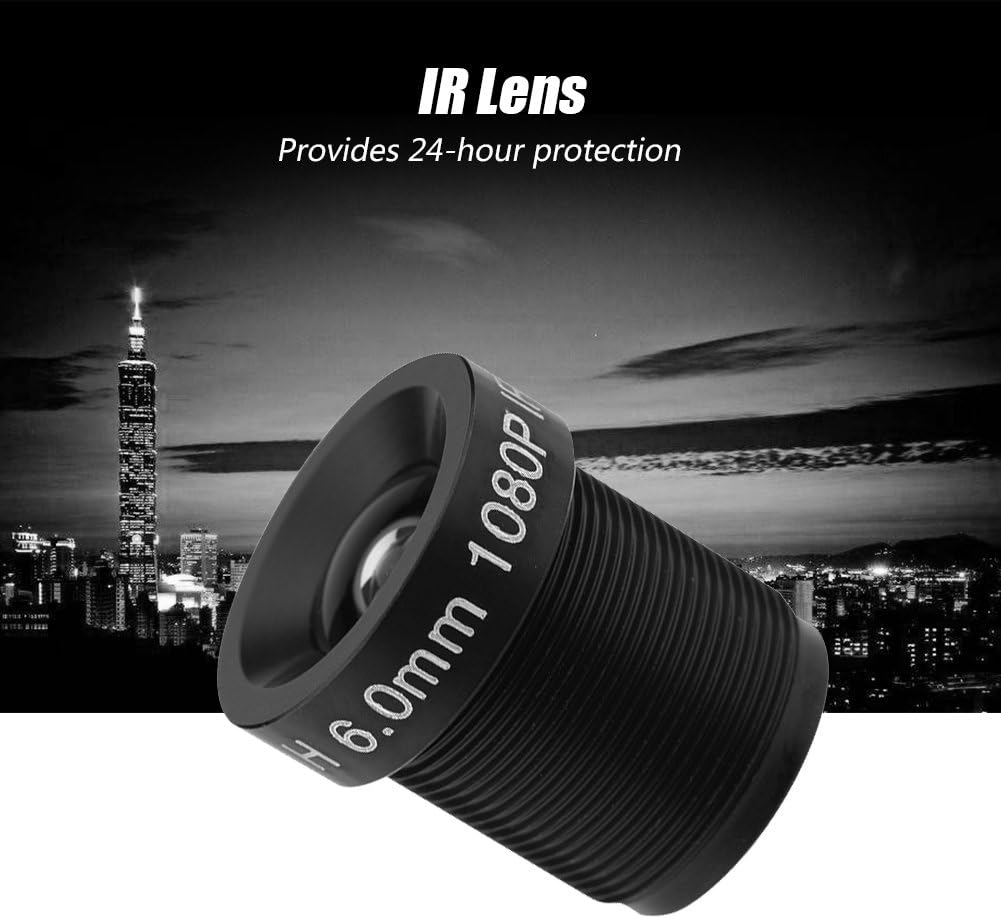
Image: The Serounder 6mm 1080P 2MP IR CCTV Lens, a compact black lens with M12*0.5 mount threading.
Enfòmasyon sou Sekirite
- Handle the lens with care to avoid damage to optical components.
- Do not expose the lens to extreme temperatures, humidity, or corrosive environments.
- Keep the lens away from direct sunlight when not in use to prevent potential damage to internal components.
- Ensure the camera is powered off before installing or removing the lens.
- Use only approved cleaning methods and materials to clean the lens surface.
Kontni pake
Verifye ke tout atik yo prezan nan pakè a:
- 1 x Serounder 6mm 1080P 2MP IR CCTV Lens
- 1 x Manyèl Itilizatè (dokiman sa a)
Espesifikasyon
| Kalite pwodwi | IP Camera Lens |
| Kalite mòn | M12 * 0.5 |
| Fòma Imaj | 1/2.7 pous |
| Longè Fokal | 6mm |
| Piksèl | 2 Million Pixels (1080P) |
| Jaden nan View (FOV) | 58° |
| Back Focal Length (BFL) | 6.2mm |
| Vizyon lannwit IR | Supported (24-hour protection) |
| Chipsèt konpatib | CCD chipsets of 1/3 and 1/4 inches |
| Pwa atik | 0.352 ons |
Enstalasyon ak Enstalasyon
Follow these steps to properly install the lens onto your compatible IP camera:
- Prepare Kamera a: Ensure your IP camera is powered off and disconnected from any power source.
- Remove Existing Lens (if applicable): Carefully unscrew and remove any existing lens from the camera's M12*0.5 mount. Store it safely if you intend to reuse it.
- Attach the Serounder Lens: Gently screw the Serounder 6mm 1080P 2MP IR CCTV Lens into the M12*0.5 mount on your IP camera. Turn clockwise until it is finger-tight. Do not overtighten.
- Ajiste Konsantrasyon: Power on your camera and access its live view. Adjust the focus ring on the lens by rotating it until the image appears clear and sharp. Since this is a fixed-focus lens, fine-tuning is minimal.
- Secure the Lens: Once the focus is set, some cameras may have a locking screw to secure the lens in place. If available, tighten this screw gently.

Image: Two Serounder lenses demonstrating their wide compatibility with various camera setups.
Enstriksyon Operasyon
The Serounder 6mm 1080P 2MP IR CCTV Lens is designed for straightforward operation once installed. Its features contribute to effective surveillance:
- 2 Million Pixels (1080P): This lens captures video at 1080P resolution, providing clear and detailed images. This high resolution ensures that critical details are visible, aiding in identification and monitoring.
- 6mm Focal Length: The 6mm focal length offers a balanced view, allowing for a good level of detail while maintaining a reasonable field of view. This is suitable for observing specific areas without losing too much peripheral context.
- 58° Field of View: Avèk yon jaden 58 degre nan view, the lens provides a wide angle vision, enabling comprehensive coverage of the monitored area. This helps in capturing a broader scene.
- IR Night Vision Support: The lens supports infrared night vision, ensuring continuous monitoring capabilities even in low-light or complete darkness. This feature provides 24-hour protection.

Image: The Serounder IR CCTV Lens, highlighting its capability for 24-hour protection in various lighting conditions.

Image: The Serounder lens with 6mm focal length, illustrating its ability to enlarge pictures for observing details.

Image: The Serounder lens demonstrating its 58-degree field of view, allowing for comprehensive area coverage.
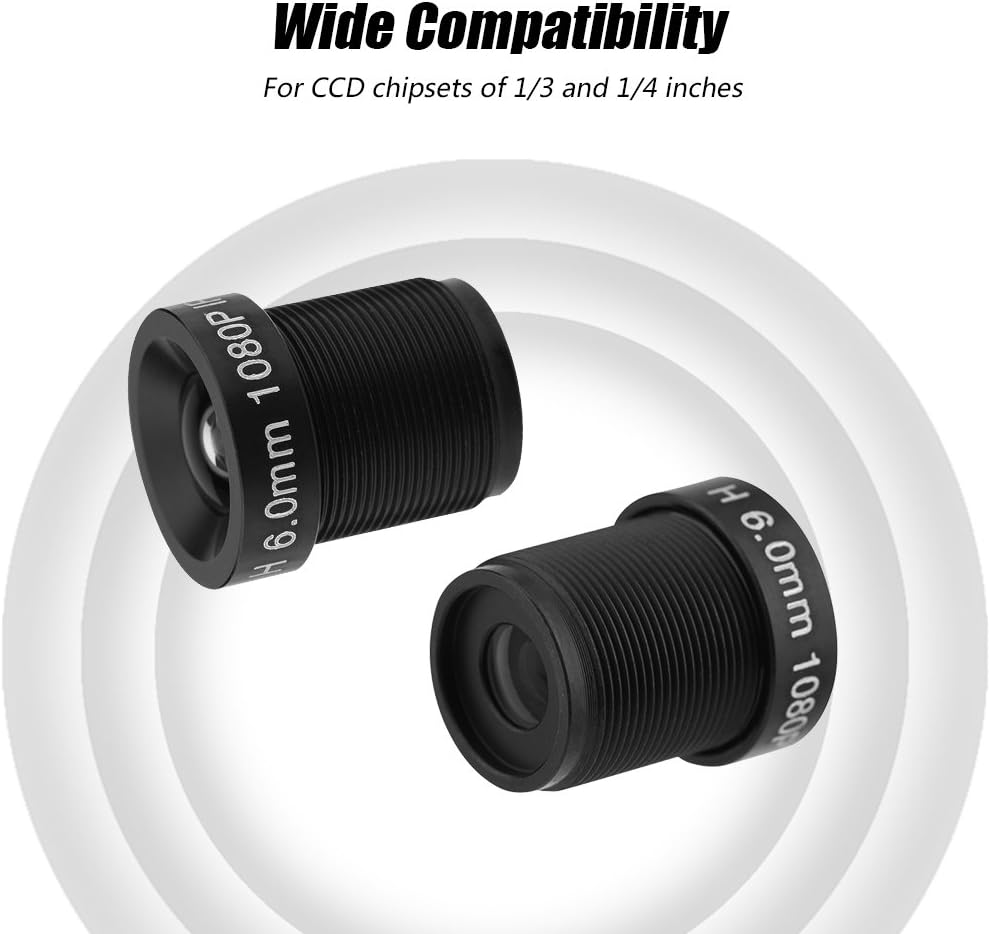
Image: The Serounder lens, emphasizing its 1080P 2 Million Pixels resolution for a very clear vision.
Antretyen
Proper maintenance ensures optimal performance and extends the lifespan of your lens:
- Netwaye lantiy la: Use a soft, lint-free microfiber cloth specifically designed for optical surfaces. For stubborn smudges, apply a small amount of lens cleaning solution to the cloth, not directly to the lens.
- Retire pousyè: Use a blower brush or compressed air (designed for electronics) to remove dust particles from the lens surface. Avoid wiping dry, as this can scratch the lens.
- Depo: When not in use, store the lens in a clean, dry environment, preferably in a protective case or with a lens cap to prevent dust accumulation and accidental damage.
- Evite pwodwi chimik piman bouk: Do not use solvents, alcohol, or abrasive cleaners on the lens or its housing, as these can damage the coatings or materials.
Depanaj
If you encounter issues with your lens, refer to the following table for common problems and solutions:
| Pwoblèm | Kòz posib | Solisyon |
| Imaj la twoub oswa li pa byen konsantre | Lens not properly focused. | Ajiste bag konsantre a sou lantiy la jiskaske imaj la klè. |
| Dark spots or smudges on the image | Dust or dirt on the lens surface or camera sensor. | Clean the lens surface using a microfiber cloth and lens cleaner. If spots persist, clean the camera sensor according to your camera's manual. |
| Pa gen imaj oswa imaj defòme | Lens not securely mounted or incompatible with camera. | Ensure the lens is screwed in correctly and tightly. Verify your camera uses an M12*0.5 mount and is compatible with 1/3 or 1/4 inch CCD chipsets. |
| Poor night vision performance | Insufficient IR illumination from the camera or external sources. | Ensure the camera's IR illuminators are functioning correctly. Add external IR illuminators if necessary for larger or darker areas. |
Garanti ak sipò
This Serounder product is covered by a standard manufacturer's warranty. For specific warranty details, including duration and coverage, please refer to the product packaging or contact your retailer. For technical support or further assistance, please visit the official Serounder websit oswa kontakte depatman sèvis kliyan yo.
Ou ka jwenn plis enfòmasyon ak enfòmasyon pou kontakte yo sou Serounder Brand Store.