
1. Entwodiksyon
Welcome to the user manual for your Genius Manticore Gaming Keyboard. This guide provides essential information for setting up, operating, maintaining, and troubleshooting your new gaming keyboard. Please read these instructions carefully to ensure optimal performance and longevity of your device.
2. Pwodwi souview
The Genius Manticore Gaming Keyboard is designed for an enhanced gaming experience, featuring a durable build and responsive keys. It connects via USB and is compatible with a wide range of devices. The keyboard includes 104 keys with a standard QWERTY layout, complemented by additional gaming-specific features.
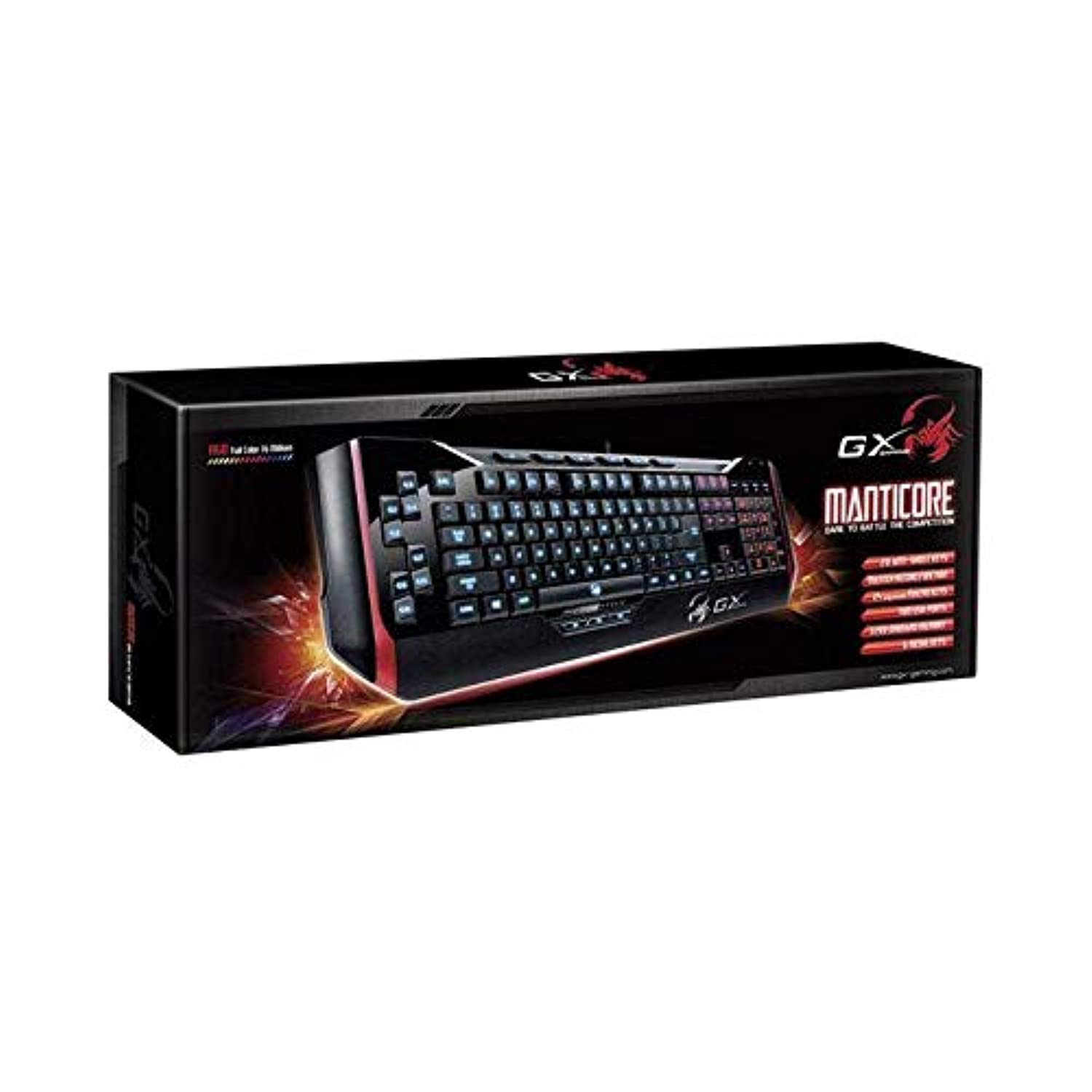
Figi 1: Genius Manticore Gaming Keyboard. This image displays the Genius Manticore Gaming Keyboard, featuring a black body with red accents on the sides. The keys are illuminated, indicating its gaming functionality. The keyboard has a standard QWERTY layout with additional keys on the left side, likely for macros, and a numeric keypad on the right.
3. Enstalasyon
- Depake klavye a: Carefully remove the Genius Manticore Gaming Keyboard from its packaging. Ensure all components are present.
- Konekte ak aparèy ou an: Locate an available USB port on your computer or compatible device. Insert the USB connector of the keyboard firmly into the USB port.
- Enstalasyon chofè (si sa nesesè): For most modern operating systems, the keyboard will be recognized automatically, and standard drivers will be installed. If prompted, follow the on-screen instructions to complete any driver installation.
- Fonksyonalite tès: Louvri yon editè tèks oubyen yon web browser and test the keys to ensure they are responding correctly.
4. Operasyon Enstriksyon
The Genius Manticore Gaming Keyboard offers a standard QWERTY layout for general typing and dedicated features for gaming.
- Fonksyon kle estanda yo: All standard alphanumeric, symbol, and function keys operate as expected on a typical QWERTY keyboard.
- Karakteristik Gaming: The keyboard is designed for gaming. Specific gaming features, such as customizable backlighting or programmable macro keys (if available on your model), can typically be configured through dedicated software provided by Genius or through specific key combinations. Refer to the Genius website for any available software downloads or advanced feature guides.
- Sous pouvwa: The keyboard is powered directly via the USB connection to your device. No external power supply or batteries are required.
5. Antretyen
Bon antretyen asire lonjevite ak pèfòmans klavye ou a.
- Netwayaj: Use a soft, dry cloth to wipe down the keyboard surface. For dust and debris between keys, use compressed air. Avoid using harsh chemicals or abrasive materials.
- Ekspozisyon likid: This keyboard is pa reziste dlo. Avoid spilling liquids on the keyboard, as this can cause permanent damage. If liquid exposure occurs, immediately disconnect the keyboard from your device and allow it to dry completely before attempting to use it again.
- Depo: Lè w pa ap itilize klavye a, sere l nan yon anviwònman pwòp epi sèk, lwen tanperati ekstrèm ak limyè solèy dirèk.
NAN. Depanaj
Si w gen pwoblèm ak klavye w la, eseye solisyon sa yo:
- Klavye a pa reponn:
- Asire w kab USB a byen konekte ak klavye a ak òdinatè a.
- Eseye konekte klavye a nan yon lòt pò USB sou òdinatè w la.
- Teste klavye a sou yon lòt òdinatè pou detèmine si pwoblèm nan soti nan klavye a oswa nan òdinatè orijinal la.
- Rekòmanse òdinatè w lan.
- Kle espesifik ki pa fonksyone:
- Check for any physical obstructions under the non-functional keys.
- Netwaye klavye a jan sa dekri nan seksyon Antretyen an.
- Ensure no software conflicts are present (e.g., macro software interfering with standard key functions).
- Pwoblèm ekleraj dèyè:
- If your model features adjustable backlighting, ensure it is not turned off or set to the lowest brightness level. Consult the Genius website for specific key combinations to control backlighting.
If these steps do not resolve the issue, please contact Genius customer support for further assistance.
7. Espesifikasyon
| Karakteristik | Detay |
|---|---|
| Non mak | jeni |
| Nimewo Modèl | GE31310058108 |
| Aparèy konpatib | Tout |
| Koneksyon Teknoloji | USB |
| Deskripsyon klavye | Gaming |
| Karakteristik espesyal | Gaming |
| Koulè | Multi-color (Black and Red) |
| Style | Modèn |
| Materyèl | Materyèl miltip |
| Tèm | Jwèt |
| Sous pouvwa | USB pouvwa |
| Kantite kle | 104 |
| Layout klavye | Klavye QWERTY |
| Oryantasyon men | Anbidextr |
| Kantite bouton | 104 |
| Nivo rezistans dlo | Pa reziste dlo |
| Manifakti | jeni |
| ASIN | B07MQMXJS9 |
8. Garanti ak sipò
Your Genius Manticore Gaming Keyboard is covered by a standard manufacturer's warranty. For detailed information regarding warranty terms, registration, or to access technical support, please visit the official Genius websit la oubyen kontakte depatman sèvis kliyan yo. Kenbe resi acha w la kòm prèv acha.
Pou plis asistans, ou ka vizite Genius Official Websit.