
1. Entwodiksyon
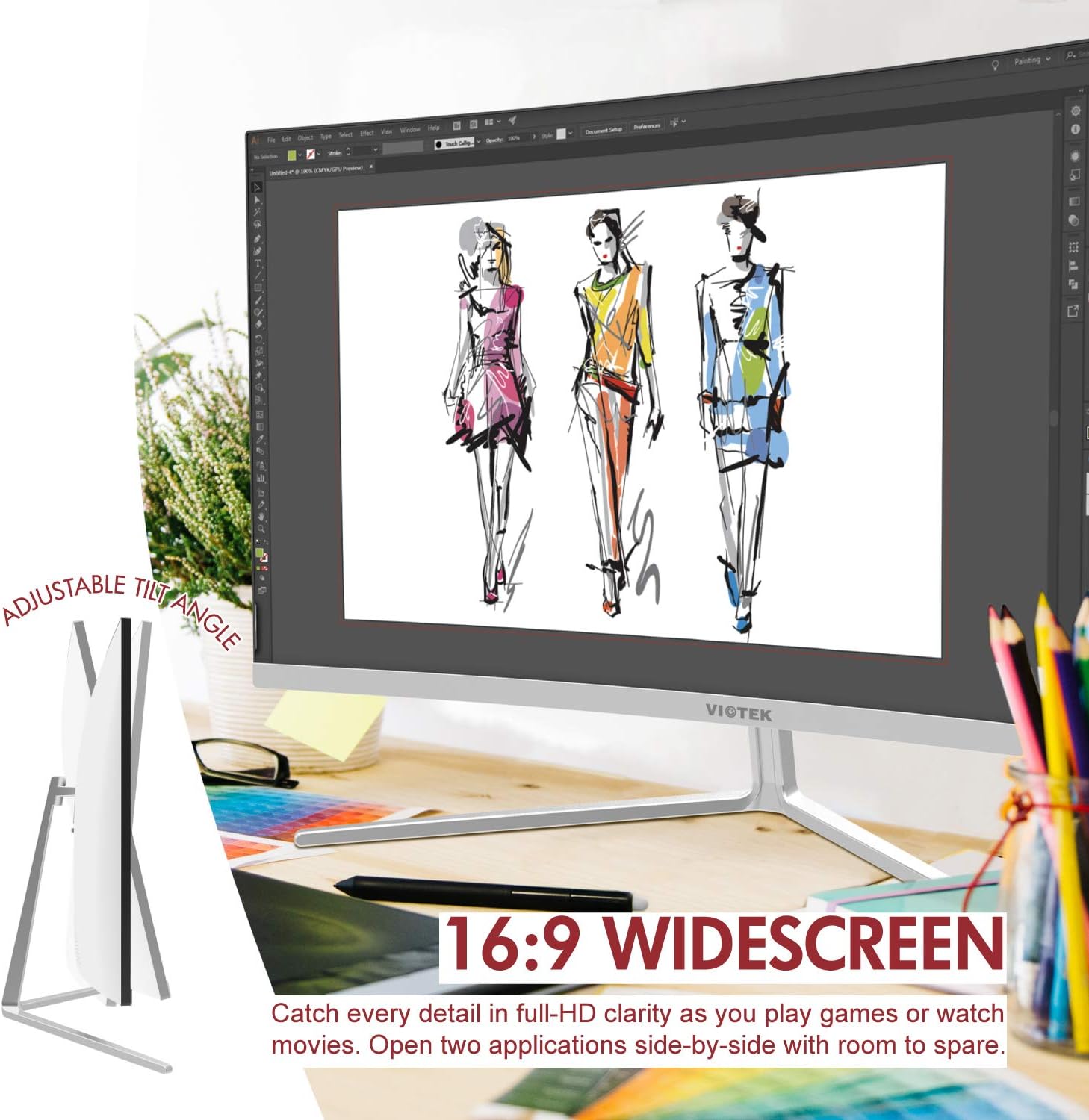
Thank you for choosing the Viotek NB27CB 27-Inch LED Curved Monitor. This monitor is designed to provide a vibrant and immersive visual experience for both work and entertainment. Featuring a bezel-less Samsung VA panel, 75Hz refresh rate, 1080P Full-HD resolution, and FreeSync technology, it offers exceptional clarity and smooth performance. This manual provides detailed instructions for setting up, operating, maintaining, and troubleshooting your new monitor.

2. Enstalasyon
2.1. Depake monitè a
Carefully remove all components from the packaging. Ensure all items listed in the 'What's in the Box' section are present. Retain the original packaging for future transport or storage.
2.2. Asanblaj Sipò a
- Attach the stand neck to the monitor panel by aligning the grooves and gently pushing until it clicks into place.
- Secure the base to the stand neck using the provided screw.
- Mete monitè a ki fin rasanble a sou yon sifas ki plat e ki estab.
2.3. Konekte ak yon Aparèy
The NB27CB monitor supports both VGA and HDMI 1.4 connections. Choose the appropriate cable for your device and connect it to the corresponding port on the monitor. An HDMI cable is included with your purchase.
- Koneksyon HDMI: Connect one end of the HDMI cable to the HDMI port on your computer or gaming console, and the other end to the HDMI port on the monitor.
- Koneksyon VGA: Connect one end of the VGA cable to the VGA port on your computer, and the other end to the VGA port on the monitor.
- Koneksyon pouvwa: Konekte adaptè kouran an nan antre kouran monitè a epi branche li nan yon priz kouran.

2.4. Montaj VESA (Si ou vle)
The NB27CB is VESA compatible (75x75mm), allowing you to mount it to a wall or a compatible monitor arm. Ensure you use appropriate VESA screws and mounting hardware (not included) that can support the monitor's weight.
3. Opere ki monitè kè bebe a
3.1. Power On/Off
Peze bouton pouvwa ki sitiye sou monitè a pou limen oswa etenn li. Limyè endikatè pouvwa a ap limen lè monitè a aktif.
3.2. Meni sou ekran an (OSD).
Use the buttons on the monitor's bezel to navigate the OSD menu. This menu allows you to adjust various display settings such as brightness, contrast, color temperature, input source, and more.
3.3. Karakteristik kle
- To rafrechisman 75Hz ak tan repons 5ms: Experience smoother visuals with a 75Hz refresh rate and a rapid 5ms response time, ideal for gaming and fast-paced content.
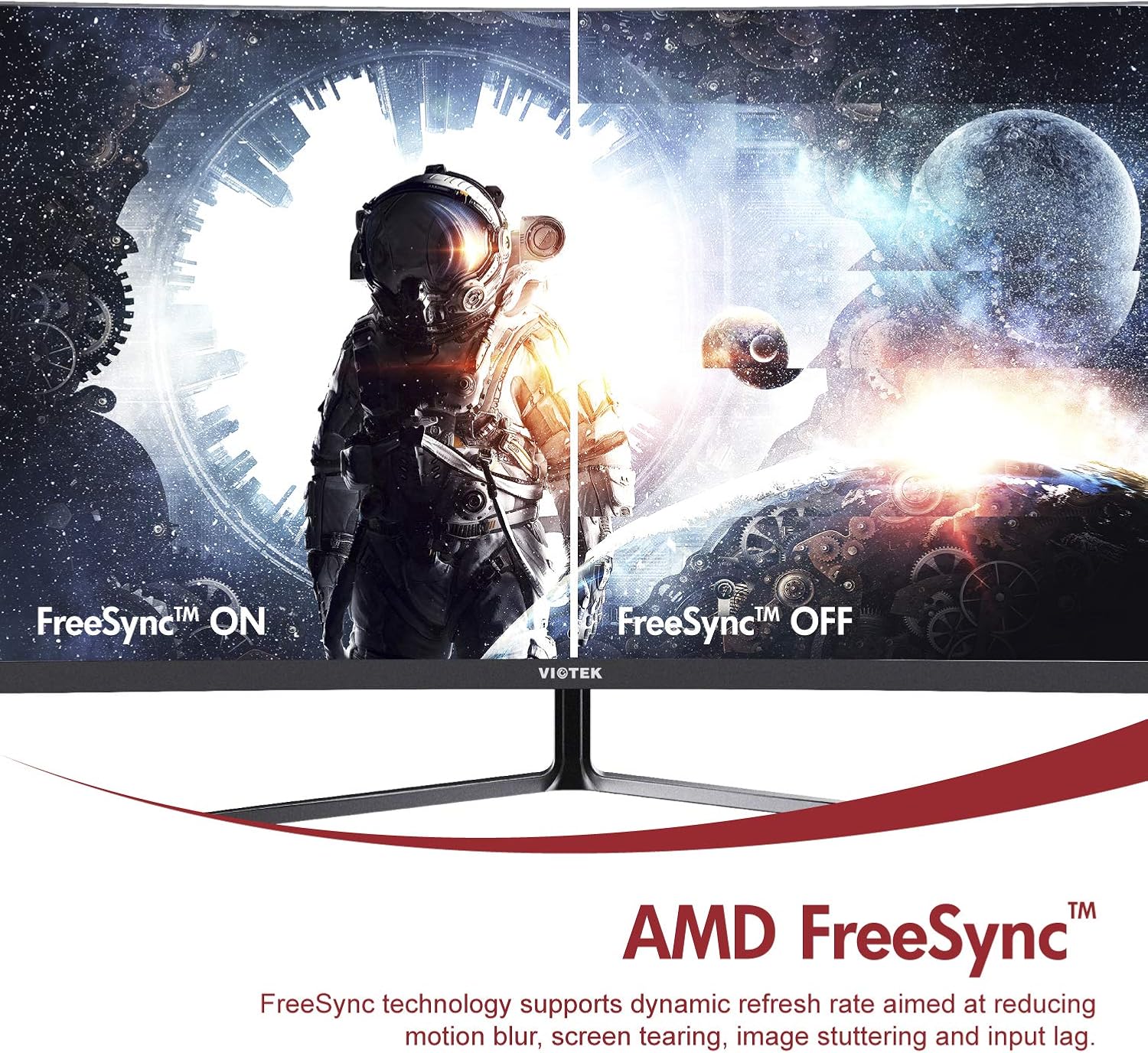
- AMD FreeSync™: Activate FreeSync to synchronize the monitor's refresh rate with your graphics card's frame rate, reducing screen tearing and stuttering for a seamless gaming experience.
- Limyè ble ki ba: Reduce eye strain during prolonged use by enabling the Low Blue Light setting in the OSD menu. This filters out harmful blue light emissions.
- GamePlus Crosshair Functionality: For competitive gaming, activate the GamePlus crosshair overlay to improve aiming accuracy in FPS/RTS games.
- Oratè entegre: The monitor includes integrated speakers for audio output.



4. Antretyen
Bon antretyen asire lonjevite ak pèfòmans optimal monitè ou a.
- Netwaye ekran an: Siye ekran an dousman avèk yon twal mou ki pa gen pousyè. Pou mak ki difisil pou retire, sèvi ak yon solisyon netwayaj espesifik pou monitè a, aplike sou twal la, pa dirèkteman sou ekran an.
- Netwayaj C aasing: Sèvi ak yon twal mou epi sèk pou netwaye monitè a.asing. Evite itilize pwodui netwayaj oswa solvan abrazif.
- Vantilasyon: Asire w ouvèti vantilasyon monitè a pa bloke pou anpeche li chofe twòp.
- Depo: If storing the monitor for an extended period, use the original packaging to protect it from dust and damage.
NAN. Depanaj
Si ou rankontre pwoblèm ak monitè ou a, gade pwoblèm ak solisyon komen sa yo:
| Pwoblèm | Kòz posib | Solisyon |
|---|---|---|
| Pa gen imaj sou ekran an | Kab kouran dekonekte; Kab videyo dekonekte; Sous antre ki pa kòrèk. | Asire w ke fil kouran an ak fil videyo a byen konekte. Chwazi sous opinyon ki kòrèk la atravè meni OSD la. |
| Imaj la twoub oswa defòme | Rezolisyon ki pa kòrèk; Kab videyo ki lach. | Mete rezolisyon ekran an sou 1920x1080. Tcheke koneksyon kab videyo a. |
| Pa gen son ki soti nan moun kap pale | Volume too low; Audio output not set to monitor; Faulty cable. | Increase monitor volume. Ensure your computer's audio output is set to the monitor. Check HDMI cable. |
| Ekran siyman | FreeSync not enabled (if applicable); Graphics driver issues; Faulty cable. | Enable FreeSync in OSD and graphics card settings. Update graphics drivers. Try a different video cable. |
6. Espesifikasyon
Detailed technical specifications for the Viotek NB27CB monitor:
| Karakteristik | Spesifikasyon |
|---|---|
| Gwosè ekran | 27 pous |
| Rezolisyon ekran | 1920x1080 (Full HD) |
| Rezolisyon ekran maksimòm | 1920 x 1080 |
| Rafrechisman pousantaj | 75Hz Max. |
| Tan repons | 5 ms |
| Kalite Panel | VA Panel |
| Koubti | 1800R |
| Aspè rapò | 16:9 |
| Montre Koulè | 16.7M Koulè |
| Pwopòsyon kontras dinamik | 1000000:1 |
| VESA konpatibilite | 75x75mm |
| Pò | 1x VGA / 1x HDMI 1.4 |
| Moun kap pale | Yes, 2x 4Ω/3W |
| Panche reglabl | Yes, -5° ~ 15° |
| Pwa atik | 10.36 liv |
| Dimansyon pwodwi | 24.13 x 8.38 x 17.67 pous |
7. Garanti & Sipò
7.1. Garanti pwodwi
The Viotek NB27CB monitor comes with a 3-ane garanti covering parts and labor. This includes Viotek's industry-leading Règleman Zewo Tolerans pou Pixel Mò yo, ensuring a high-quality display experience.

7.2. Sipò pou Kliyan
Viotek provides 100% U.S.-based customer support, available 7 days a week via live-chat, email, and social media. For assistance, please visit the official Viotek websit la oubyen gade enfòmasyon kontak ki vini ak dokimantasyon pwodwi w la.