
Viotek NB24CW
Viotek NB24CW 24-Inch Curved Monitor User Manual
Model: NB24CW
Entwodiksyon
This manual provides essential information for the safe and efficient operation of your Viotek NB24CW 24-Inch LED Curved Monitor. Please read this guide thoroughly before using the product and retain it for future reference.
The Viotek NB24CW is a 24-inch curved LED monitor featuring a 1920x1080p Full-HD resolution, 75Hz refresh rate, and FreeSync technology. It includes built-in speakers, VGA and HDMI 1.4 ports, and is VESA mount compatible. Its bezel-less design offers an immersive viewing experience for both work and entertainment.
Enfòmasyon sou Sekirite
Pou asire yon operasyon an sekirite epi pou anpeche domaj, swiv prekosyon sa yo:
- Pa ekspoze monitè a anba lapli, imidite, oswa tanperati ekstrèm.
- Evite mete monitè a toupre sous chalè oswa anba limyè solèy dirèk.
- Sèvi sèlman ak adaptè kouran ki vini ak monitè a.
- Pa bloke ouvèti vantilasyon.
- Netwaye ekran an avèk yon twal mou ki pa gen pousyè. Evite pwodui netwayaj abrazif.
- If any issues arise, disconnect the power cable and contact customer support.
Kontni pake
Verifye ke tout atik yo prezan nan pakè a:
- Viotek NB24CW Monitor
- Sipò Monitè (Baz ak Kou)
- Adaptè pouvwa
- HDMI kab
- VESA Adapter (75x75mm)
- Manyèl Itilizatè (dokiman sa a)
Enstalasyon
1. Asanblaj Sipò a
- Retire ak anpil atansyon monitè a nan anbalaj li yo.
- Attach the stand neck to the monitor panel using the provided screws.
- Fikse baz sipò a nan kou sipò a.
- Mete monitè a ki fin rasanble a sou yon sifas ki plat e ki estab.
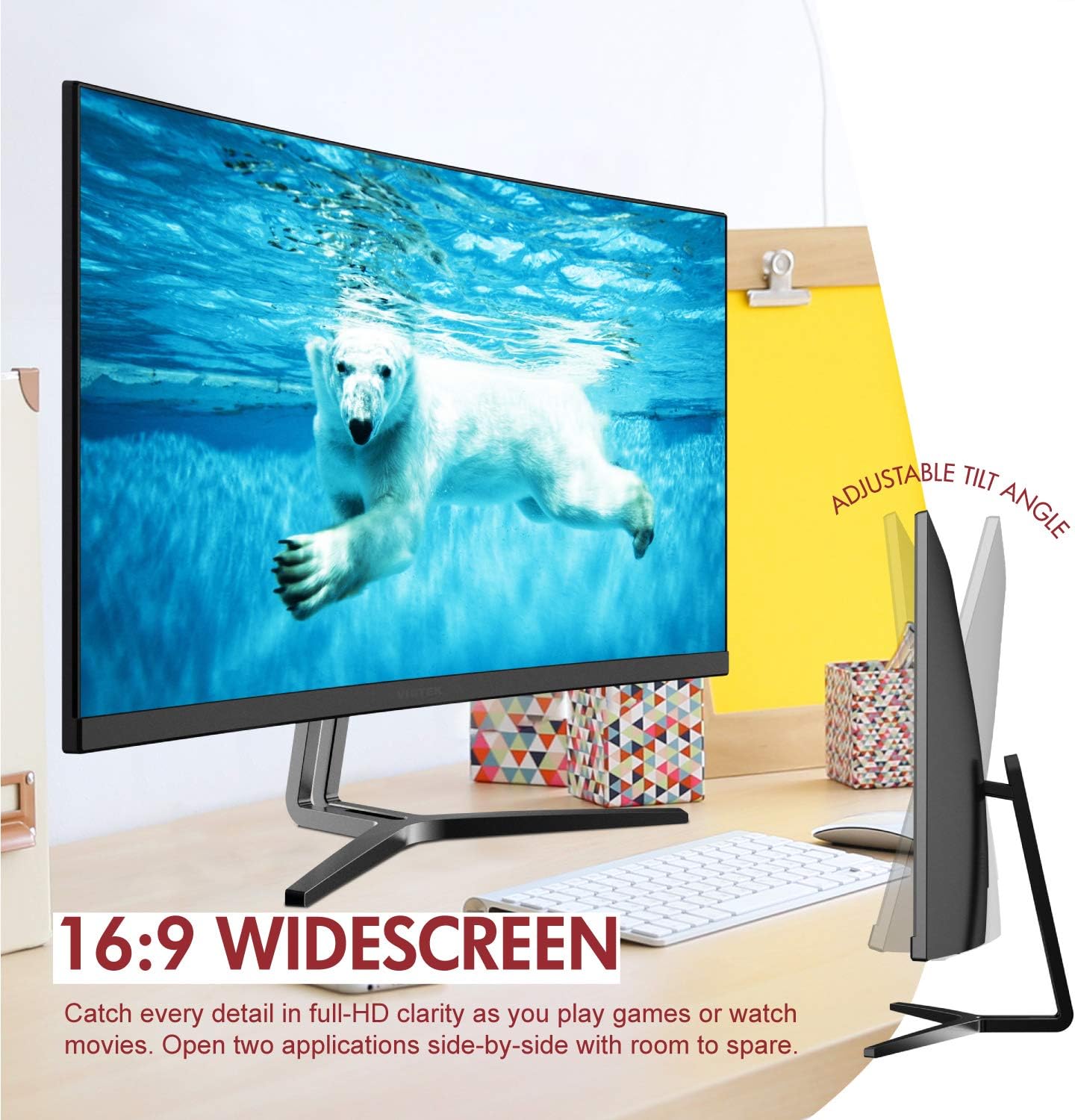
Image: The Viotek NB24CW monitor with its stand, highlighting the 16:9 widescreen aspect ratio and adjustable tilt angle. The monitor is shown displaying a polar bear underwater.
2. Konekte ak yon Aparèy
Monitè a sipòte koneksyon HDMI ak VGA.
- Koneksyon HDMI: Connect one end of the HDMI cable (included) to the HDMI port on your computer or gaming console, and the other end to the HDMI 1.4 port on the monitor.
- Koneksyon VGA: Connect one end of the VGA cable (not included) to the VGA port on your computer, and the other end to the VGA port on the monitor.

Imaj: Yon imaj detaye view of the monitor's rear panel, illustrating the HDMI 1.4 and VGA input ports for connecting to various devices.
3. Koneksyon pouvwa
Connect the power adapter to the monitor's power input, then plug the adapter into a power outlet.
4. Montaj VESA (Si ou vle)
The monitor is VESA 75x75mm compatible. Use the included VESA adapter to mount the monitor to a wall or compatible monitor arm.

Image: The back of the Viotek NB24CW monitor, highlighting its VESA mounting capability, integrated speakers, and connectivity options including VGA and HDMI.
Enstriksyon Operasyon
1. Power On/Off
Peze bouton pouvwa a ki sitiye anba adwat monitè a pou limen oswa etenn li.
2. Meni sou ekran an (OSD).
Use the buttons next to the power button to navigate the OSD menu. This menu allows you to adjust various settings such as brightness, contrast, color temperature, input source, and audio volume.
3. Ajiste Anviwònman Display
- Klate/Kontrast: Ajiste paramèt sa yo pou yon konfò vizyèl optimal.
- Anviwònman koulè: Select from preset color modes or customize RGB values.
- Sous Antre: Manually select between HDMI and VGA inputs if auto-detection fails.
- Limyè ble ki ba: Activate this feature to reduce eye strain during prolonged use.
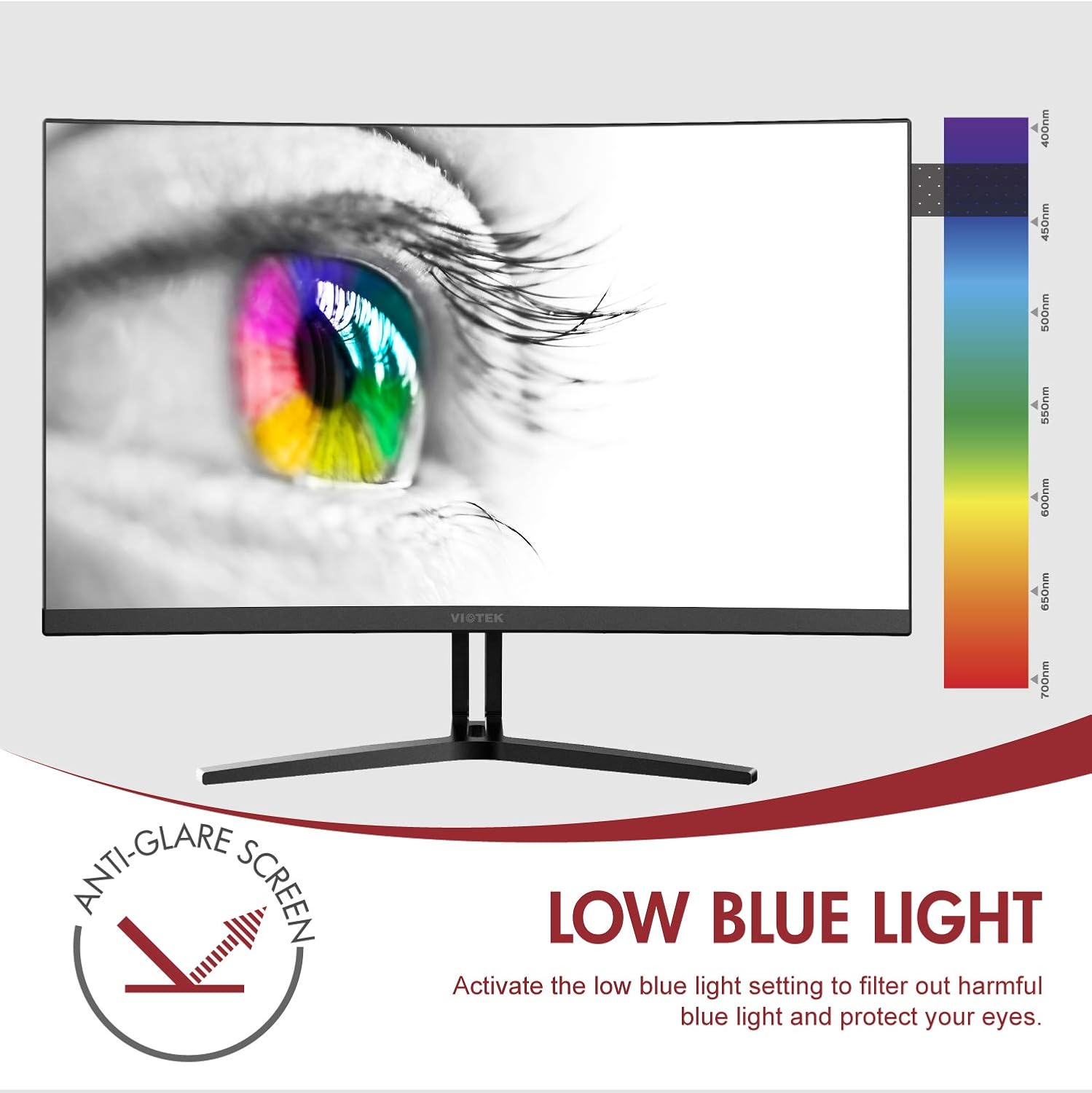
Image: The monitor screen showing an eye with a color spectrum, indicating the Low Blue Light feature designed to protect vision.
4. Karakteristik jwèt yo
The NB24CW monitor includes features optimized for gaming:
- FreeSync: Enable FreeSync in the OSD menu and on your compatible graphics card to eliminate screen tearing and stuttering.
- GamePlus: Access GamePlus features like integrated crosshairs for improved aiming in FPS/RTS games.
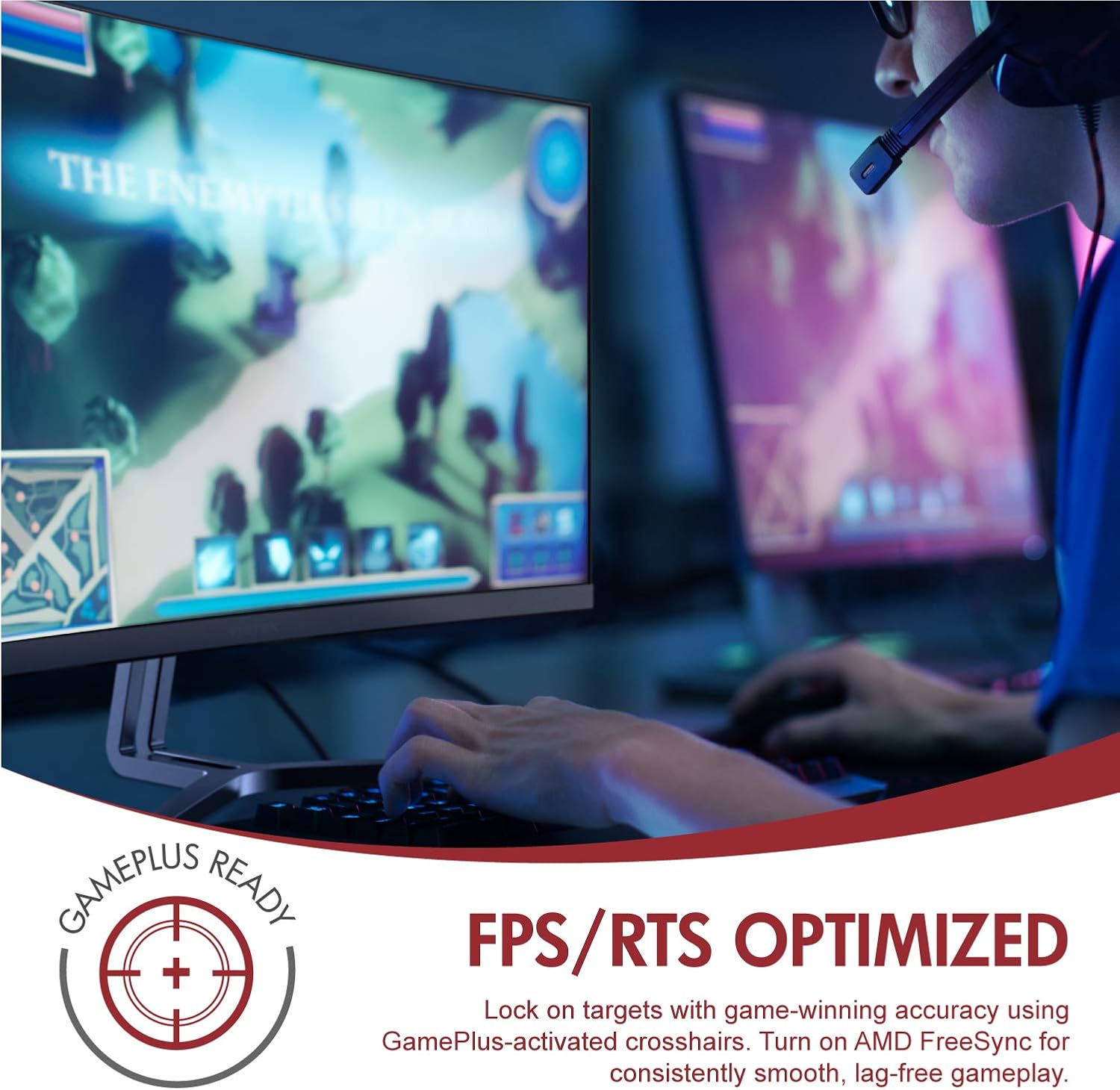
Image: A user engaged in gaming on the Viotek NB24CW monitor, highlighting its FPS/RTS optimized features and GamePlus functionality for enhanced gameplay.
Antretyen
- Netwaye ekran an: Siye ekran an dousman avèk yon twal mou, sèk, ki pa gen pousyè. Pou mak ki difisil pou retire, siye l dousman.ampRense twal la avèk dlo oswa yon solisyon netwayaj espesifik pou ekran. Pa flite likid dirèkteman sou ekran an.
- Netwayaj C aasing: Sèvi ak yon twal mou epi sèk pou netwaye monitè a.asing. Evite itilize pwodui chimik ki agresif oswa materyèl abrazif.
- Depo: If storing the monitor for an extended period, disconnect it from power, pack it in its original packaging, and store in a cool, dry place.
Depanaj
| Pwoblèm | Kòz posib | Solisyon |
|---|---|---|
| Pa gen imaj sou ekran an | Power cable disconnected, incorrect input source, video cable loose. | Check power connections, select correct input source via OSD, ensure video cable is securely connected. |
| Imaj la twoub oswa defòme | Incorrect resolution, faulty video cable. | Set display resolution to 1920x1080p, try a different HDMI cable. |
| Pa gen son ki soti nan moun kap pale | Volume too low, audio source not selected, external speakers connected. | Increase volume in OSD and computer settings, ensure audio is routed to monitor, disconnect external speakers if not needed. |
| Ekran siyman | Refresh rate mismatch, faulty cable, FreeSync issue. | Ensure refresh rate is set to 75Hz, try a different video cable, disable FreeSync temporarily to diagnose. |
Espesifikasyon
| Karakteristik | Detay |
|---|---|
| Modèl | NB24CW |
| Gwosè ekran | 24 pous |
| Kalite Panel | LED Curved |
| Koubti | 1800R |
| Rezolisyon | 1920 x 1080 (Full HD) |
| Aspè rapò | 16:9 |
| Rafrechisman pousantaj | 75 Hz |
| Tan repons | 5 ms |
| Viewing Ang | 178° |
| Pwopòsyon kontras | 1,000,000:1 (Dinamik) |
| Koulè sipò | 16.7 Million Colors, 96% sRGB |
| Koneksyon | 1x HDMI 1.4, 1x VGA |
| Odyo | Built-in Speakers (2x4Ω/3W) |
| VESA konpatibilite | 75x75mm (Adapter Included) |
| Adaptive Sync | FreeSync |
| Ajisteman enklinezon | -5 ° a 15 ° |
| Karakteristik espesyal | Bezel-less design, GamePlus, FPS/RTS modes, Low Blue Light, Anti-glare screen |

Image: The Viotek NB24CW monitor showcasing its key performance specifications: 1080p resolution, 1800R curvature, 75Hz refresh rate, and 5ms response time.
Enfòmasyon sou Garanti
Your Viotek NB24CW monitor is covered by a Garanti limite manifakti a pou 3 an. This warranty covers defects in materials and workmanship under normal use. Additionally, Viotek offers an industry-leading Règleman Zewo Tolerans pou Pixel Mò yo, ensuring your display is free from dead pixels.
For full warranty terms and conditions, please refer to the official Viotek websit oswa kontakte sipò kliyan.

Image: A visual representation of Viotek's commitment to quality, featuring a "3 Year Warranty" and "Zero Dead Pixel - Parts & Labor" guarantee.
Sipò pou Kliyan
For technical assistance, warranty claims, or general inquiries, please contact our 100% U.S.-based Customer Support Team. They are available 7 days a week via live-chat, email, and social media support.
- Websit: www.viotek.com
- Imèl: Refer to the Viotek website for specific email contact.
- Live Chat: Available on the official Viotek websit.
Pwodwi souview Videyo
Videyo: Yon pwodwi ofisyèl finiview video for the Viotek NB24CB (similar model to NB24CW) monitor, showcasing its curved display, thin design, connectivity ports, and key features like 75Hz refresh rate, FreeSync, and built-in speakers. This video provides a visual guide to the monitor's design and capabilities.
Ask a question about this manual
Ask about setup, troubleshooting, compatibility, parts, safety, or missing instructions. Manuals+ will review the question and use this page’s manual context to help answer it.