
1. Entwodiksyon
This manual provides essential information for the safe and effective installation, operation, and maintenance of the Gewiss GW10002 1-module 1-pole 16A illuminated switch. Please read these instructions carefully before proceeding with installation or use, and retain them for future reference.
The Gewiss GW10002 is designed for controlling electrical circuits, featuring a single pole and a 16A current rating, with an integrated illumination for status indication. It is suitable for various domestic and industrial applications.
2. Enfòmasyon sou Sekirite
WARNING: Electrical installation should only be performed by a qualified electrician. Failure to follow these safety guidelines may result in electric shock, fire, or serious injury.
- Always disconnect the main power supply at the circuit breaker or fuse box before attempting any installation, wiring, or maintenance.
- Verifye ke kouran an koupe lè l sèvi avèk yon voltage tèsteur anvan ou manyen nenpòt fil.
- Ensure that the product's voltage and current ratings (16A) are compatible with your electrical system.
- Pa enstale nan mouye oswa damp locations unless the product is specifically rated for such environments.
- Asire w tout koneksyon fil yo byen fèm epi byen izole.
- Pa modifye pwodwi a nan okenn fason.
3. Enstalasyon ak Enstalasyon
The Gewiss GW10002 switch is designed for flush mounting in standard electrical boxes or enclosures.
- Dekonekte pouvwa: Turn off the main power supply to the circuit where the switch will be installed.
- Prepare fil elektrik yo: Carefully strip approximately 10-12mm of insulation from the ends of the live (L), neutral (N), and load wires.
- Konekte fil yo: Connect the wires to the appropriate terminals on the back of the GW10002 switch. Typically, the live wire connects to the input terminal, and the load wire connects to the output terminal. If the switch has an illuminated indicator, a neutral connection may also be required for the indicator light to function. Refer to the wiring diagram on the product if available.
- Chanjman Monte: Carefully place the switch into the electrical box or enclosure. Secure it using the provided screws, ensuring it is flush with the wall surface.
- Retabli pouvwa: Once the switch is securely mounted and all connections are verified, restore power to the circuit.
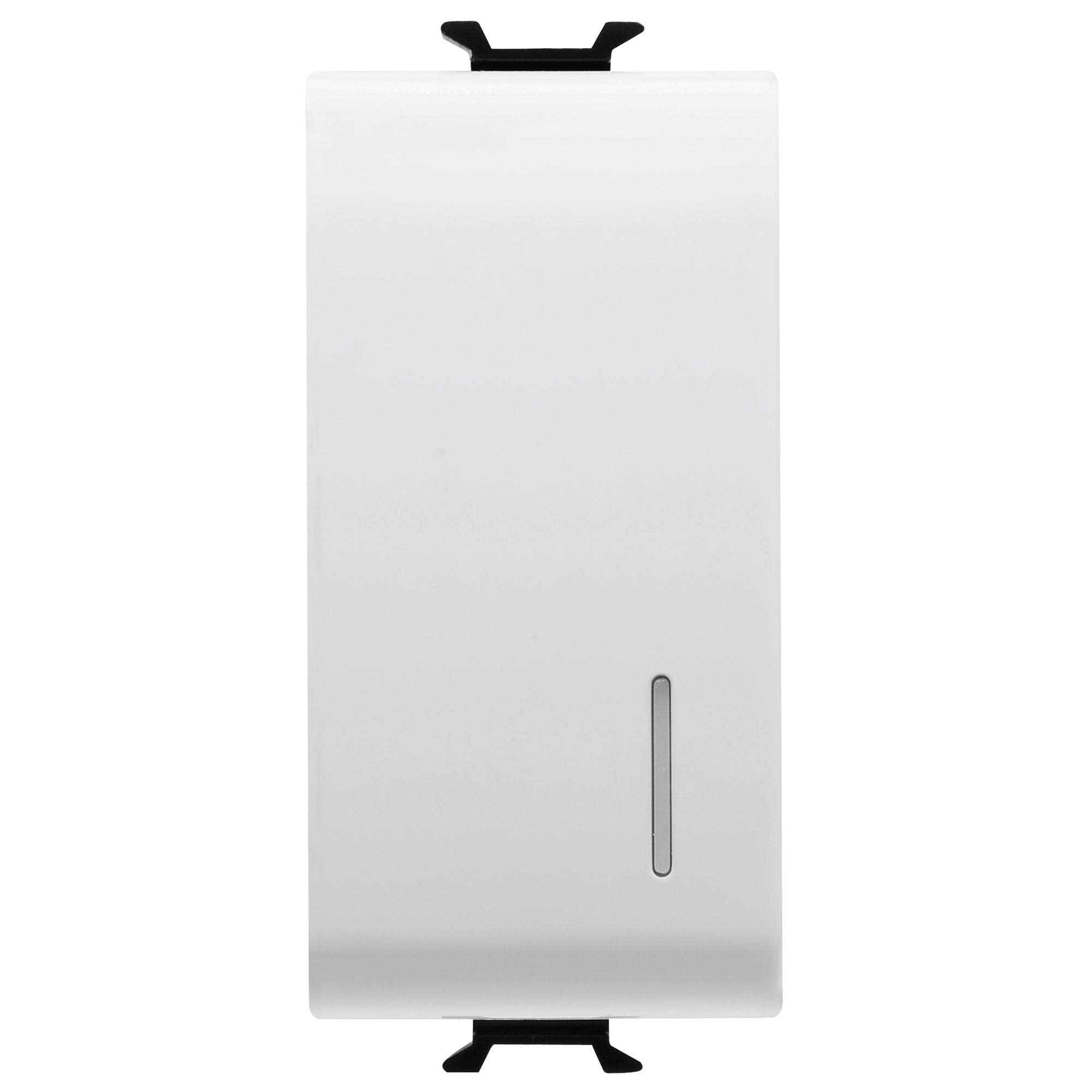
Figi 1: Devan view of the Gewiss GW10002 1-module 1-pole 16A illuminated switch.
4. Operasyon Enstriksyon
The Gewiss GW10002 switch operates with a simple push mechanism:
- Pou limen: Press the switch button. The connected appliance or light will receive power, and the integrated illumination will light up (if wired correctly).
- Pou etenn: Press the switch button again. The power to the connected appliance or light will be cut, and the illumination will turn off.
5. Antretyen
The Gewiss GW10002 switch requires minimal maintenance to ensure long-term performance.
- Netwayaj: Disconnect power before cleaning. Use a soft, dry cloth to wipe the surface of the switch. Do not use abrasive cleaners, solvents, or excessive moisture, as these can damage the plastic material or internal components.
- Enspeksyon: Periodically inspect the switch for any signs of damage, loose connections, or discoloration. If any issues are observed, disconnect power and consult a qualified electrician for inspection and repair or replacement.
NAN. Depanaj
If you encounter issues with your Gewiss GW10002 switch, refer to the following table:
| Pwoblèm | Kòz posib | Solisyon |
|---|---|---|
| Switch does not turn ON/OFF power. | No power to the circuit; Loose wiring connection; Faulty switch. | Check main circuit breaker/fuse. Verify all wiring connections are secure (with power off). Replace switch if faulty. |
| Illumination does not light up. | No neutral connection for the indicator; Faulty indicator light; No power to the circuit. | Ensure neutral wire is connected if required. Check power supply. Replace switch if indicator is faulty. |
| Switch la santi l lach nan miray la. | Vis aliye yo ki lach. | Tighten mounting screws (with power off). |
7. Espesifikasyon teknik
| Karakteristik | Spesifikasyon |
|---|---|
| Manifakti | Gewiss |
| Nimewo Modèl | GW10002 |
| Dimansyon pwodwi (L x W x H) | 4.5 x 2.01 x 3 cm |
| Pwa | 40 gram |
| Materyèl | Plastik |
| Kantite poto | 1 |
| Rated aktyèl | 16A |
| Gwosè Modil | 1 modil |
| Koulè | Blan |
| Batri obligatwa | Non |
| Batri enkli | Non |
8. Garanti ak sipò
Specific warranty information for the Gewiss GW10002 is not available in the provided product data. For warranty details, technical support, or spare parts availability, please contact Gewiss directly or refer to their official website. Always ensure you have your product model number (GW10002) when contacting support.