
Entwodiksyon
This manual provides essential information for the safe and efficient operation of your Severin BM3990 Bread Maker. Please read these instructions carefully before first use and keep them for future reference. The Severin BM3990 is designed to simplify the bread-making process, offering fully automatic kneading and baking for a variety of bread types, pizza dough, and cakes.
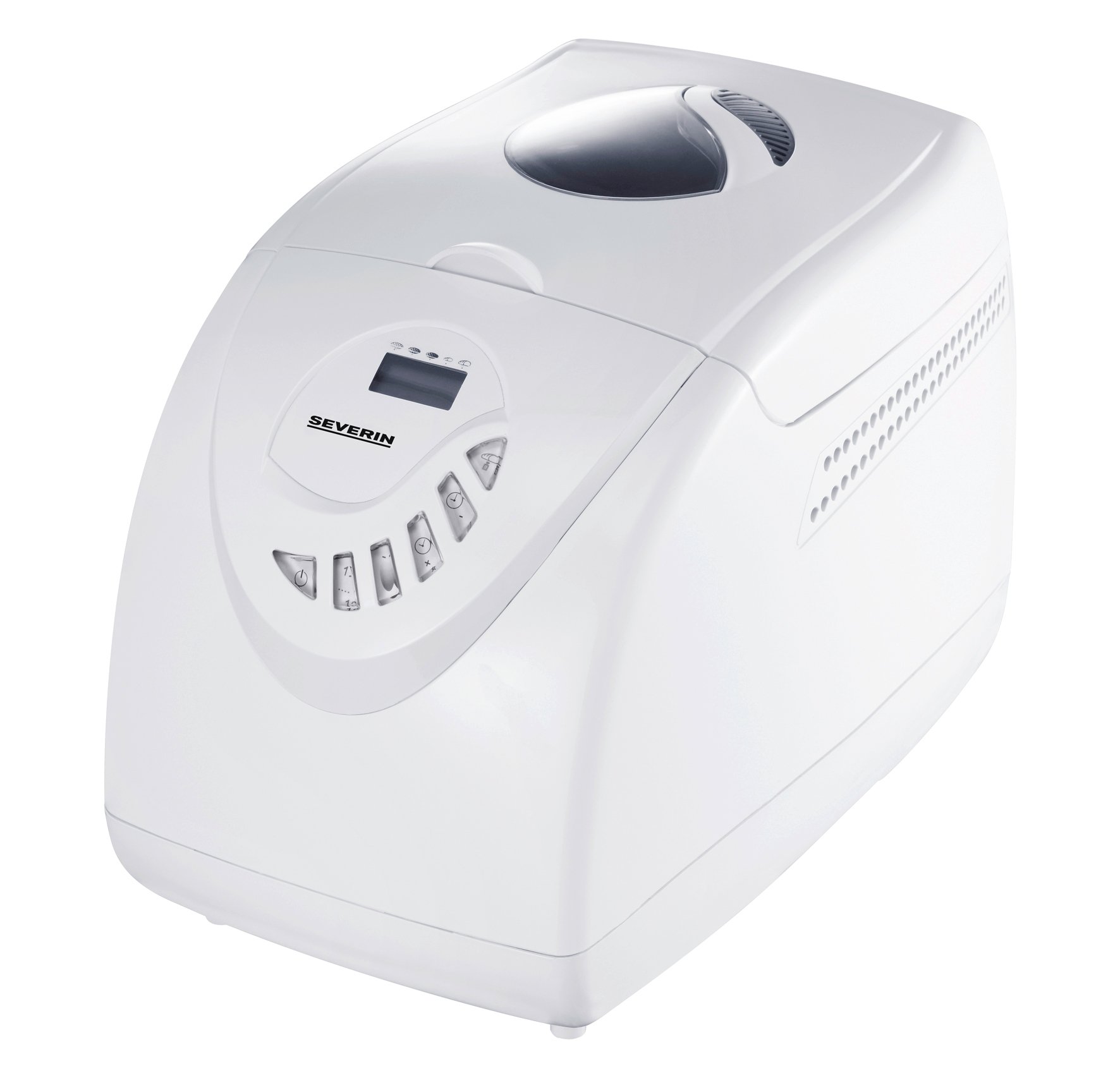
Image: The Severin BM3990 Bread Maker, a compact appliance designed for automatic bread preparation.
Enstriksyon Sekirite
Pou evite blesi oswa domaj, toujou obsève prekosyon sekirite sa yo:
- Li tout enstriksyon anvan ou opere aparèy la.
- Pa plonje aparèy la, kòd, oswa ploge nan dlo oswa lòt likid.
- Kenbe aparèy la pa rive jwenn timoun yo.
- Deploge aparèy la nan priz la lè ou pa itilize ak anvan netwaye.
- Pa opere nenpòt aparèy ki gen yon kòd oswa ploge ki domaje.
- Evite kontak ak pati k ap deplase.
- Pa mete aparèy la sou oswa toupre yon recho elektrik oswa gaz cho, oswa nan yon fou chofe.
- Asire w ke gen ase vantilasyon toutotou aparèy la pandan l ap fonksyone.
- The appliance housing is designed with cool-touch technology, but caution should still be exercised around the lid and viewing window during and immediately after baking.
Pwodwi souview
The Severin BM3990 Bread Maker features a user-friendly design with multiple functions to assist in baking. Key components and features include:
- Kontwòl Panel: An intuitive LED display and baking cycle selector for easy program selection.
- Chodyè boulanjri: A detachable non-stick baking pan for easy removal of bread and cleaning.
- Kouvèti ak Viewnan fenèt: Pèmèt siveyans pwosesis boulanjri a san ou pa bezwen louvri kouvèti a.
- Lam pou petri: Located inside the baking pan for automatic dough preparation.
- Lojman ki pa chofe al touche: Designed to remain cool to the touch during operation.
- Fonksyon memwa: Retains program settings for up to 5 minutes in case of a power failure.
- Siyal Acoustic: Notifies the user when to add complementary ingredients.

Imaj: Bò kote view of the Severin BM3990 Bread Maker, highlighting its compact design.
Enstalasyon
- Debake: Carefully remove the bread maker and all accessories from the packaging. Retain packaging for future transport or storage.
- Netwayaj inisyal: Before first use, wash the detachable baking pan and kneading blade with warm, soapy water. Rinse thoroughly and dry completely. Wipe the exterior of the appliance with a damp twal.
- Plasman: Place the bread maker on a stable, flat, heat-resistant surface, away from direct sunlight and heat sources. Ensure there is adequate space around the appliance for ventilation.
- Inserting the Baking Pan: Place the kneading blade onto the shaft inside the baking pan. Insert the baking pan into the bread maker, ensuring it is securely locked in place.
Enstriksyon Operasyon
Follow these steps for baking bread with your Severin BM3990:
- Ajoute engredyan: Add ingredients to the baking pan in the order specified by your recipe (typically liquids first, then dry ingredients, with yeast last). Ensure the kneading blade is in place.
- Fèmen kouvèti: Fèmen kouvèti a byen.
- Ploge nan: Branche machin pen an nan yon priz elektrik ki gen koneksyon ak tè.
- Chwazi pwogram: Use the control panel to select one of the 12 available programs. The LED display will show the selected program and remaining time.
- Select Crust Setting: Choose from 3 crust settings (light, medium, dark) using the appropriate button.
- Kòmanse kwit: Press the Start/Stop button to begin the baking cycle. The bread maker will automatically knead, rise, and bake.
- Ajoute engredyan: An acoustic signal will sound during certain programs, indicating the time to add additional ingredients like fruits, nuts, or seeds.
- Fonksyon kenbe cho: After baking is complete, the bread maker will automatically switch to a keep-warm function for up to one hour.
- Retire pen an: Once the cycle is complete and the bread has cooled slightly, carefully remove the baking pan using oven mitts. Invert the pan to release the bread.
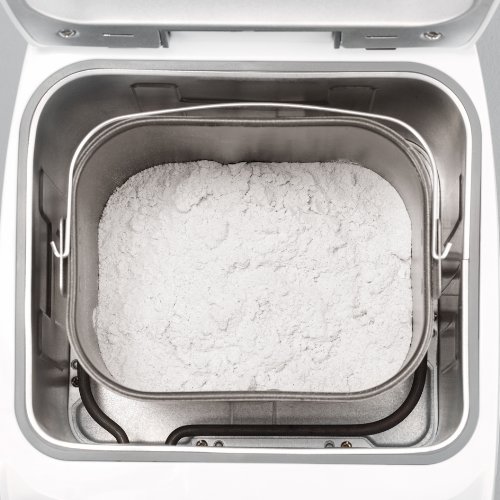
Image: The detachable baking pan with flour, ready for other ingredients.
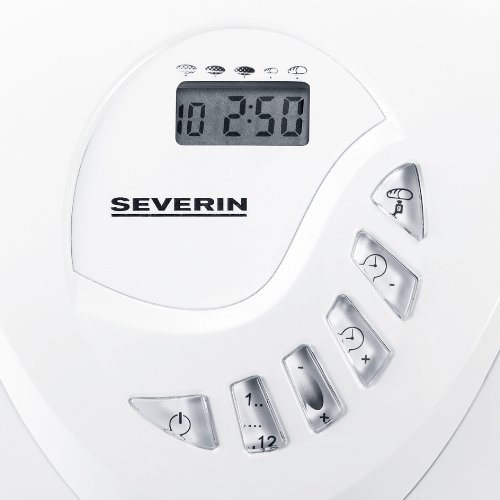
Image: The control panel with LED display and buttons for program selection and timer adjustment.
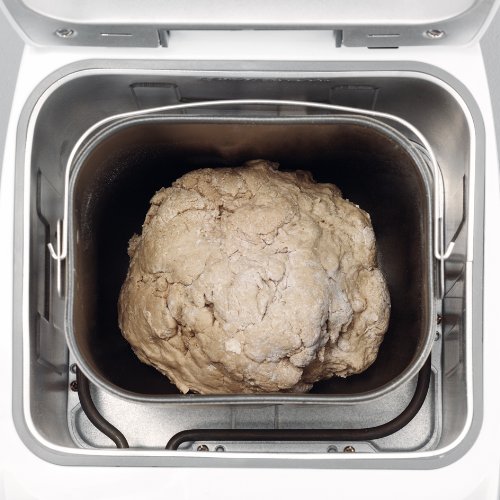
Image: Dough inside the baking pan during the kneading or rising phase.
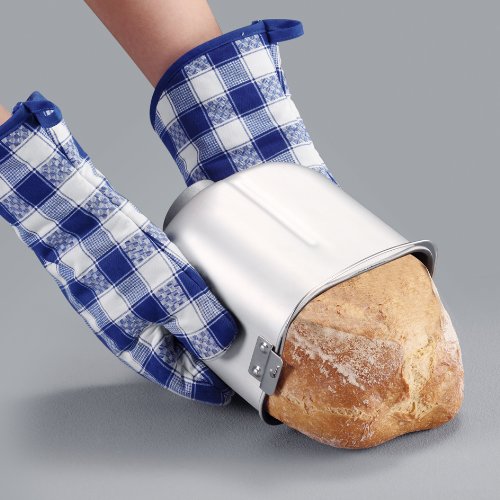
Image: A user carefully removing a freshly baked loaf of bread from the non-stick baking pan using oven mitts.
Antretyen ak netwayaj
Regular cleaning ensures the longevity and optimal performance of your bread maker.
- Toujou debranche aparèy la epi kite l refwadi nèt anvan w netwaye.
- The detachable non-stick baking pan and kneading blade should be washed with warm, soapy water. Avoid abrasive cleaners or scouring pads that could damage the non-stick coating.
- Wipe the exterior of the bread maker with a dry cloth. Do not use harsh chemicals or immerse the main unit in water.
- The detachable lid can be wiped clean with a damp twal.
- Asire w tout pyès yo byen sèk anvan ou rasanble oswa sere aparèy la.
Depanaj
If you encounter issues with your bread maker, refer to the following common solutions:
- Aparèy la pa limen: Tcheke si kòd kouran an byen branche nan yon priz ki fonksyone.
- Pen pa leve: Ensure yeast is fresh and active. Verify ingredient measurements are accurate. Check that the correct program was selected.
- Bread is too dense or crumbly: Adjust liquid-to-flour ratio. Ensure ingredients are at room temperature.
- Kneading blade stuck in bread: Allow bread to cool slightly before removal. If the blade remains, carefully extract it using a non-metallic utensil.
- Uneven baking: Ensure the bread maker is placed on a level surface.
Pou pwoblèm ki pèsiste, tanpri kontakte sèvis kliyan.
Espesifikasyon
| Karakteristik | Spesifikasyon |
|---|---|
| Nimewo Modèl | BM3990 |
| Kapasite | 3.5 litres (approx. 750g to 1000g bread) |
| Sorti pouvwa | 600 Watts |
| Opere Voltage | 220-230 vòlt |
| Dimansyon (LxWxH) | 27.5 x 41 x 31 santimèt |
| Pwa atik | 6.42 Kilogram |
| Kantite Pwogram yo | 12 |
| Anviwònman kwout | 3 (Light, Medium, Dark) |
| Koulè | Blan |
Garanti ak sipò
Your Severin BM3990 Bread Maker comes with a 1-ane garanti from the date of purchase, covering manufacturing defects under normal use. Please retain your proof of purchase for warranty claims.
For technical assistance, troubleshooting beyond this manual, or warranty service, please contact Severin customer support. Contact details can typically be found on the manufacturer's official websit oswa nan anbalaj pwodwi a.